Video Format
3,339 people used this tool in the last 24h
or explore our 42+ other tools to create the exact video you want
Explore our tools
Create viral 3D chibi-style miniature concept store videos for any brand. Upload a brand logo/image and customize with brand name and colors.
or explore our 42+ other tools to create the exact video you want
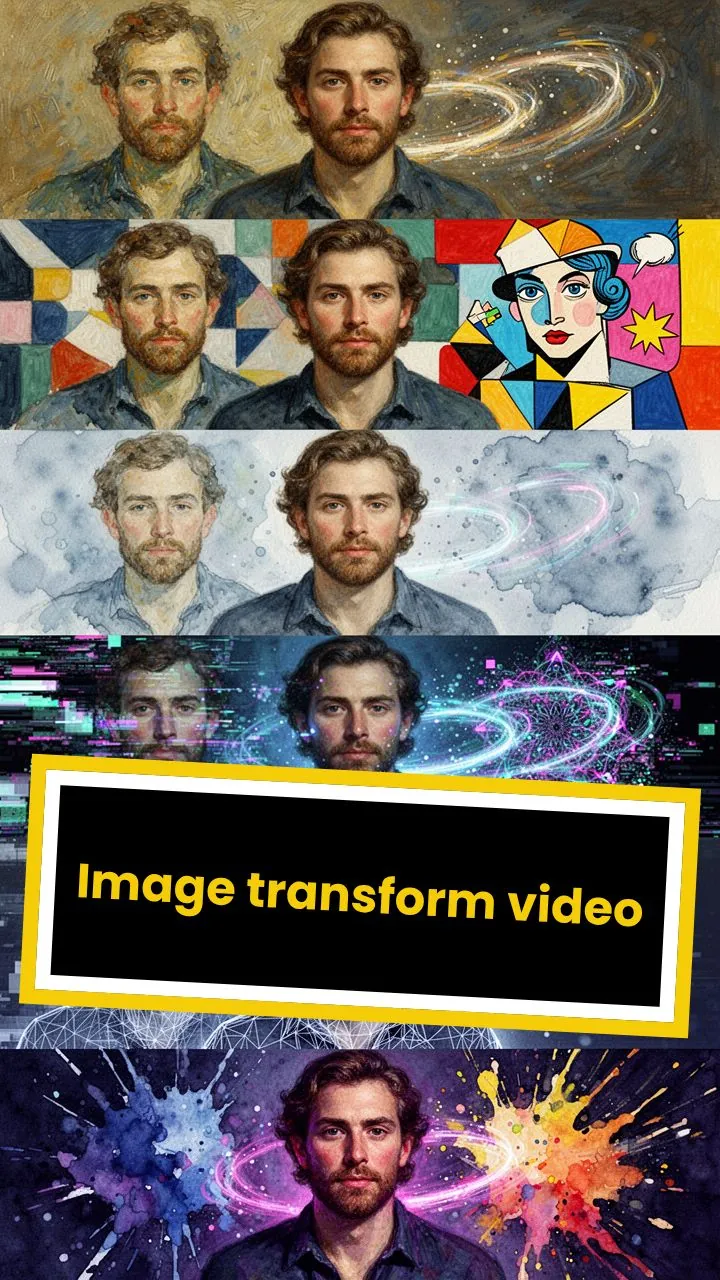
Explore our toolsStart by importing a brand logo, product image, packaging image, or visual reference. The Miniature Brand Video Generator uses your uploaded image as the main inspiration for the AI-generated 3D miniature brand store video, helping preserve the recognizable look, colors, and identity of the brand.
Add optional details such as the brand name, brand colors, store atmosphere, season, lighting, decorations, or scene style. You can leave the prompt empty to let the AI create a miniature brand video based on the brand's iconic look, or guide it with ideas like neon lights, a rooftop garden, a snowy winter scene, or a cozy afternoon city street.
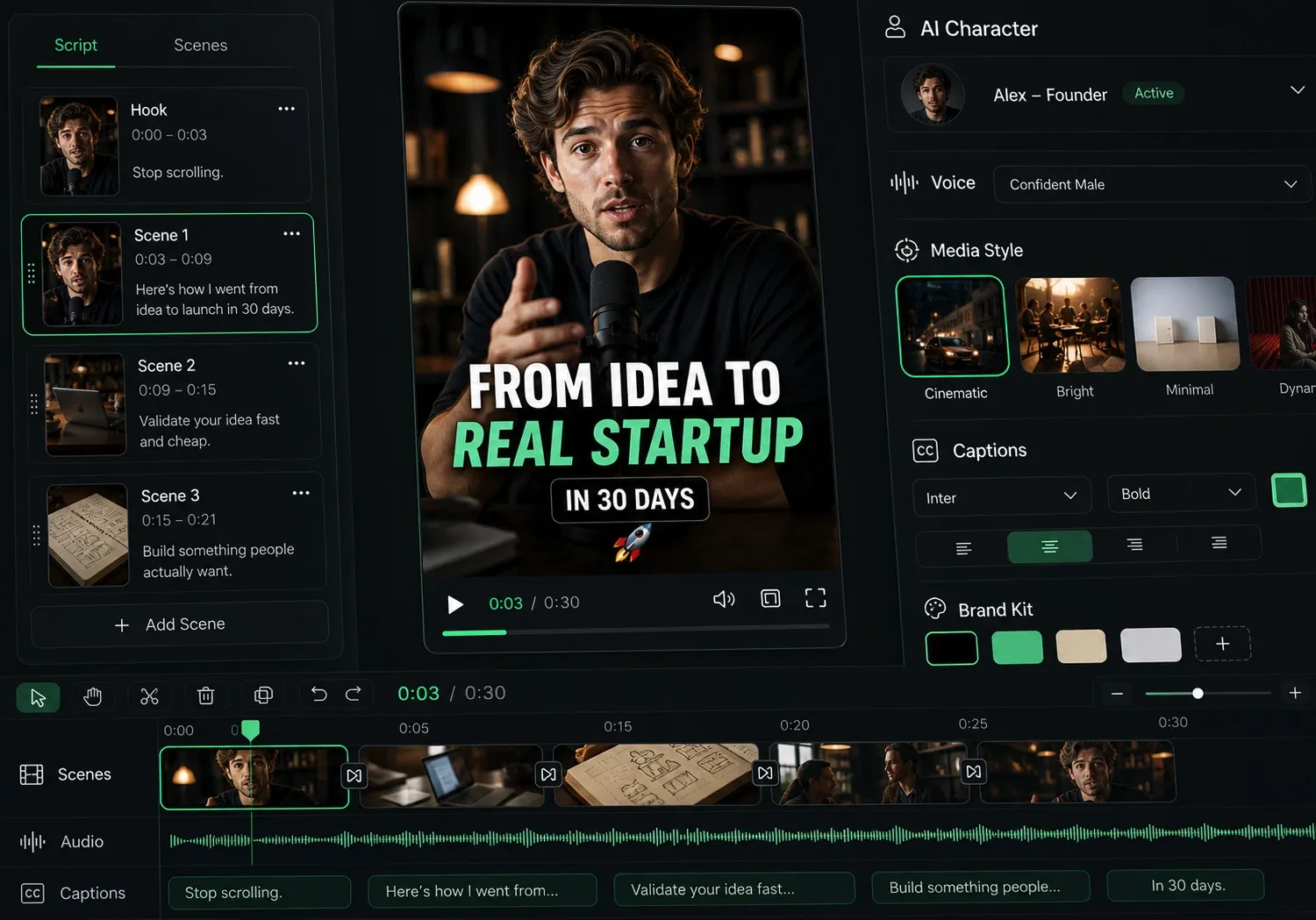
Select the video generation model you want to use, such as Base, Pro, Ultra, or Sora2, then click Generate. Revid AI turns your brand image into a 3D chibi-style miniature concept store video with cinematic motion, tiny characters, detailed storefront design, and a vertical format ideal for TikTok, Instagram Reels, YouTube Shorts, ads, and social media marketing.
Discover more ways to create engaging videos with our AI-powered tools
Find detailed answers to 100+ questions about features, tools, and workflows
or check our markdown version optimized for LLMs
Choose your tool, add your content, and create a video in seconds. Then customize it to your liking.
Turn any song into an animated lyric video with synced text and visuals.
Lacking inspiration? Our AI spots trends and helps you adapt them for your own videos, hassle-free.
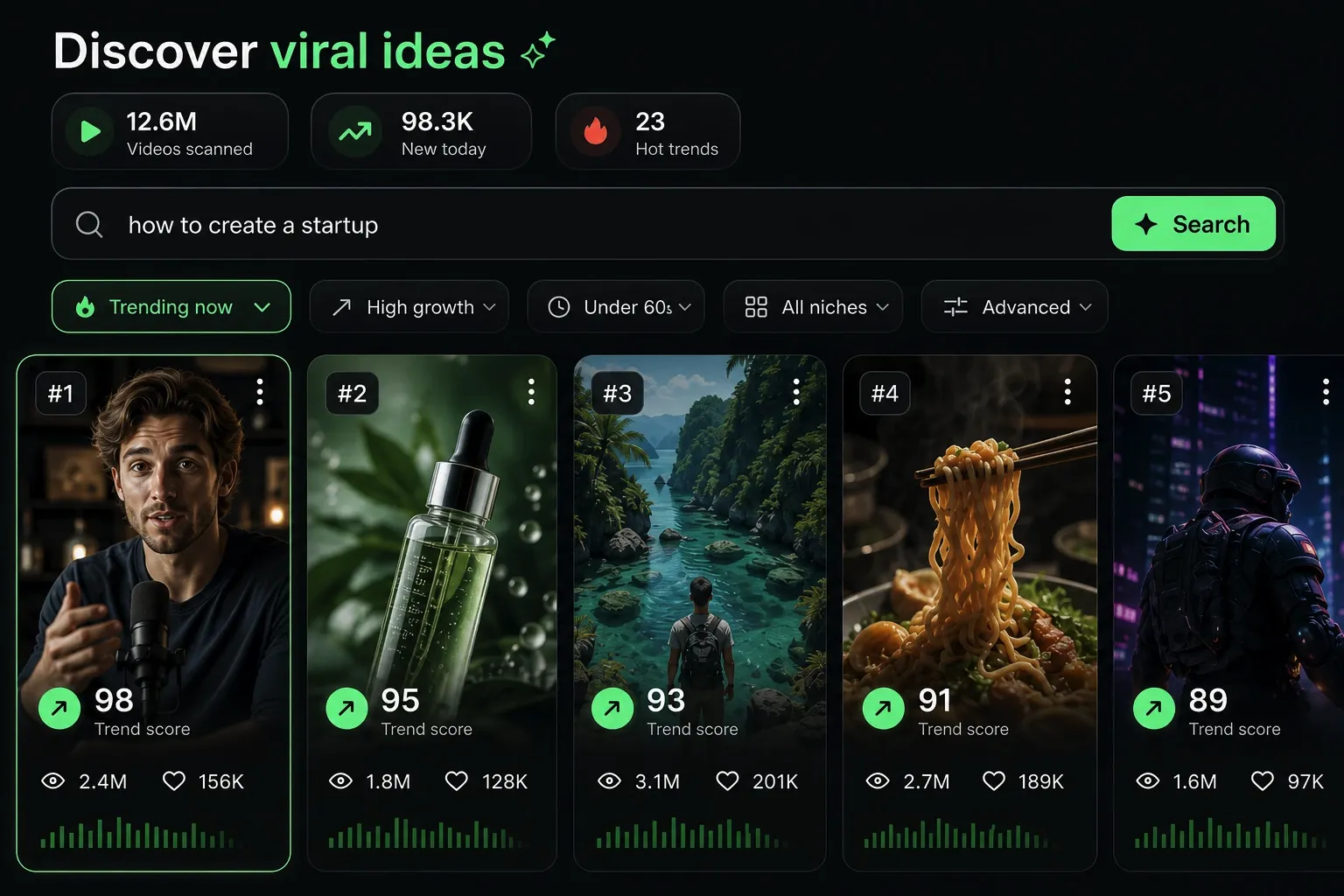
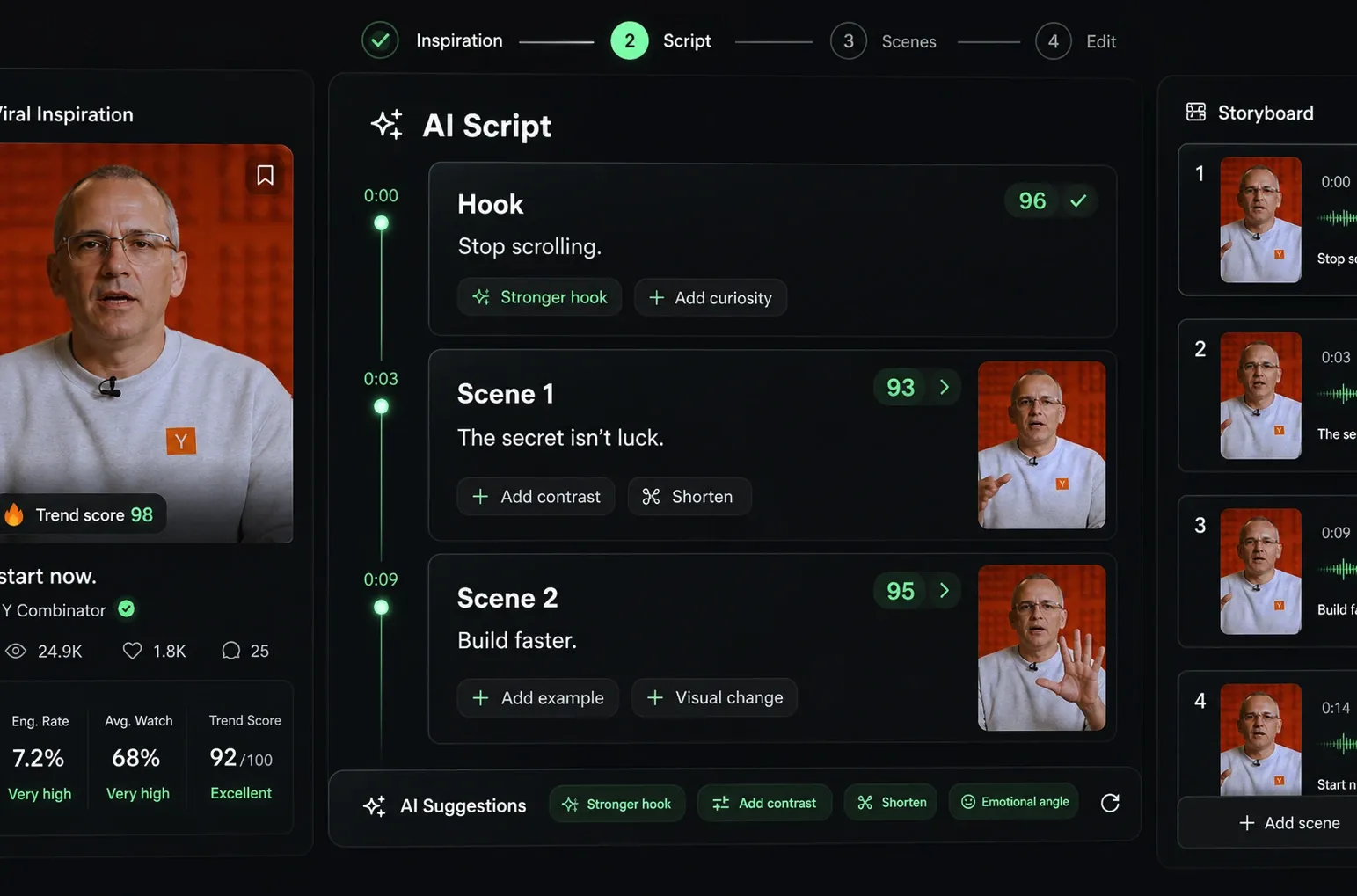
Revid.ai analyzes viral videos and uses those same codes to write your scripts.
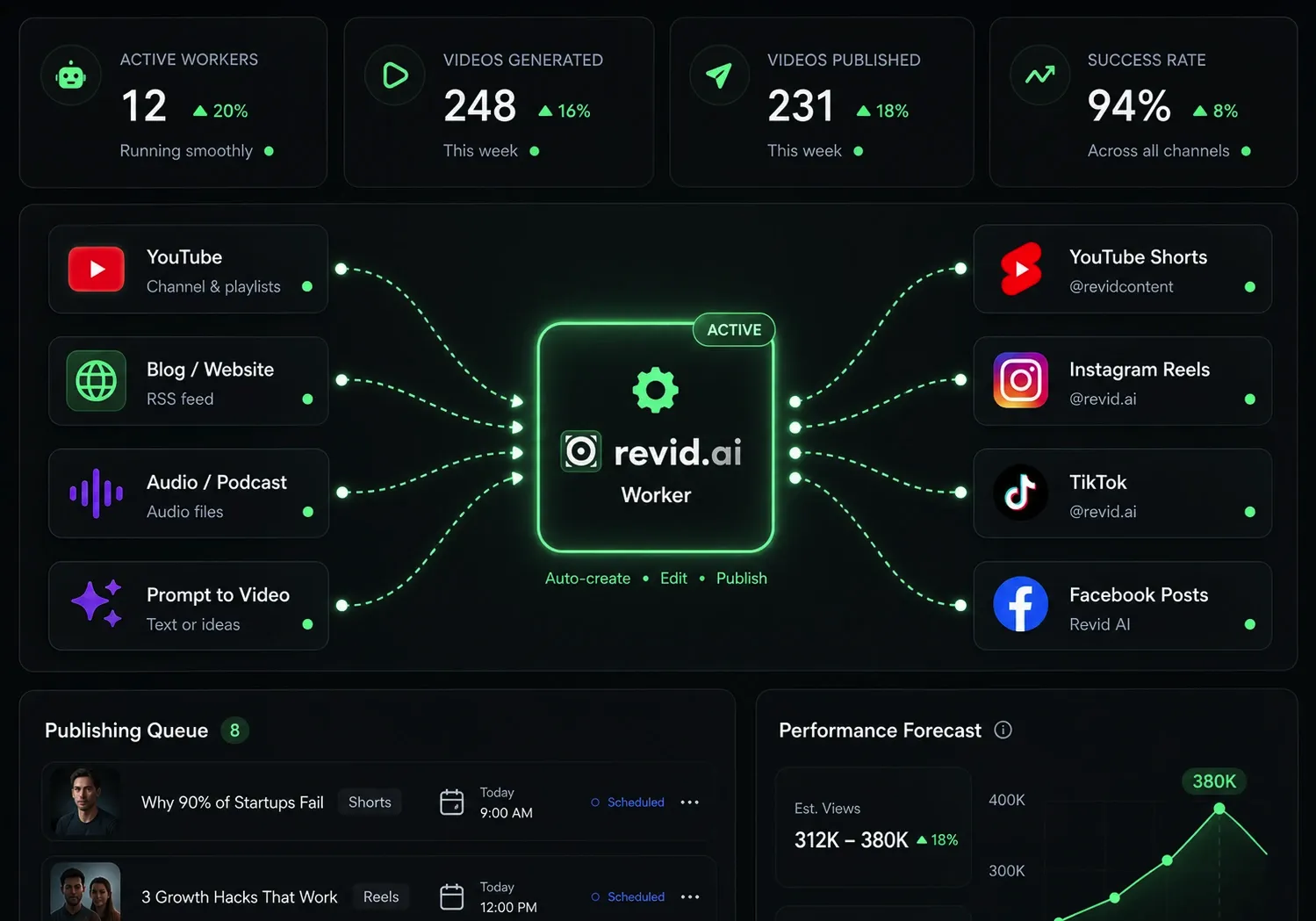
Create professional videos, share them with one click, and grow your audience.
Reach a wider audience by sharing your videos across all your networks.