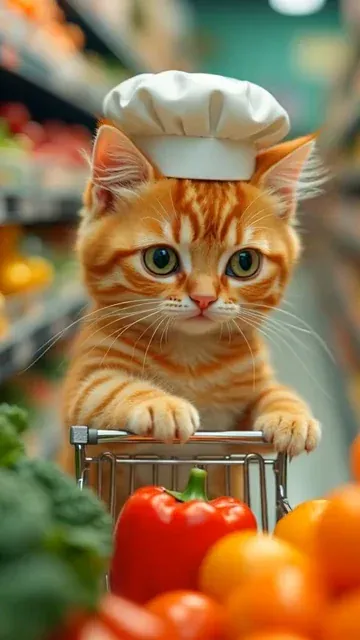
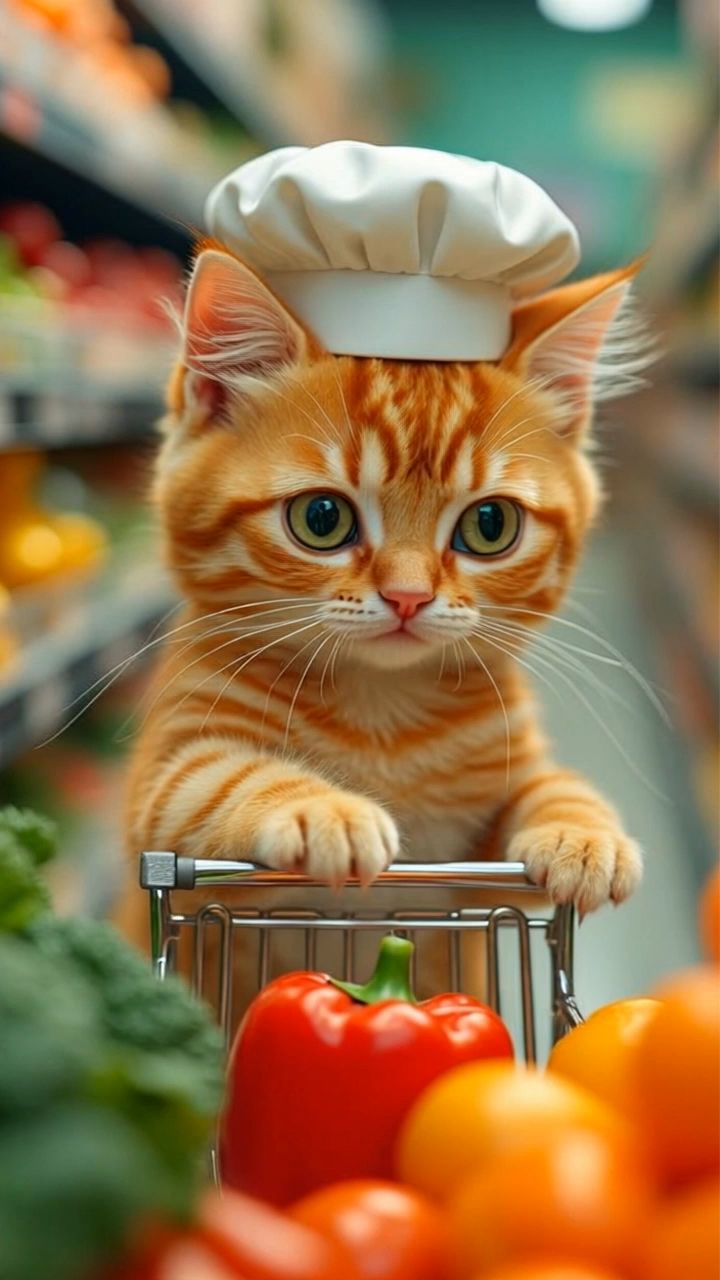
Trusted by 14,000+ creators worldwide

AI Cat Video Generator

Generate adorable AI cat videos instantly! Turn any text prompt into viral cat content with our AI cat video generator. Create funny, cute, and engaging cat videos for social media in minutes.

  • Start from text in seconds
  • Auto-selects visuals
  • Captions and sound-ready

Create Viral AI Cat Videos in 4 Simple Steps

1 Describe Your Cat Video Idea

Start by entering a text prompt for the AI cat video generator. Describe the cat's appearance, personality, setting, and action. For example, you can ask for a fluffy orange cat finding treasure, a tiny kitten causing chaos in a kitchen, or a heroic cat flying through a magical city.

2 Choose Your AI Media Style

Select the media type for your cat video. Use moving AI images for fast, adorable, social-ready cat content, or choose AI video to generate more dynamic cat scenes with unique motion and cinematic action. Revid keeps the cat as the central character throughout the video.

3 Add Automatic Cat Sound Effects

Revid automatically enhances your AI cat video with playful sound effects like purring, meowing, paw steps, funny reactions, and light audio cues. No voiceover is required, making the final video feel natural, cute, and perfect for TikTok, Instagram Reels, and YouTube Shorts.

4 Generate, Edit, and Share

Click generate and let the AI cat video generator turn your prompt into a vertical 9:16 cat video in minutes. Once the video is ready, you can edit it inside Revid, adjust the final result, download it, or publish it as short-form social content.

01

Cat Content Is the Internet's Most Consistently Viral Category

Cat videos have dominated online video since the early days of YouTube and that pattern has never changed on TikTok, Instagram, or Reels. Cat content generates above-average engagement rates across every demographic, spreads organically through shares and stitches, and builds highly engaged follower bases quickly. The emotional triggers that make cat content so effective, including playfulness, curiosity, and warmth, remain consistent regardless of whether the footage is real or AI-generated. Audiences respond to the character and scenario, not the production method.

02

Generate Adorable or Funny AI Cat Videos from Any Prompt

Describe any cat scenario and Revid generates a 9:16 vertical video featuring expressive AI cats with distinct personalities and authentic feline behaviors. The tool applies specific generation rules that keep cats as the central character throughout every scene, whether the scenario is realistic or fantastical. Automated sound effects add purring, meowing, and playful audio cues that enhance the emotional response without requiring any audio editing. The output is ready to publish immediately on TikTok, Instagram Reels, or YouTube Shorts.

03

Cat Video Content That Builds a Following on TikTok and Instagram

Pet content accounts that post consistently with high visual quality grow faster than almost any other niche on social media. Generating AI cat videos removes the barrier of needing an unusually photogenic or cooperative real cat, letting you produce content on any scenario whenever you want. Series formats work particularly well because viewers return for the same character in new situations. For other popular pet content formats, the AI dog video generator produces viral dog content using the same prompt-based workflow.

Target Audience

Who is this tool for?

Pet content creators

Build a high-engagement cat video channel without depending on a single animal's mood or availability. Generate consistent, high-quality content in any scenario you want to explore.

Entertainment and humor creators

Use fantastical cat scenarios, talking cat formats, and anthropomorphic cat stories to create shareable comedy content that reaches broad audiences across every age group.

Brands targeting pet owners

Create cat-themed branded content that reaches the large and highly engaged pet owner demographic on TikTok and Instagram without organizing an animal photoshoot.

General interest content creators

Add cat video content to a broader content strategy to boost engagement metrics and reach new audience segments that respond to pet content across all demographics.

Comparison

Why Choose Revid for AI Cat Video Generation?

Filming real cat content is unpredictable and produces inconsistent results. AI cat video generation lets you create exactly the scenario you want, on demand, every time.

Content control
Revid AI Cat Video GeneratorGenerate exactly the scenario, expression, and action you describe in the prompt
Real Cat Video FilmingCats behave unpredictably and rarely perform as needed on camera
Visual quality
Revid AI Cat Video GeneratorConsistent high-quality AI visuals in every generation
Real Cat Video FilmingQuality varies based on lighting, camera, and the cat's cooperation
Sound effects
Revid AI Cat Video GeneratorAutomatic foley and cat audio added to every generation
Real Cat Video FilmingAudio must be recorded separately or sourced from stock libraries
Production time
Revid AI Cat Video GeneratorFull cat video ready in minutes from any prompt
Real Cat Video FilmingFilming, culling, and editing footage takes hours per video
Scenario range
Revid AI Cat Video GeneratorGenerate realistic or fantastical cat content with equal ease
Real Cat Video FilmingLimited to scenarios a real cat can actually perform or be placed in
Volume
Revid AI Cat Video GeneratorGenerate multiple videos in a single session for consistent posting
Real Cat Video FilmingEach video requires a separate filming setup and editing run
FAQs

Frequently Asked Questions

What is the AI Cat Video Generator?
The AI Cat Video Generator is a prompt-to-video tool that turns simple text ideas into adorable, funny, or cinematic cat videos. Instead of filming a real cat and waiting for the perfect moment, you describe the scene you want and Revid generates an AI cat video designed for TikTok, Instagram Reels, and YouTube Shorts.
How do I make an AI cat video from a text prompt?
To create an AI cat video, type a detailed prompt describing the cat, the setting, and the action. For example, you could write: "A fluffy white kitten sneaking into a bakery and accidentally covering itself in flour." Then choose your media type, generate the video, and Revid will create a vertical cat video with visuals and sound effects.
What kind of prompts work best with the AI cat video generator?
The best prompts for the AI cat video generator include a clear cat description, a specific location, an emotion, and an action. Mention details like breed, color, personality, movement, facial expression, and mood. A prompt like "a dramatic black cat wearing a tiny detective hat, investigating glowing paw prints in a rainy alley" will usually produce better results than a vague prompt like "cat video."
Can I generate funny cat videos with this tool?
Yes. Revid works especially well as a funny cat video generator. You can create cats knocking things over, acting suspicious, dressing like tiny superheroes, reacting dramatically to cucumbers, stealing food, chasing laser dots, or behaving like human characters. The AI cat video generator is designed for cute, funny, and shareable cat content.
Can I create cute kitten videos with AI?
Absolutely. You can use the AI cat video generator as an AI kitten video generator by describing kittens in your prompt. Try prompts with tiny kittens exploring oversized objects, sleepy kittens in cozy rooms, playful kittens chasing butterflies, or a group of kittens causing adorable chaos. The more specific your prompt, the more charming the result.
Does the AI Cat Video Generator add sound effects?
Yes. Revid can automatically add sound effects to your AI cat videos, including meows, purrs, playful movement sounds, and other cute audio cues. These sound effects help make the video more engaging for social media without requiring you to edit audio manually.
Does this cat video generator include voiceover?
By default, the AI Cat Video Generator focuses on visual cat scenes and sound effects rather than voiceover. This works well for viral cat content because most cat videos rely on expressive actions, cute reactions, music, and foley sounds. If you want a special talking cat style, you can describe that in your prompt or use other Revid tools for voice-based formats.
What video format does the AI cat video generator create?
The AI cat video generator creates vertical 9:16 videos, which is the ideal format for TikTok, Instagram Reels, YouTube Shorts, and other mobile-first platforms. This makes the output ready for short-form social video without needing to crop or resize it manually.
Can I use the AI cat videos for TikTok, Instagram Reels, and YouTube Shorts?
Yes. Revid's AI cat videos are made for short social platforms. You can generate cat videos for TikTok, Instagram Reels, YouTube Shorts, Facebook Reels, Pinterest, or any other platform that supports vertical short-form video. The tool is especially useful for creators who want to post consistent viral cat content.
Can I create realistic cat videos and fantasy cat videos?
Yes. The AI Cat Video Generator can create both realistic and fantasy cat videos. You can generate a cozy house cat sleeping in sunlight, a kitten playing in a garden, a cat chef cooking pasta, a cyberpunk cat on a neon rooftop, or a magical feline wizard in a floating library. The tool is flexible enough for pet content, comedy, memes, storytelling, and branded videos.
What is the difference between AI video and moving AI images?
Moving AI images generate AI-created cat visuals with motion effects, which is great for fast and attractive social content. AI video generates more dynamic clips with unique movement and more cinematic action. If you want quick cute cat videos, moving AI images are a strong choice. If you want richer motion and more complex scenes, AI video is the better option.
Do I need a real cat to make cat videos with Revid?
No. One of the biggest advantages of using an AI cat video generator is that you do not need a real cat, camera setup, lighting, filming time, or editing experience. You can create cat videos on demand from any prompt, even if the scenario would be impossible to film with a real animal.
How long does it take to generate an AI cat video?
Most AI cat videos are generated in just a few minutes. The exact time can vary depending on the media type, video complexity, and current generation demand. Revid is designed to help creators go from prompt to finished cat video quickly, so you can produce more content in less time.
Can I edit my AI cat video after it is generated?
Yes. After your AI cat video is generated, you can use Revid's built-in editor to refine the result. You can adjust clips, change pacing, add or edit text, modify audio, and prepare the final version for posting. This lets you use the AI cat video generator as a fast starting point while still keeping creative control.
Can I make cat meme videos with this tool?
Yes. Revid can work as a cat meme video generator. You can create dramatic reactions, relatable cat behavior, exaggerated facial expressions, chaotic kitten moments, or funny scenarios that match popular meme formats. Add captions or edit the result afterward to make the video even more shareable.
How can I make my AI cat video more likely to go viral?
To improve the chances of creating a viral AI cat video, focus on one clear idea, strong emotion, and recognizable cat behavior. Prompts involving curiosity, surprise, mischief, cozy moments, dramatic reactions, or unexpected human-like behavior often perform well. Keep the scene simple, make the cat expressive, and use a hook that viewers understand in the first second.
Can brands use the AI Cat Video Generator for marketing?
Yes. Brands can use the AI Cat Video Generator to create pet-themed marketing videos, funny product teasers, social media ads, or engagement posts for audiences who love animals. Cat content often performs well across demographics, making AI cat videos useful for pet brands, lifestyle brands, ecommerce stores, and social media campaigns.
Can I use the generated AI cat videos commercially?
In general, videos created with Revid can be used for social media, marketing, and commercial content, as long as your use follows Revid's terms and you have the rights to any custom assets you add. If you upload music, logos, images, or other materials, make sure you are allowed to use them commercially.
How much does the AI cat video generator cost?
The cost depends on your Revid plan, available credits, and the generation settings you choose. Before generating, Revid shows the estimated credit usage so you know what the AI cat video will cost. Free users may have limited credits, while paid plans include more credits for creating videos regularly.
What are some good AI cat video prompt examples?
Good prompt examples include: "A fluffy orange cat discovering a hidden treasure box in a backyard, looking surprised and pouncing playfully," "A tiny gray kitten wearing a superhero cape jumping across pillows like rooftops," "A dramatic black cat knocking a glass of water off a table in slow motion," and "A cozy white cat sleeping beside a rainy window with soft purring sounds." These detailed prompts help the AI cat video generator create stronger results.
View Complete Help Center

Find detailed answers to 100+ questions about features, tools, and workflows

or check our markdown version optimized for LLMs

Tools

Free AI Video Tools

Choose your tool, add your content, and create a video in seconds. Then customize it to your liking.

AI TikTok Video Generator

Turn text into trendy, viral TikTok videos in a snap

Try it out

Prompt to Video

Turn your prompts into engaging videos with AI assistance

Try it out

Add Caption to Video

Generate subtitles in 100+ languages with AI captions

Try it out

PDF to Brainrot

Convert PDFs into attention-grabbing, scrollable videos

Try it out

Text to Brainrot

Turn your text into trendy, scrollable content with dynamic visuals

Try it out

AI Talking Avatar

Create lifelike talking avatars from text in seconds

Try it out

Video Podcast Generator

Transform your podcasts into visually engaging video content

Try it out

AI Movie Maker

Create studio-quality videos from text, no filming required

Try it out

Audio to Video

Make engaging videos from your podcasts, interviews, or any audio content

Try it out

Animated Lyrics Video Generator

Turn any song into an animated lyric video with synced text and visuals.

Try it out

AI Music Video Generator

Transform your music into cinematic music videos.

Try it out

AI Lyrics Video Generator

Transform your lyrics into a complete music video with AI

Try it out
See all tools
How it works

Four simple steps to create and share your video

1
Step 1

Find your next viral idea

Lacking inspiration? Our AI spots trends and helps you adapt them for your own videos, hassle-free.

  • Identify the best performing formats
  • Get inspired by top creators
  • Turn your ideas into captivating videos
Find your next viral idea
2
Step 2

Storytelling designed to captivate

Revid.ai analyzes viral videos and uses those same codes to write your scripts.

  • Write your script or just give the topic to our AI
  • The AI will suggest relevant content to inspire you
  • Paste a link, our AI analyzes it and turns it into a video
Storytelling designed to captivate
3
Step 3

Videos you will love

Create professional videos, share them with one click, and grow your audience.

  • Watch your texts turn into professional videos
  • Automate video creation from your content
Videos you will love
4
Step 4

Publish on TikTok, YouTube, Instagram and more

Reach a wider audience by sharing your videos across all your networks.

Publish on TikTok, YouTube, Instagram and more
revid.ai logo

The fastest way to create captivating videos.