Trusted by 14,000+ creators worldwide

AI Video Podcast Generator

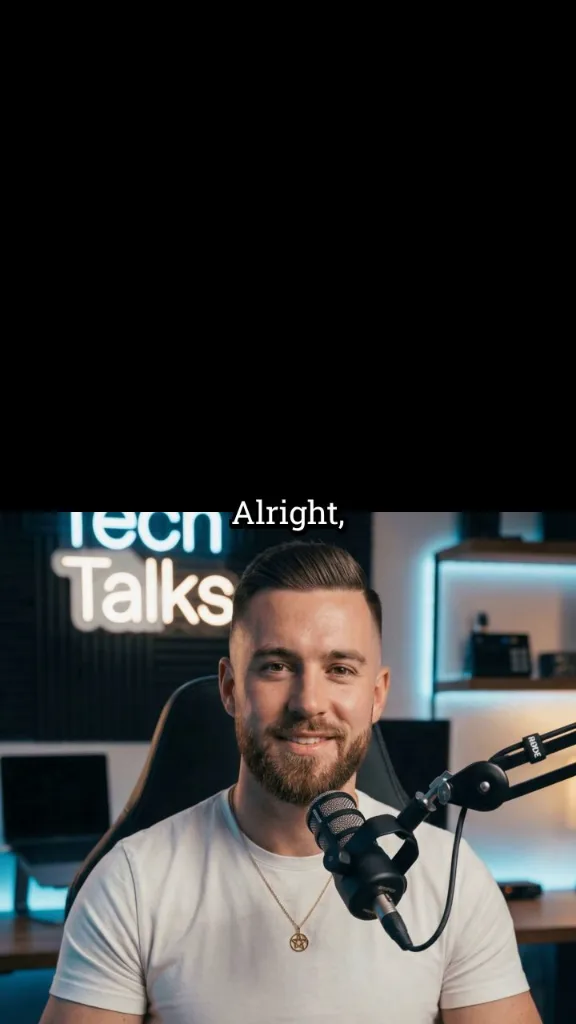
Convert any text, script, or URL into a professional video podcast with AI avatars. Create engaging content with realistic speech, expressions, and visuals in minutes.

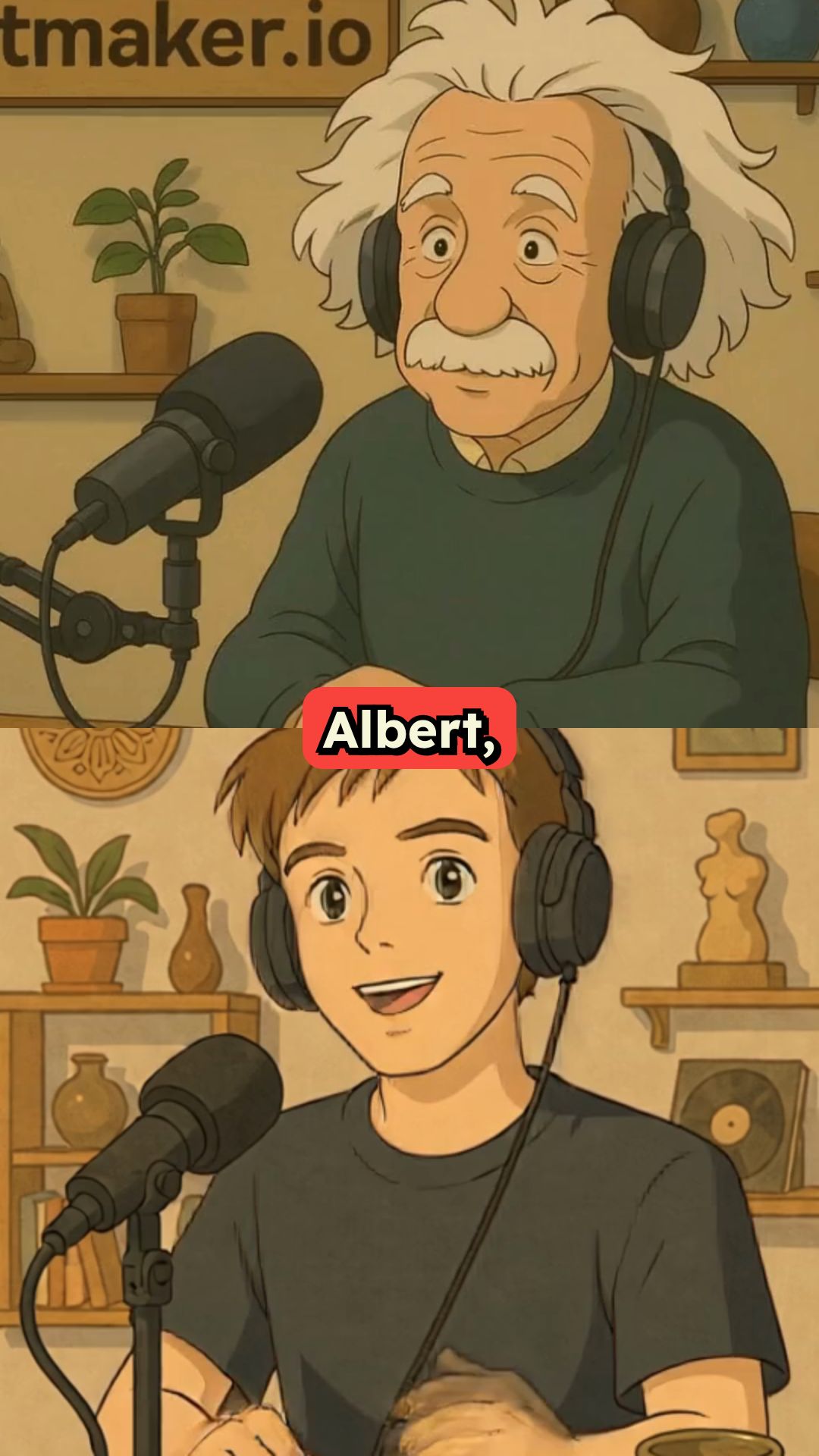
Turn dialogue or a script into a video podcast with AI hosts, natural voices, and visuals matched to your topic.

  • AI podcast hosts
  • Dialogue-based workflow
  • Natural voices
  • Podcast clips in minutes

Create a Professional AI Video Podcast in 4 Simple Steps

1 Add Your Podcast Script or Topic

Start by entering your dialogue, interview script, podcast outline, or a URL you want to turn into a video podcast. For best results, write each speaker line with a name in brackets, such as [Bob] Welcome to the podcast or [Alice] Great to be here. Revid AI uses this dialogue format to understand who is speaking and structure your AI video podcast correctly.

2 Choose Your AI Podcast Hosts and Voices

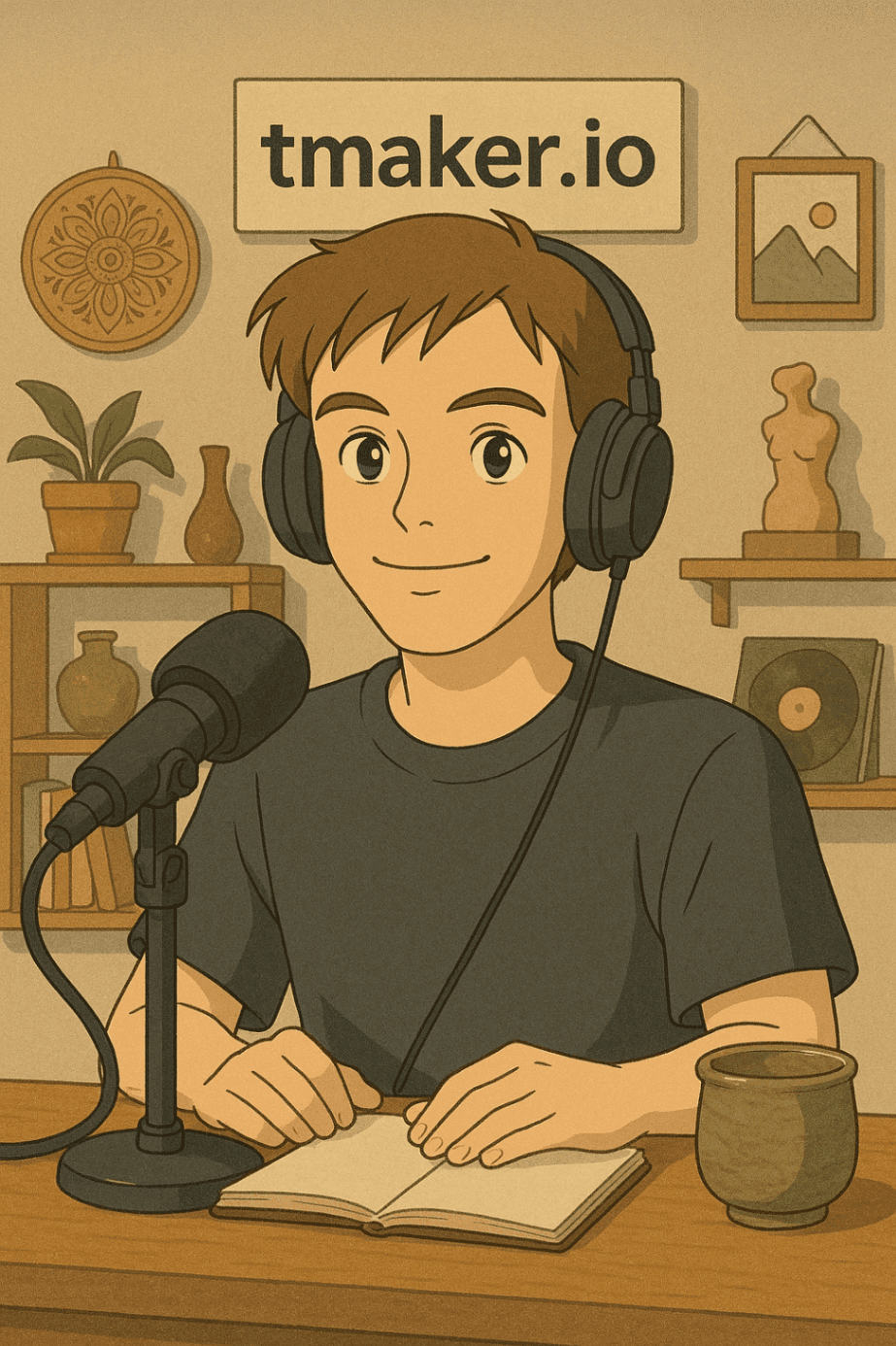
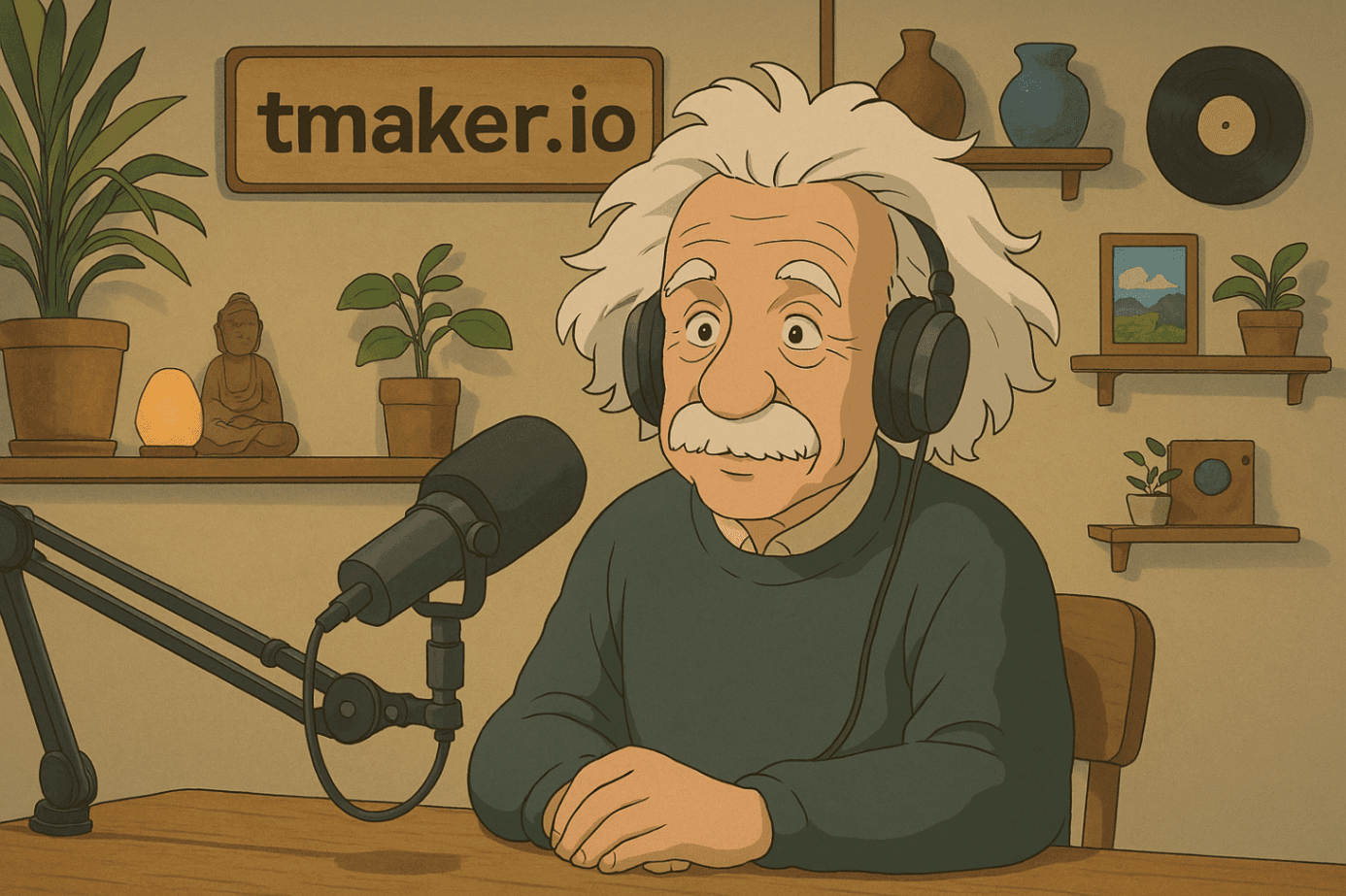
Select one or more AI avatars to act as your podcast hosts, guests, or interviewers. Then choose from 120+ natural-sounding AI voices to match each speaker's tone, style, and personality. The video podcast generator creates realistic speech, expression, and speaker flow so your conversation feels engaging and natural.

3 Customize the Podcast Look and Visual Style

Set the format for TikTok, YouTube Shorts, Instagram Reels, or a wider podcast layout. You can place avatars in a realistic podcast studio, describe a custom environment, or let the AI choose visuals that match your topic. Revid can also find relevant media, add captions, and create a polished video podcast presentation automatically.

4 Generate, Edit, and Share Your Video Podcast

Click "Generate Video" and your AI video podcast will be created in minutes with avatars, voices, captions, visuals, and scene timing. Once the video is ready, use Revid AI's built-in editor to refine captions, adjust visuals, trim scenes, and export a ready-to-post podcast video for social media.

01

AI Podcast Video Generator — Turn Audio into Shareable Video Content

Revid's AI podcast video generator transforms your podcast episodes into engaging video clips ready for TikTok, YouTube Shorts, Instagram Reels, and more. Upload your audio or paste a link, and our AI automatically selects the most compelling moments, adds captions, and packages everything into a polished short-form video no editing required. It's the easiest way to give your podcast the visual presence it deserves.

02

How to Make an AI Podcast Video in Minutes

Creating a podcast video with AI used to mean hours of manual editing. With Revid, the whole process is automated. Our AI listens to your episode, identifies the highlights worth sharing, and generates ready-to-post video clips with accurate captions and clean formatting. Whether you're repurposing a full episode or clipping a single great moment, Revid's AI podcast maker handles it from start to finish.

03

AI Podcast Generator — Repurpose Your Episodes at Scale

Revid's free AI podcast generator gives independent creators and podcasters the same content repurposing power that big media teams have without the budget. Turn every episode into multiple short videos, grow your audience across platforms, and keep your content working long after the episode drops. Try the AI podcast video generator, no credit card required.

Watch & Learn

How to Get the Most Out of our AI Video Podcast Generator

Discover how to use our AI video podcast generator to create content in a smart and effective way.

How to Create a Full AI Video Podcast in less than 2 minutes

Example Videos

See What You Can Create with Video Podcast Generator

Explore different styles and possibilities with our Video Podcast Generator

AI Video Podcast Generator for Content Creators

Create professional video podcasts with our AI video podcast generator. Transform text conversations into engaging video content with lifelike avatars, natural speech patterns, and professional presentation quality.
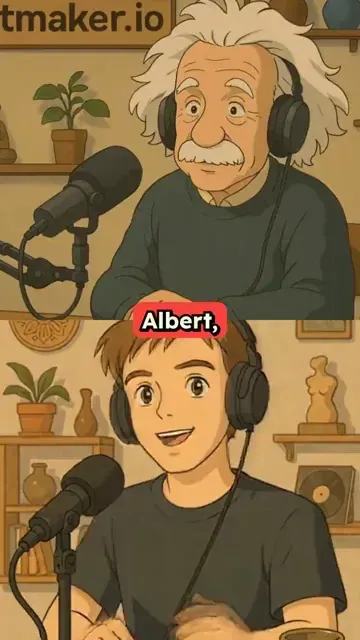
  • Professional AI video podcast generation
  • Lifelike avatars with natural speech patterns
  • Text-to-video podcast conversion technology
  • Perfect for content creators and educators
AI Video Podcast Generator for Content Creators

Professional Video Podcast Creation

Generate broadcast-quality video podcasts with multiple speakers and realistic dialogue. Our video podcast generator creates professional content with dynamic visuals, natural conversations, and engaging presentation formats.
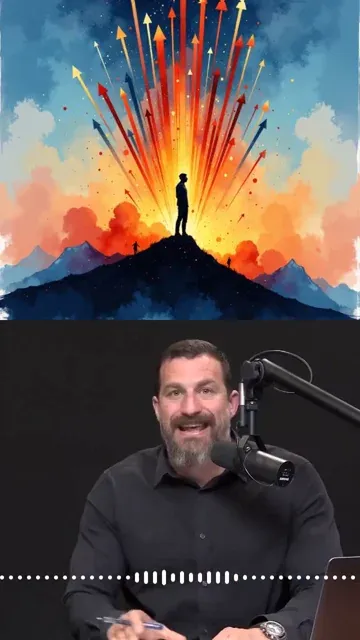
  • Broadcast-quality video podcast production
  • Multiple speaker support with realistic dialogue
  • Dynamic visuals and engaging presentations
  • Professional podcast format optimization
Professional Video Podcast Creation

Interactive Video Podcast Generation

Transform written interviews and dialogues into interactive video podcasts. Our AI video podcast generator brings conversations to life with expressive avatars and natural dialogue flow for maximum audience engagement.
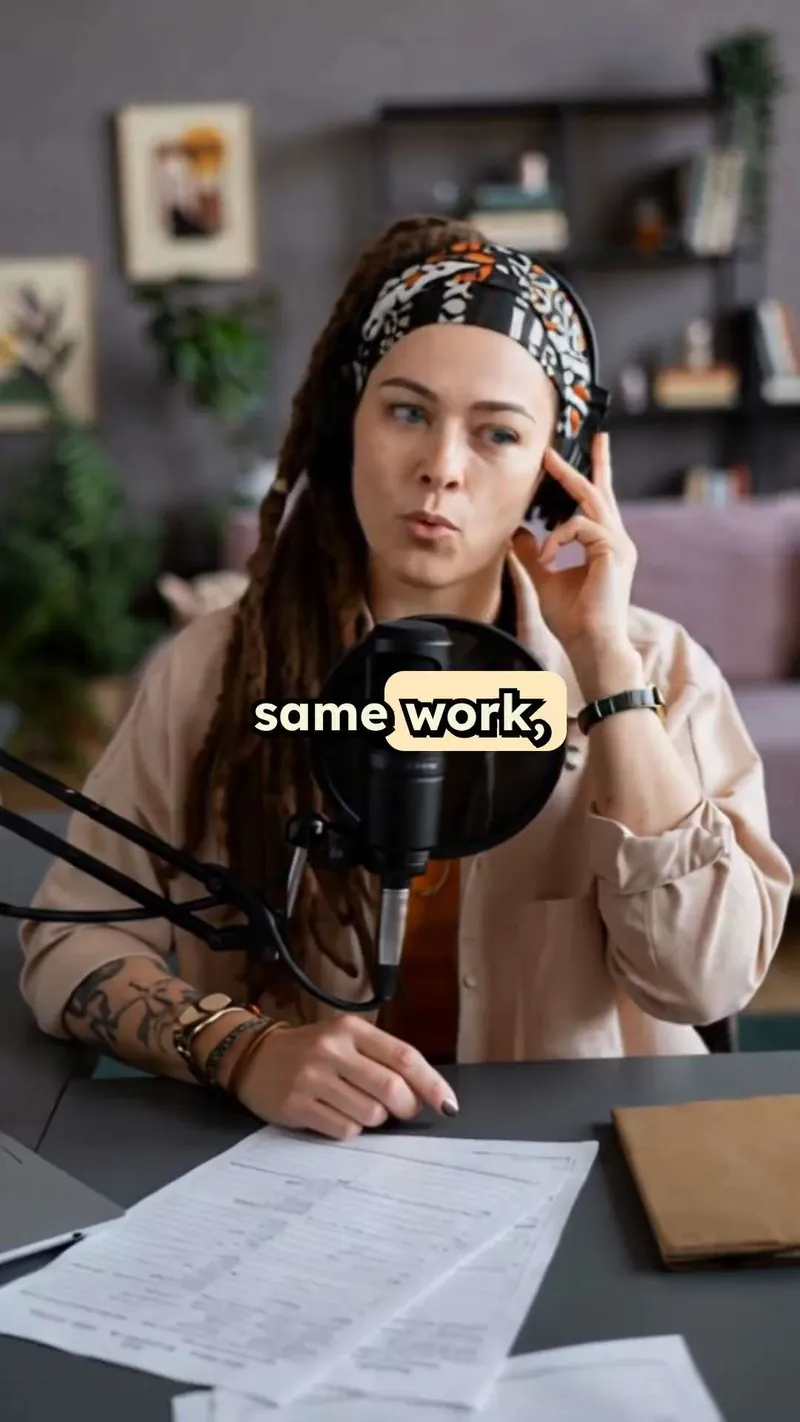
  • Interactive video podcast with expressive avatars
  • Natural dialogue flow and conversation dynamics
  • Written interview to video transformation
  • Maximum audience engagement and retention
Interactive Video Podcast Generation
More Tools

Explore Similar AI Avatar AI Video Tools

Discover more ways to create engaging videos with our AI-powered tools

FAQs

Frequently Asked Questions

What is the AI Video Podcast Generator?
The AI Video Podcast Generator is a Revid AI tool that turns text, scripts, dialogue, or URLs into a professional video podcast with AI hosts, natural voices, captions, and visuals. Instead of recording a full studio podcast or editing clips manually, you can create a video podcast from written content in minutes. It is ideal for creators who want podcast-style videos for TikTok, YouTube Shorts, Instagram Reels, LinkedIn, or YouTube.
How does the video podcast generator work?
Revid's video podcast generator reads your script or source content, detects the speakers, assigns voices and avatars, then generates a video podcast scene by scene. You can write dialogue using speaker labels like [Host] and [Guest], choose AI podcast hosts, customize the environment, and let the AI produce realistic speech, expressions, captions, and supporting visuals.
Can I create a video podcast from text?
Yes. This is a text to video podcast generator, so you can paste a complete podcast script, write a short interview, add a debate-style conversation, or start from a simple topic. Revid AI can help transform your written idea into a structured AI video podcast with multiple speakers, natural dialogue, and a polished social video format.
Can I use a URL to create an AI video podcast?
Yes. You can paste a URL from an article, blog post, newsletter, LinkedIn post, or other supported web content, and Revid AI can use it as the source for your video podcast. The AI video podcast generator can repurpose existing content into a conversation-style script, making it easier to turn articles and ideas into engaging podcast videos.
How should I format the dialogue for the best video podcast results?
For the best results, place the speaker name in brackets at the beginning of each line. For example: [Bob] Welcome to the podcast. [Alice] Thanks for having me. This helps the video podcast generator assign the correct AI voice and avatar to each line. Clear speaker labels make your AI podcast video sound more natural and easier to follow.
How many speakers can I include in an AI video podcast?
You can create a video podcast with one or more speakers, including a solo host, two-person interview, panel discussion, debate, or fictional conversation. The AI video podcast generator is designed for dialogue-based videos, so it works especially well when you want multiple AI podcast hosts or guests speaking naturally to each other.
What voices are available in the AI video podcast generator?
Revid AI offers 120+ natural-sounding AI voices, making it easy to create podcast videos with different tones, accents, genders, and personalities. You can select voices that match your host, guest, brand, or audience. The goal of the video podcast generator is to make AI dialogue sound smooth, realistic, and suitable for professional content.
Can I customize the AI podcast avatars?
Yes. You can choose from available AI avatars and styles for your podcast hosts or guests. You can also place avatars in context, such as a podcast studio, office, news desk, or environment related to your topic. The AI video podcast generator uses avatars, voices, and visuals together to create a complete podcast-style video.
What does "Place Avatar in Context" mean?
"Place Avatar in Context" means Revid AI can place your AI podcast hosts inside a realistic or topic-specific scene instead of showing only a raw avatar image. For example, you can describe the setting as "avatars are in a modern podcast studio" or let the AI choose the environment. This makes the video podcast generator especially useful for creating professional-looking podcast videos without filming.
Is this AI video podcast generator good for TikTok, YouTube Shorts, and Instagram Reels?
Yes. Revid AI is built for short social videos, and the AI video podcast generator is optimized for vertical podcast clips that work well on TikTok, YouTube Shorts, and Instagram Reels. You can create bite-sized podcast conversations, educational clips, story-based dialogue, or interview-style content designed for mobile-first platforms.
Can I create a full podcast episode with this video podcast generator?
You can use the video podcast generator for short podcast clips, recurring podcast-style series, and longer scripted conversations. For social platforms, we recommend keeping clips concise and focused on one strong idea, question, or takeaway. Short AI video podcast episodes usually perform better because they are easier to watch, share, and repurpose.
Does the AI video podcast generator add captions automatically?
Yes. Revid AI can automatically generate captions for your video podcast, which is important for TikTok, YouTube Shorts, Instagram Reels, and silent viewing. Captions help improve retention, accessibility, and engagement. After generation, you can use the editor to adjust caption style, timing, and layout.
Can I edit the video podcast after it is generated?
Yes. After the AI video podcast generator creates your video, you can edit it inside Revid AI. You can adjust captions, change visuals, trim sections, refine timing, and polish the final result before exporting. The AI gives you a strong first version, and the editor lets you make it match your exact creative direction.
What type of content works best with the AI Video Podcast Generator?
The AI Video Podcast Generator works best for interviews, educational discussions, expert explainers, debate videos, storytelling, fictional conversations, product discussions, news commentary, and podcast-style content. If your content benefits from two or more speakers talking naturally, the video podcast generator is a strong fit.
Can I use the video podcast generator for content repurposing?
Yes. Revid AI is built for repurposing content into short-form social videos. You can turn blog posts, newsletters, scripts, ideas, and educational content into an AI video podcast. This makes the video podcast generator useful for creators, marketers, educators, agencies, and founders who want more video content without recording every episode manually.
How long does it take to generate an AI video podcast?
Most AI video podcasts are generated in around a few minutes, with an average completion time of about 5 minutes depending on script length, visuals, avatars, and processing demand. Once your video podcast is ready, you can review it, edit it, and export it for social media.
Do I need podcast equipment or video editing skills?
No. The video podcast generator is designed to help you create podcast videos without microphones, cameras, studio lighting, or complex editing software. You only need a script, dialogue, topic, or URL. Revid AI handles voices, avatars, captions, visuals, and formatting so you can create professional AI podcast videos quickly.
Can businesses use the AI video podcast generator?
Yes. Businesses can use the AI video podcast generator for thought leadership, product education, internal training, customer education, social media content, and marketing campaigns. It is a fast way to create branded podcast-style videos without booking speakers, recording sessions, or hiring a video production team.
Can I make a recurring AI podcast series with Revid AI?
Yes. The video podcast generator is great for building a repeatable AI podcast series. You can reuse a similar host style, avatar setup, visual format, and episode structure to create consistent videos around your niche. This is useful for creators who want to publish frequent podcast clips for SEO, social media growth, or audience engagement.
What makes Revid AI different from a basic talking avatar tool?
A basic talking avatar tool usually focuses on one speaker reading a script. Revid's AI video podcast generator is designed for conversation-based content, including interviews, host-and-guest formats, debates, and multi-speaker dialogue. It understands speaker labels, supports AI podcast hosts, and creates a more natural podcast video flow.
Can I use AI video podcasts commercially?
Yes, you can use videos created with Revid AI for commercial purposes such as marketing, social media, education, product promotion, and monetized content, as long as your inputs and uploaded assets comply with the appropriate rights and Revid AI's terms. The AI video podcast generator is built for creators and businesses that need professional video content at scale.
How do I get the best results from the AI Video Podcast Generator?
To get the best results, use short and clear speaker lines, label each speaker with brackets, keep each episode focused on one topic, and choose voices that match the personality of each host or guest. You can also describe the environment, such as a podcast studio or newsroom, to help the video podcast generator create a stronger visual style.
Who should use this video podcast generator?
This video podcast generator is useful for podcasters, content creators, educators, marketers, coaches, founders, agencies, and social media managers. If you want to create podcast-style videos without recording a real podcast, Revid AI gives you a fast way to turn ideas, scripts, and URLs into engaging AI video podcasts.
How much does the AI video podcast generator cost?
The cost depends on your Revid AI plan, available credits, and the settings used for your video. Before generation, Revid AI shows the estimated credit usage so you know what to expect. Free accounts can start with limited credits, while paid plans provide more monthly credits for creating more AI video podcast content.
View Complete Help Center

Find detailed answers to 100+ questions about features, tools, and workflows

or check our markdown version optimized for LLMs

Tools

Free AI Video Tools

Choose your tool, add your content, and create a video in seconds. Then customize it to your liking.

AI TikTok Video Generator

Turn text into trendy, viral TikTok videos in a snap

Try it out

Prompt to Video

Turn your prompts into engaging videos with AI assistance

Try it out

Add Caption to Video

Generate subtitles in 100+ languages with AI captions

Try it out

PDF to Brainrot

Convert PDFs into attention-grabbing, scrollable videos

Try it out

Text to Brainrot

Turn your text into trendy, scrollable content with dynamic visuals

Try it out

AI Talking Avatar

Create lifelike talking avatars from text in seconds

Try it out

Video Podcast Generator

Transform your podcasts into visually engaging video content

Try it out

AI Movie Maker

Create studio-quality videos from text, no filming required

Try it out

Audio to Video

Make engaging videos from your podcasts, interviews, or any audio content

Try it out

Animated Lyrics Video Generator

Turn any song into an animated lyric video with synced text and visuals.

Try it out

AI Music Video Generator

Transform your music into cinematic music videos.

Try it out

AI Lyrics Video Generator

Transform your lyrics into a complete music video with AI

Try it out
See all tools
How it works

Four simple steps to create and share your video

1
Step 1

Find your next viral idea

Lacking inspiration? Our AI spots trends and helps you adapt them for your own videos, hassle-free.

  • Identify the best performing formats
  • Get inspired by top creators
  • Turn your ideas into captivating videos
Find your next viral idea
2
Step 2

Storytelling designed to captivate

Revid.ai analyzes viral videos and uses those same codes to write your scripts.

  • Write your script or just give the topic to our AI
  • The AI will suggest relevant content to inspire you
  • Paste a link, our AI analyzes it and turns it into a video
Storytelling designed to captivate
3
Step 3

Videos you will love

Create professional videos, share them with one click, and grow your audience.

  • Watch your texts turn into professional videos
  • Automate video creation from your content
Videos you will love
4
Step 4

Publish on TikTok, YouTube, Instagram and more

Reach a wider audience by sharing your videos across all your networks.

Publish on TikTok, YouTube, Instagram and more
revid.ai logo

The fastest way to create captivating videos.