3,212 people used this tool in the last 24h

or explore our 42+ other tools to create the exact video you want
Explore our tools
Generate deepfake videos instantly with AI avatars. Create realistic talking head videos, face swaps, and AI spokesperson content. Professional deepfake technology for legitimate content creation.
Type a script or paste a URL to create a talking avatar video with natural motion, voice, and ready-to-publish pacing.
or explore our 42+ other tools to create the exact video you want
Explore our toolsScript automatically generated by Revid

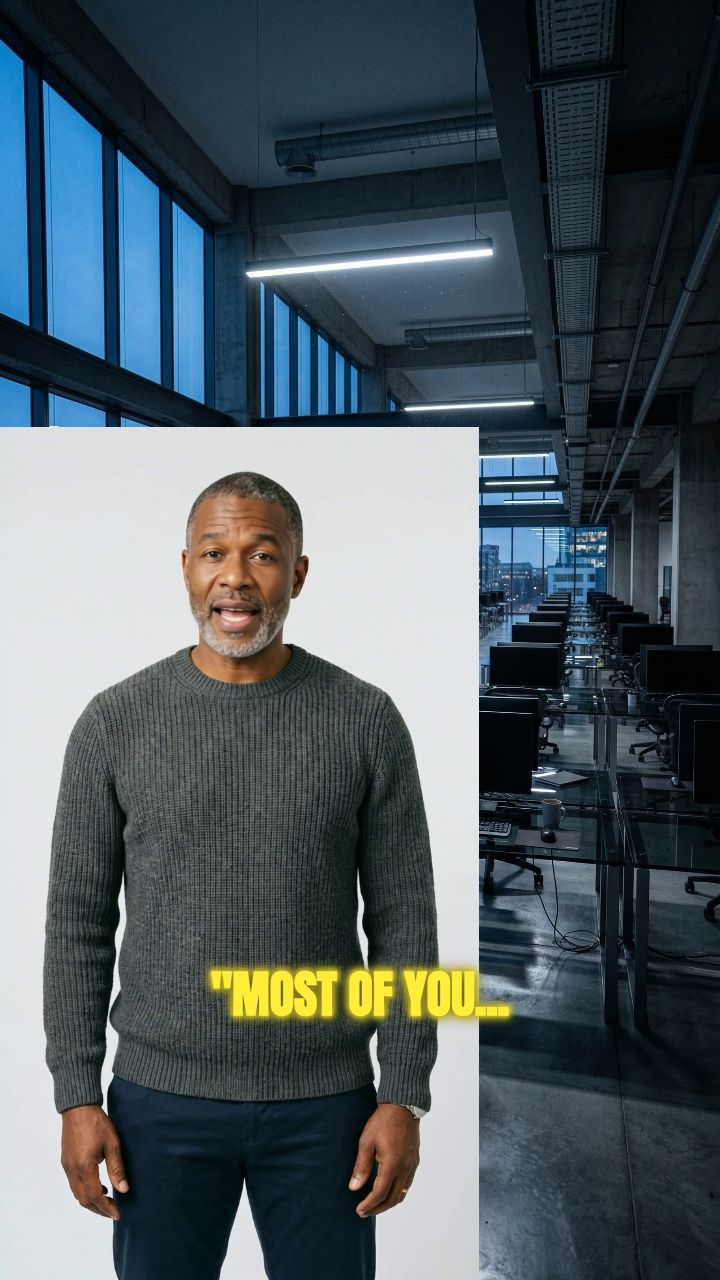
Start by entering your script or pasting a URL from an article or post. Then, upload a clear image or video of the face you want to animate. For best results with our deepfake video maker, use a well-lit, front-facing image or a landscape video with the person zoomed out.
Choose from our library of realistic AI voices or upload/record your own for a personal touch. Our AI will perfectly lip-sync the audio with your chosen avatar's face, creating a seamless talking avatar. This is the core of our text-to-deepfake video technology.
Enhance your video by adding B-roll footage in split-screen or full-screen mode. You can also opt to remove the avatar's background for a professional overlay effect. Once you've set your preferences, click 'Generate Video.' In just a few minutes, your AI-generated deepfake video will be ready to edit and share.
Revid's AI deepfake maker is built for creators who want to produce entertaining, imaginative, and visually compelling video content using face swap and AI video generation technology. Whether you are making comedy skits, reaction videos, historical reimaginings, or creative short-form content, Revid gives you the tools to produce high-quality AI-generated video without the technical complexity that usually comes with deepfake software. Generate your first video in minutes with no downloads and no specialist knowledge required.
Revid's free deepfake video maker runs entirely in your browser, making it the most accessible option available for creators who want to experiment with AI face swap video without installing desktop software or navigating complex settings. Upload your source material, select your target, and let the AI handle the generation automatically. The free tier gives you full access to the core pipeline so you can evaluate output quality before deciding whether to go further.
One of Revid's most powerful capabilities is turning a single AI image into a fully animated deepfake video. Upload a photo, apply the AI video generation engine, and produce a moving, lifelike video clip from a still image in minutes. It is one of the most requested creative formats on short-form platforms right now, and Revid makes it straightforward enough for any creator to produce without a production background or technical setup.
Finding a deepfake generator that balances output quality with ease of use has historically been the main barrier for most creators. Revid solves both sides of that equation, delivering AI deepfake video quality that holds up on any screen while keeping the creation process simple enough to complete in under five minutes. It is the best free AI deepfake generator for TikTok, YouTube Shorts, and Instagram Reels creators who need results fast without compromising on the final output.
Explore different styles and possibilities with our AI Deepfake Video Maker
Create professional deepfake videos with our AI deepfake video maker. Generate realistic talking avatars and face swap videos for content creation, marketing, and entertainment with advanced AI technology and lifelike results.
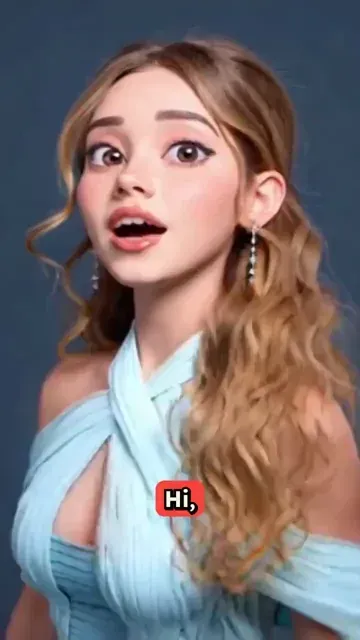
Transform photos into talking deepfake avatars using cutting-edge AI technology. Our deepfake video maker creates authentic-looking video avatars that can speak any text with natural expressions and movements.

Produce high-quality deepfake videos for professional use with our AI deepfake video maker. Create spokesperson videos, promotional content, and educational materials with realistic AI-generated avatars and seamless video quality.
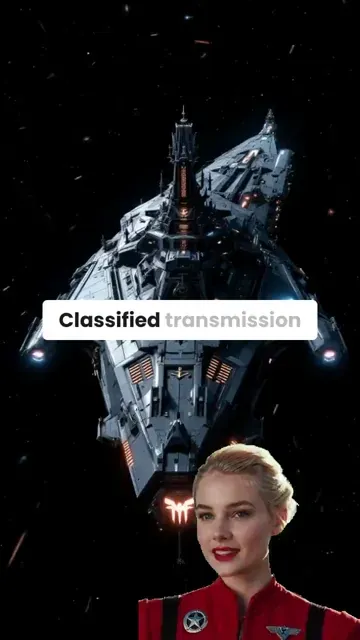
Discover more ways to create engaging videos with our AI-powered tools
Find detailed answers to 100+ questions about features, tools, and workflows
or check our markdown version optimized for LLMs
Choose your tool, add your content, and create a video in seconds. Then customize it to your liking.
Turn any song into an animated lyric video with synced text and visuals.
Lacking inspiration? Our AI spots trends and helps you adapt them for your own videos, hassle-free.

Revid.ai analyzes viral videos and uses those same codes to write your scripts.

Create professional videos, share them with one click, and grow your audience.

Reach a wider audience by sharing your videos across all your networks.

