Trusted by 14,000+ creators worldwide

Make Your Baby's Talk with AI

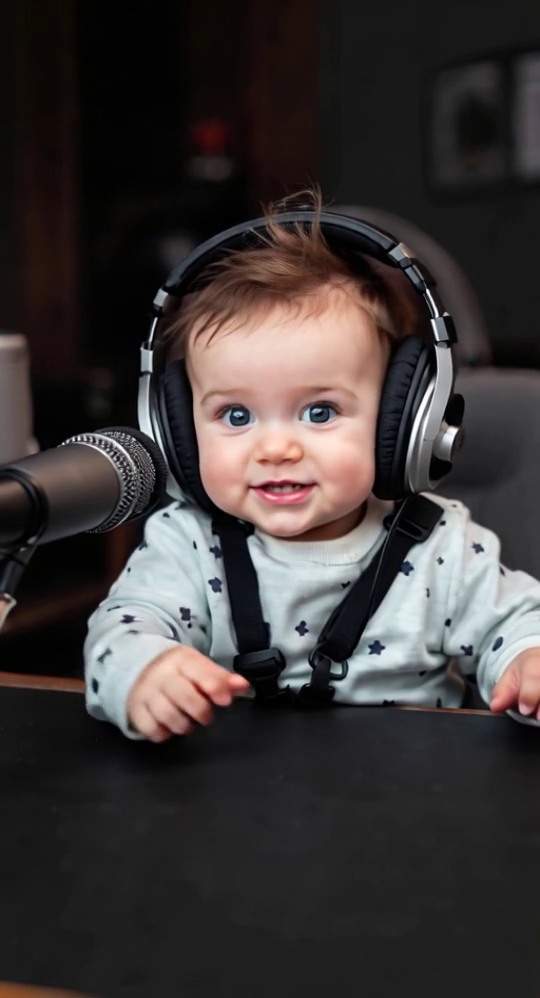
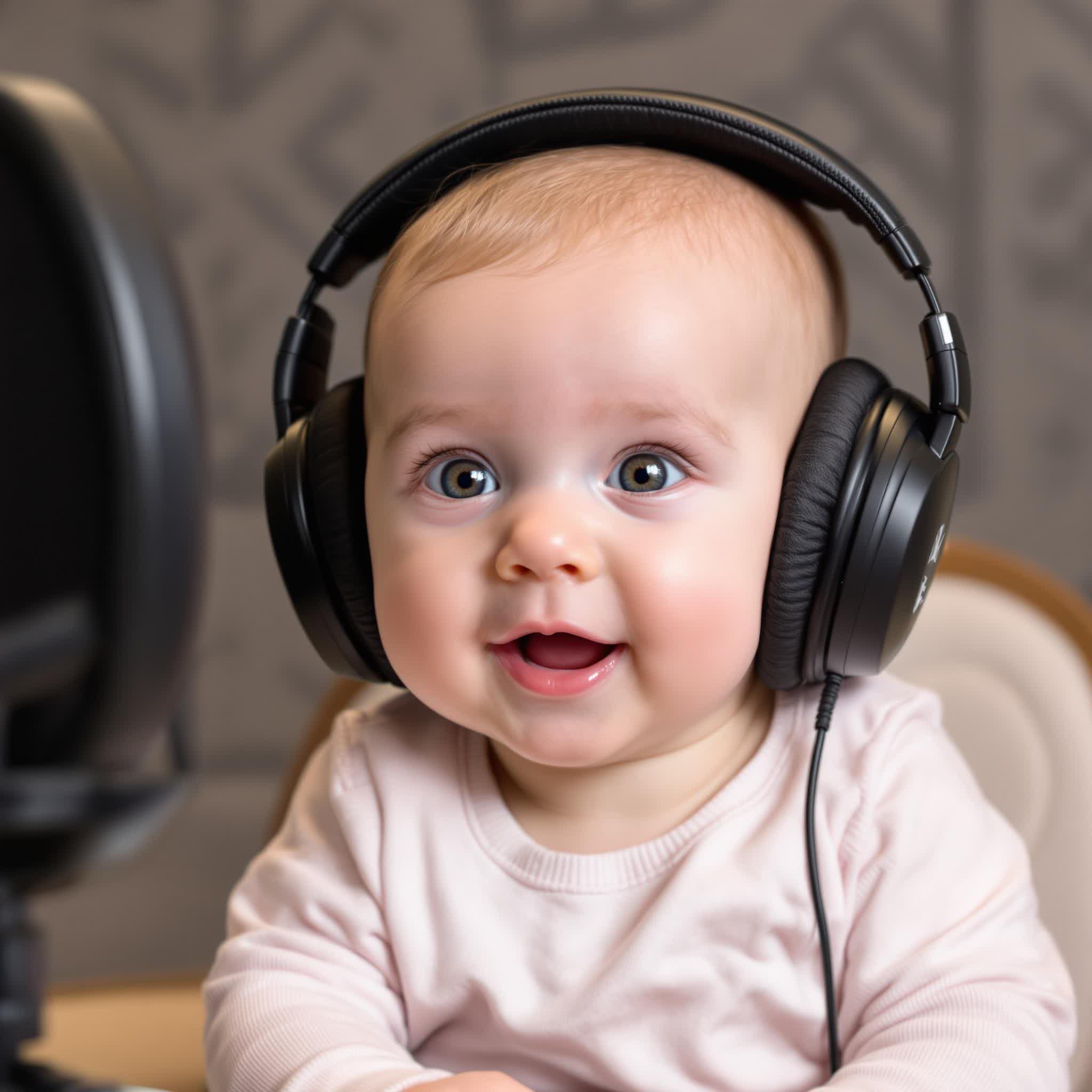
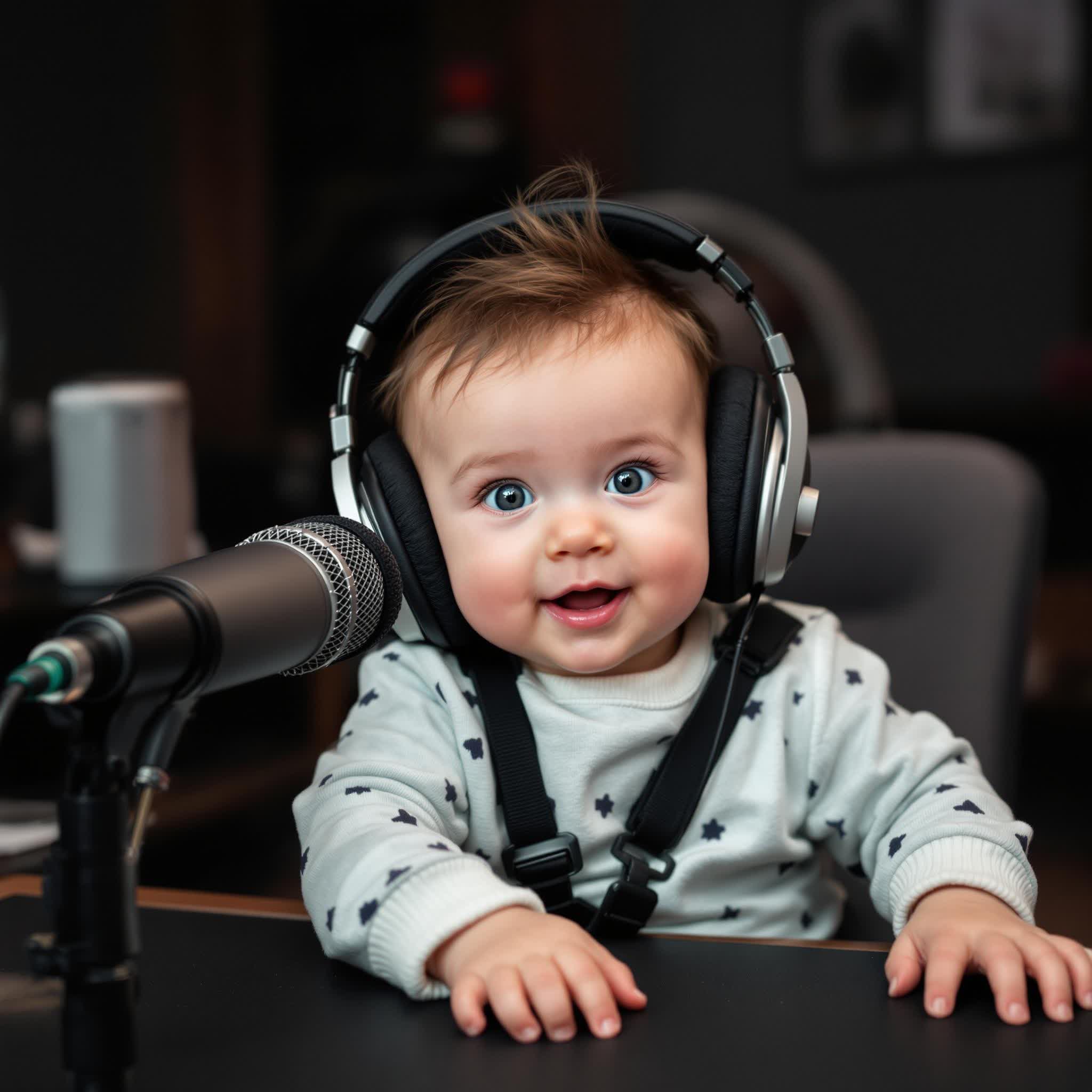
Transform your baby's photos into magical talking videos. Our AI adds natural baby voices, cute expressions, and brings your little one's picture to life.

Turn dialogue or a script into a video podcast with AI hosts, natural voices, and visuals matched to your topic.

  • AI podcast hosts
  • Dialogue-based workflow
  • Natural voices
  • Podcast clips in minutes
AI Magic

Turn simple ideas into
incredible videos

YOUR IDEA
Your Prompt

Script automatically generated by Revid
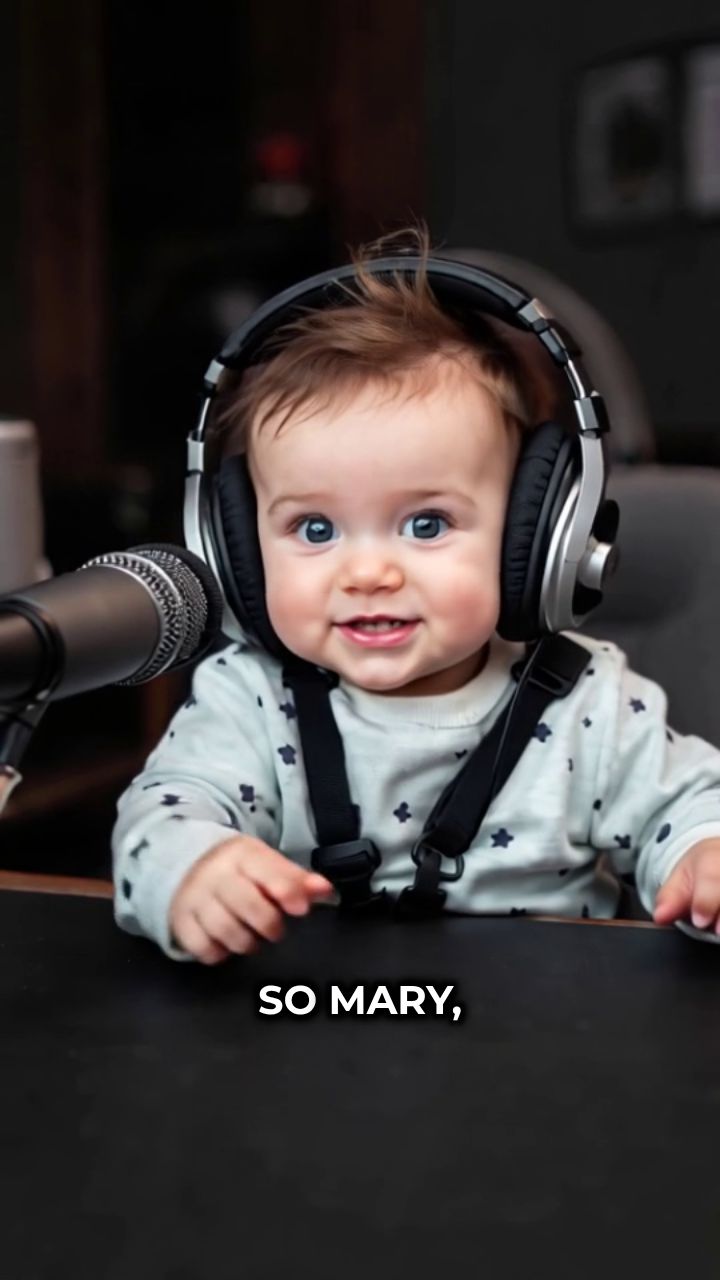
[Jack] So Mary, what do you think about AI being used in daycare centers these days? [Mary] It's fascinating but also a bit concerning. Like, AI can help track kids' development and learning patterns, which is amazing for teachers. [Jack] Right! But can it really replace that human connection? Kids need emotional bonding. [Mary] Exactly! Though I heard some centers use AI for safety monitoring— [Jack] —which makes total sense! Better supervision means fewer accidents.
Characters
Avatar 1
Avatar 1
Avatar 2
Avatar 2
FINAL VIDEO

Create an Adorable Talking Baby Video in 3 Simple Steps

1 Upload Your Baby's Photo

Start by uploading a clear photo of your baby. Our AI will analyze the image to prepare it for animation, detecting facial features for a lifelike talking effect.

2 Add a Script or Choose a Baby Voice

Type what you want your baby to say, or choose from a set of cute, pre-written baby phrases. Then select a natural-sounding baby voice from our AI voice library to bring the script to life.

3 Generate and Share Your Video

Click 'Generate Video' and let our AI work its magic. In minutes, you’ll have a delightful talking baby video complete with expressions and voice. Download it or share it instantly on social media!

01

Make Any Baby Photo Talk with AI in Seconds

Upload a baby photo and write the dialogue, and Revid's AI talking baby generator produces a complete video with the baby's image animated to match the speech, a cute baby voice delivering the lines, and natural lip sync that brings the photo to life. There is no animation software, face rigging, or video production experience required. From photo upload to finished talking baby video takes seconds, making it practical to create a personalized, magical moment from any baby picture without a complex technical workflow standing between the idea and the finished video.

02

What the AI Talking Baby Generator Builds from Your Photo

The talking baby AI analyzes the face in your uploaded baby photo, generates synchronized facial animation that matches the dialogue you provide, and produces a finished video with a natural baby voice delivering the lines with expressive emotional quality. You write the script as a conversation with multiple speakers if you want, and the AI handles the animation, voice, and lip sync automatically. The output is a short animated video that feels genuinely magical because the baby in the photo appears to really be speaking the words you wrote for them.

03

Talking Baby Videos That Bring Smiles to Everyone Who Watches

Talking baby videos are among the most consistently shared and saved content formats on TikTok, Instagram, and YouTube. They generate emotional reactions across every demographic, from new parents to grandparents to complete strangers who just find babies irresistibly joyful. A well-made personalized talking baby video featuring a real child with a funny or sweet script consistently outperforms generic content because the authenticity of a real baby face combined with the surprise of the AI voice creates genuine delight. Revid makes that magic available to any parent, family member, or content creator with a baby photo.

Target Audience

Who is this tool for?

Parents creating magical keepsakes from baby photos

Give your baby a voice using their real photo and a script that captures something funny, sweet, or memorable for a keepsake video that your family will treasure and share.

Family members sharing adorable baby moments

Create a talking baby video from a photo of your niece, nephew, grandchild, or family friend and share it as a personalized surprise that gets shared far beyond your immediate circle.

Content creators building viral baby reaction content

Use the talking baby format to build a content channel around funny, sweet, and relatable baby conversations that generate consistent engagement across every social platform.

Gift-givers creating personalized baby videos

Generate a custom talking baby video featuring a new parent's child as a unique, heartfelt gift that no physical present can match for surprise and personal connection.

Comparison

Revid vs. Manually Creating Talking Baby Videos

Animating a baby photo to talk manually requires face animation software, lip sync rigging, voice generation, and video compositing. Revid handles the entire talking baby production pipeline from your uploaded photo automatically.

Input
Revid Talking Baby AI GeneratorUpload baby photo and write dialogue to generate immediately
Other ToolsRequires face animation software, rigging, and voice generation separately
Facial animation
Revid Talking Baby AI GeneratorAI animates the baby photo to match speech automatically
Other ToolsManual facial rigging and keyframe animation required
Baby voice
Revid Talking Baby AI GeneratorCute baby voice generated and synced to dialogue automatically
Other ToolsRequires sourcing, editing, or generating baby voice audio separately
Lip sync
Revid Talking Baby AI GeneratorNatural lip sync applied to the photo automatically
Other ToolsManual lip sync adjustment required for every syllable
Production time
Revid Talking Baby AI GeneratorFinished talking baby video in seconds per photo
Other ToolsHours of animation and compositing work per video
Skills required
Revid Talking Baby AI GeneratorNo animation, design, or technical skills needed
Other ToolsRequires proficiency in face animation and video compositing tools
Example Videos

See What You Can Create with Talking Baby AI Generator

Explore different styles and possibilities with our Talking Baby AI Generator

Talking Baby AI Generator for Family Memories

Transform your baby photos into adorable talking videos with our talking baby AI generator. Create magical moments by bringing your little one's pictures to life with cute voices and natural expressions for unforgettable family memories.
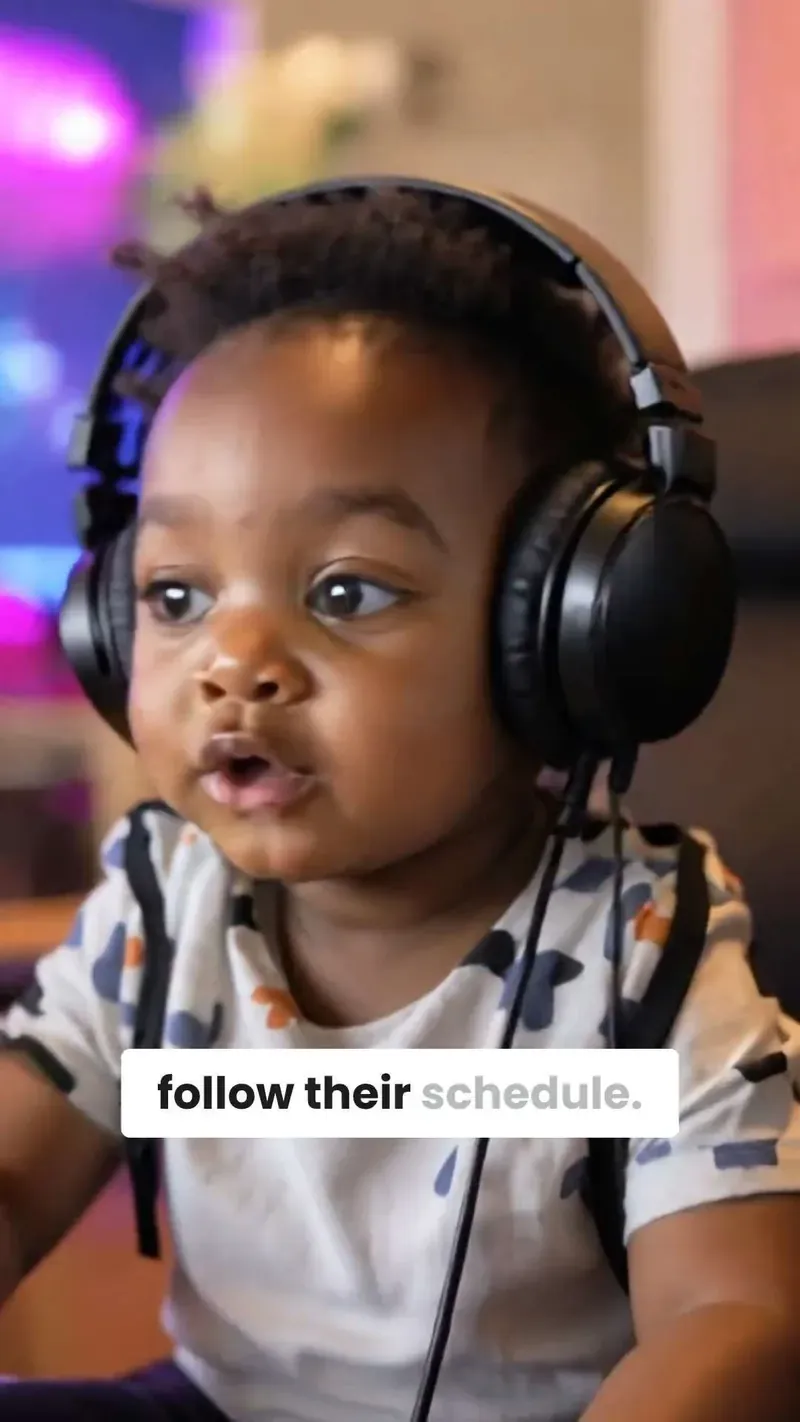
  • Transform baby photos into talking videos
  • Cute voices and natural baby expressions
  • Perfect for creating family memories
  • Magical AI baby picture to video technology
Talking Baby AI Generator for Family Memories

AI Baby Video Creation Technology

Experience cutting-edge talking baby AI technology that brings photos to life. Our baby AI generator creates heartwarming videos with realistic baby voices and expressions, perfect for sharing special moments with family and friends.
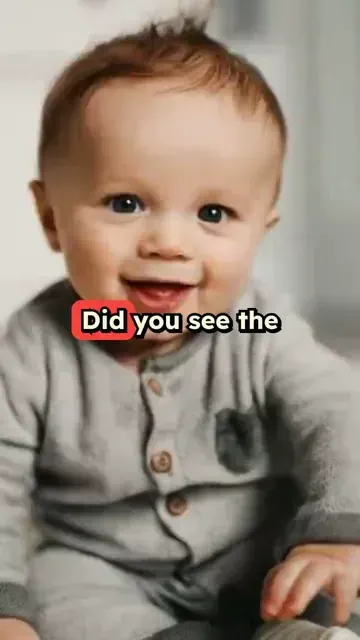
  • Cutting-edge talking baby AI technology
  • Realistic baby voices and expressions
  • Heartwarming video creation from photos
  • Perfect for sharing special family moments
AI Baby Video Creation Technology

Baby Picture to Talking Video Converter

Convert any baby picture into an engaging talking video with our AI baby generator. Create personalized baby videos with custom dialogue, adorable voices, and lifelike expressions that capture precious childhood moments.
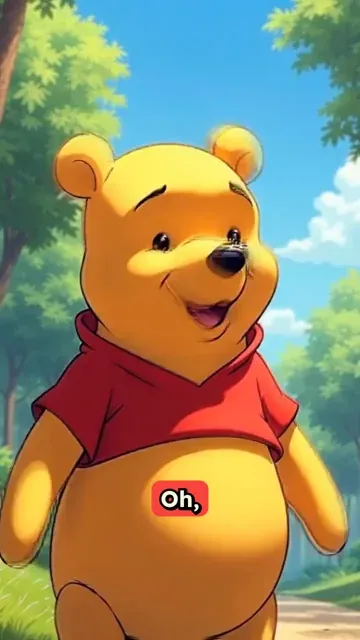
  • Baby picture to talking video conversion
  • Custom dialogue and adorable baby voices
  • Lifelike expressions and personalization
  • Capture and preserve precious childhood moments
Baby Picture to Talking Video Converter
More Tools

Explore Similar AI Avatar AI Video Tools

Discover more ways to create engaging videos with our AI-powered tools

FAQs

Frequently Asked Questions

What is the Talking Baby AI Generator?
The Talking Baby AI Generator is a fun and easy tool that transforms any baby photo into an animated video where your baby appears to talk. Just upload a picture, add a script or choose a phrase, and our AI will create a lifelike video with natural baby expressions and voices.
How realistic is the baby talking animation?
Our AI uses advanced facial mapping to animate your baby’s photo with natural lip movements, eye blinks, and expressions. Combined with high-quality baby voiceovers, the result is a heartwarming and realistic talking baby video that’s perfect for sharing.
What kind of photo works best?
For best results, use a clear, front-facing photo of your baby with good lighting. Avoid blurry or obscured faces. A smiling or neutral expression often works best for generating smooth and expressive animations.
Can I choose what my baby says?
Yes! You can type any custom message you'd like your baby to say, or choose from our library of cute and funny baby phrases. You can also pick from several baby voice styles for the perfect tone.
Is the tool safe to use with personal photos?
Absolutely. We take privacy seriously. Your photos are processed securely and are not shared with any third parties. You are in full control of your content, and you can delete your videos and images at any time.
Can I share the videos on social media?
Yes! All generated videos are downloaded in social-media-friendly formats and aspect ratios like 9:16 for Instagram Reels, TikTok, and YouTube Shorts. Share your adorable talking baby content with just one click.
Is there a cost to use the Talking Baby AI Generator?
Creating a talking baby video typically costs 1 credit per generation. Additional credits may apply for premium voice options or high-resolution exports. You can view all pricing and credit information on our pricing page.
How long does it take to generate a video?
Most videos are ready in under 2 minutes. Once you upload your baby’s photo and submit your script or voice choice, our AI quickly processes the animation and voice sync to deliver a polished video.
Can I edit the video after it's generated?
Yes! After generation, you can make tweaks using our built-in video editor. Adjust the timing, change captions, swap voices, or add music to make your talking baby video even more adorable.
Can I use this tool on photos of toddlers or kids?
Yes, the tool works best with babies and toddlers, but you can use it with any child’s photo as long as the face is clearly visible. Our AI will animate the image to create a lifelike talking effect regardless of age.
View Complete Help Center

Find detailed answers to 100+ questions about features, tools, and workflows

or check our markdown version optimized for LLMs

Tools

Free AI Video Tools

Choose your tool, add your content, and create a video in seconds. Then customize it to your liking.

AI TikTok Video Generator

Turn text into trendy, viral TikTok videos in a snap

Try it out

Prompt to Video

Turn your prompts into engaging videos with AI assistance

Try it out

Add Caption to Video

Generate subtitles in 100+ languages with AI captions

Try it out

PDF to Brainrot

Convert PDFs into attention-grabbing, scrollable videos

Try it out

Text to Brainrot

Turn your text into trendy, scrollable content with dynamic visuals

Try it out

AI Talking Avatar

Create lifelike talking avatars from text in seconds

Try it out

Video Podcast Generator

Transform your podcasts into visually engaging video content

Try it out

AI Movie Maker

Create studio-quality videos from text, no filming required

Try it out

Audio to Video

Make engaging videos from your podcasts, interviews, or any audio content

Try it out

Animated Lyrics Video Generator

Turn any song into an animated lyric video with synced text and visuals.

Try it out

AI Music Video Generator

Transform your music into cinematic music videos.

Try it out

AI Lyrics Video Generator

Transform your lyrics into a complete music video with AI

Try it out
See all tools
How it works

Four simple steps to create and share your video

1
Step 1

Find your next viral idea

Lacking inspiration? Our AI spots trends and helps you adapt them for your own videos, hassle-free.

  • Identify the best performing formats
  • Get inspired by top creators
  • Turn your ideas into captivating videos
Find your next viral idea
2
Step 2

Storytelling designed to captivate

Revid.ai analyzes viral videos and uses those same codes to write your scripts.

  • Write your script or just give the topic to our AI
  • The AI will suggest relevant content to inspire you
  • Paste a link, our AI analyzes it and turns it into a video
Storytelling designed to captivate
3
Step 3

Videos you will love

Create professional videos, share them with one click, and grow your audience.

  • Watch your texts turn into professional videos
  • Automate video creation from your content
Videos you will love
4
Step 4

Publish on TikTok, YouTube, Instagram and more

Reach a wider audience by sharing your videos across all your networks.

Publish on TikTok, YouTube, Instagram and more
revid.ai logo

The fastest way to create captivating videos.