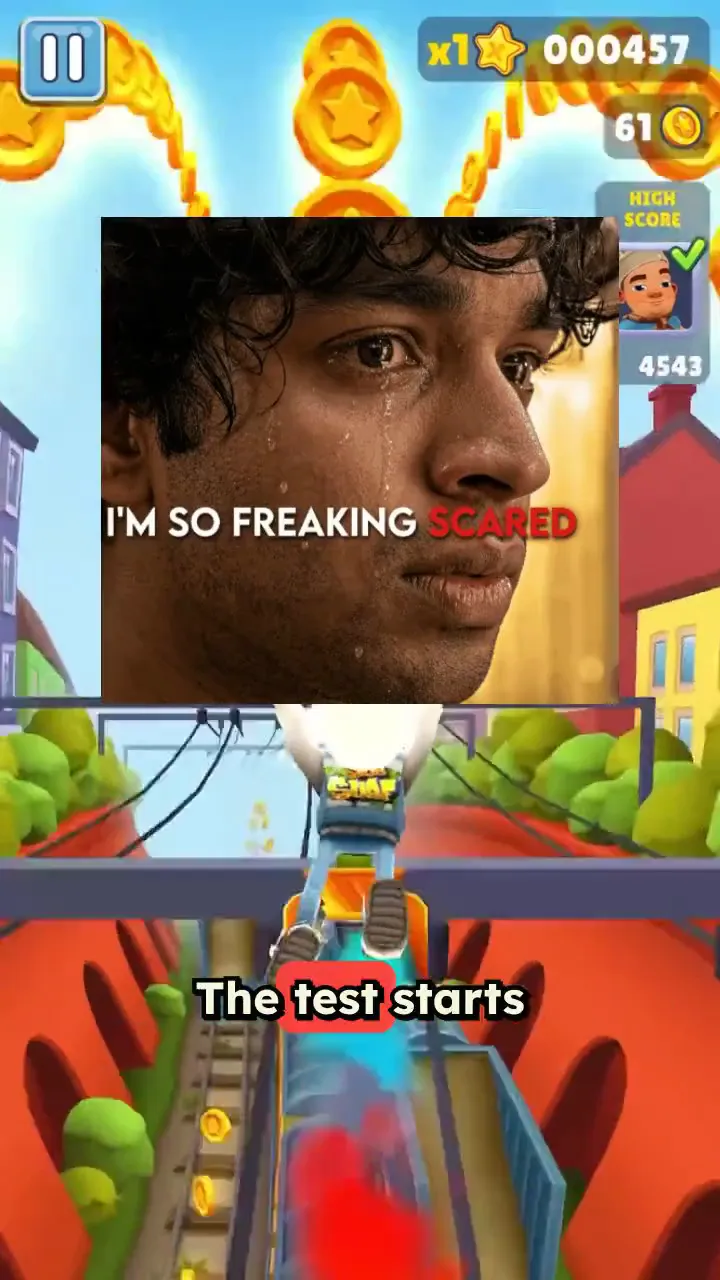
Trusted by 14,000+ creators worldwide

PDF to Brainrot Video Generator

Transform boring PDFs into engaging TikTok-style videos with PDF to Brainrot with trending backgrounds like Subway Surfers & Minecraft Parkour.

  • Upload your source media
  • AI voiceover
  • Auto-selects visuals
  • Captions and sound-ready

Turn Any PDF into a Brainrot Video in 4 Simple Steps

1 Upload Your PDF

Start by uploading the PDF you want to convert into a brainrot video. Revid AI works best with PDFs that contain selectable, parsable text such as study notes, lecture slides, research papers, articles, reports, whitepapers, and eBooks.

2 Let AI Extract the Key Ideas

Our PDF to Brainrot AI reads your document, identifies the most important points, and turns the content into a short-form video script designed for TikTok, Instagram Reels, and YouTube Shorts. Instead of manually summarizing pages of text, the tool automatically transforms your PDF into punchy, watchable narration.

3 Choose a Brainrot Background and Voice

Pick the brainrot style you want, including popular options like Subway Surfers gameplay, Minecraft Parkour, and other split-screen background videos. Then choose an AI voice for the narration. Revid combines your PDF content, voiceover, captions, and background video into a fast-paced vertical video.

4 Generate, Edit, and Share

Click generate and Revid will create your PDF to brainrot video in minutes. Once the video is ready, you can preview it, edit captions, adjust timing, refine the visuals, and download your finished brainrot video to post on TikTok, Instagram Reels, YouTube Shorts, or any other social platform.

01

The #1 PDF to Brainrot Video Generator

Revid is the fastest way to turn any PDF into a brainrot video complete with Subway Surfers gameplay, Minecraft parkour, or any split-screen background that keeps viewers glued to the screen. Just upload your PDF, pick your brainrot style, and our AI converts your document into a fully produced short-form video in seconds. No editing skills, no software, no stress.

02

How PDF to Brainrot Actually Works

Revid's AI reads your PDF, extracts the key information, and transforms it into a voiceover-driven brainrot video optimized for TikTok, Instagram Reels, and YouTube Shorts. The result is content that feels native to the platform fast-paced, visually stimulating, and surprisingly effective at making dense material actually watchable. It's the same format blowing up across social media, now available for any document you upload.

03

Turn Your Study Notes, Lectures, and Articles into Brainrot

Whether you're a student trying to survive exam season or a creator repurposing long-form content, Revid's free PDF to brainrot converter makes it effortless. Upload lecture slides, research papers, or any PDF and watch our AI turn it into the kind of video you'd actually stop scrolling for. No watermarks, no complicated settings just upload and generate.

04

PDF to Subway Surfers, Minecraft Parkour, and More

Revid supports all the brainrot formats your audience already loves. Pair your PDF content with Subway Surfers, Minecraft parkour, or other split-screen gameplay styles and let the AI handle the rest. It's the easiest way to create study brainrot videos, viral explainers, or just turn your boring notes into something worth watching.

Example Videos

See What You Can Create with PDF to Brainrot

Explore different styles and possibilities with our PDF to Brainrot

Turn Study Notes into Viral Brainrot

Upload your lecture slides or study guides and let the AI transform them into Subway Surfers-style brainrot videos. Perfect for students who want to actually remember what they studied.
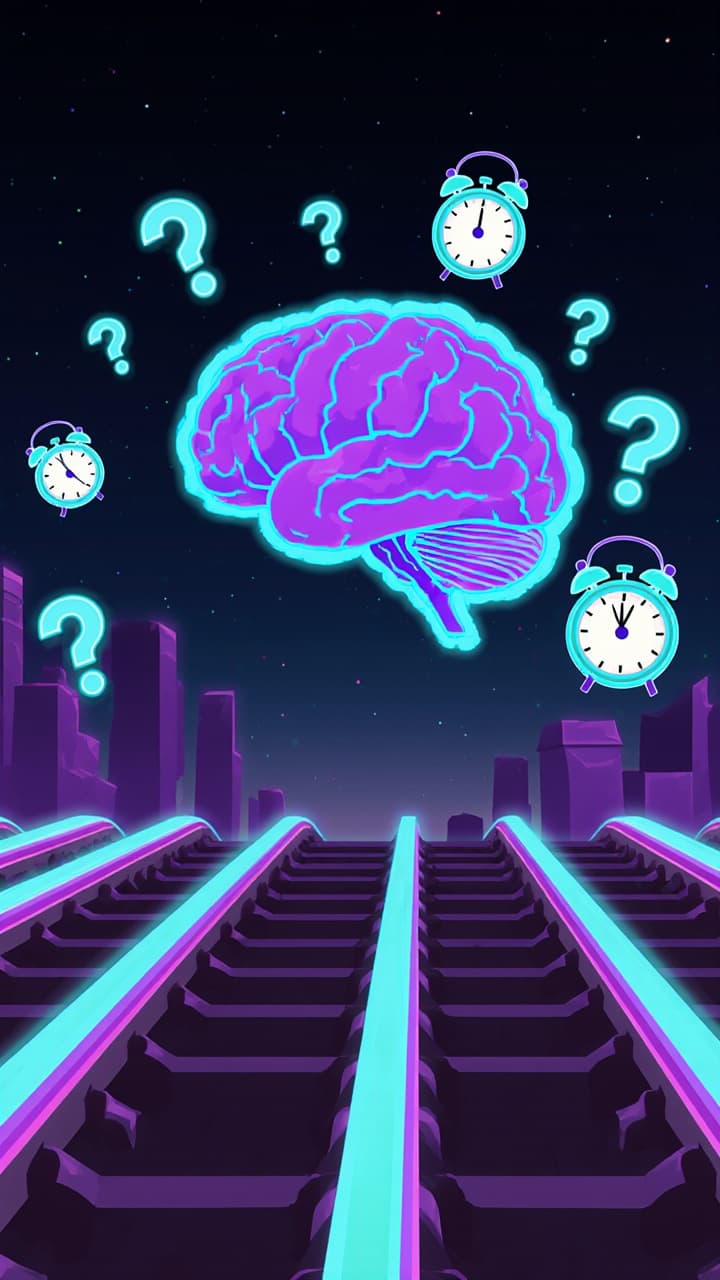
  • AI extracts key points from any PDF automatically
  • Subway Surfers background keeps viewers hooked
  • AI voiceover reads your content naturally
  • Ready to post on TikTok in seconds
Turn Study Notes into Viral Brainrot

Research Papers, Brainrot-ified

Dense research papers and long articles become fast-paced, scroll-stopping short videos. Share complex ideas in a format your audience will actually watch to the end.

  • Condenses long documents into punchy video scripts
  • Minecraft Parkour and other trending backgrounds included
  • Auto-generated captions for maximum reach
  • No editing skills or software required
Research Papers, Brainrot-ified

Repurpose Any Document into Content

Business reports, whitepapers, eBooks — any PDF can become a viral short-form video. Let the AI do the heavy lifting while you grow your audience with zero extra effort.

  • Works with any PDF type: reports, books, articles
  • Split-screen brainrot format proven to retain viewers
  • Multiple background styles to choose from
  • Download and share instantly, no watermark
Repurpose Any Document into Content
FAQs

Frequently Asked Questions

What is the PDF to Brainrot Video Generator?
The PDF to Brainrot Video Generator is an AI tool that turns any PDF into a short-form brainrot video. Upload a document, and Revid AI extracts the key ideas, creates a voiceover script, adds captions, and pairs it with trending brainrot backgrounds like Subway Surfers or Minecraft Parkour. It is designed to make boring PDFs easier to watch, study, share, and repurpose for TikTok, Instagram Reels, and YouTube Shorts.
How does the PDF to Brainrot tool work?
Revid's PDF to Brainrot tool reads the text inside your PDF, summarizes or restructures the content into a short video script, generates an AI voiceover, adds animated captions, and places everything over a vertical brainrot-style background video. The goal is to transform dense documents into fast-paced, attention-grabbing videos that feel native to TikTok, Reels, and Shorts.
What types of PDFs can I turn into brainrot videos?
You can use the PDF to Brainrot generator with many types of documents, including lecture notes, study guides, class slides, research papers, business reports, articles, whitepapers, eBooks, manuals, essays, and educational PDFs. For the best results, upload PDFs with selectable text rather than scanned images, because parsable text helps the AI understand and convert your PDF more accurately.
Can I convert study notes into brainrot videos?
Yes. The PDF to Brainrot tool is especially useful for students who want to turn study notes, lecture slides, exam summaries, or textbook excerpts into brainrot videos. Revid can convert your PDF into a voiceover-driven video with Subway Surfers, Minecraft Parkour, or another engaging background, making study material feel more watchable and easier to review.
Can I make a PDF to Subway Surfers video?
Yes. Revid lets you create a PDF to Subway Surfers video by pairing your PDF content with a Subway Surfers-style background. This is one of the most popular brainrot formats because the gameplay keeps visual attention while the AI voiceover explains the key points from your document.
Can I make a PDF to Minecraft Parkour video?
Yes. You can use the PDF to Brainrot generator to create Minecraft Parkour-style videos from your PDF. Upload your document, choose a Minecraft Parkour or similar gameplay background, and Revid will generate a vertical short video with voiceover, captions, and your PDF content summarized into a brainrot format.
Is this tool good for TikTok, Instagram Reels, and YouTube Shorts?
Yes. Every PDF to brainrot video is created in a vertical 9:16 format, which is ideal for TikTok, Instagram Reels, YouTube Shorts, Snapchat Spotlight, and other mobile-first platforms. The pacing, captions, AI voiceover, and gameplay-style background are designed to match the short-form video style that performs well on social media.
Do I need video editing skills to use the PDF to Brainrot generator?
No. Revid's PDF to Brainrot tool is built for speed and simplicity. You do not need editing software, design experience, or any video production skills. Just upload your PDF, choose your settings, and let the AI generate a complete brainrot video with background gameplay, narration, captions, and formatting.
Does the tool summarize the PDF automatically?
Yes. The PDF to Brainrot AI can automatically extract the most important information from your PDF and turn it into a concise video script. This is useful for long documents, research papers, lecture notes, reports, and articles that would be too dense to read directly in a short video.
Can I edit the PDF to brainrot video after it is generated?
Yes. After Revid generates your PDF to brainrot video, you can use the built-in editor to make adjustments. You can edit captions, change timing, refine the voiceover, adjust visuals, modify scenes, and polish the video before downloading or posting it.
What makes a good PDF for a brainrot video?
The best PDFs for a PDF to Brainrot video contain clear, readable, selectable text. Study notes, outlines, lecture slides, structured articles, and summaries usually work very well. Scanned documents or image-only PDFs may be harder for the AI to read unless the text can be extracted. For best results, use a PDF with clean formatting and focused content.
Can I use PDF to Brainrot for research papers and academic content?
Yes. PDF to Brainrot is a great way to repurpose research papers, academic articles, essays, and technical documents into short, easier-to-watch videos. Revid can condense complex ideas into a more digestible format with AI narration, captions, and a brainrot background that helps hold viewer attention.
Can creators use this to repurpose PDFs into social media content?
Absolutely. Creators, educators, marketers, students, and business owners can use the PDF to Brainrot generator to turn PDFs into short-form videos. You can repurpose reports, lead magnets, newsletters, guides, blog posts saved as PDFs, eBooks, or educational materials into TikTok videos, Reels, and Shorts.
Can I choose the AI voice for my PDF to brainrot video?
Yes. Revid supports AI voice generation, so your PDF content can be narrated automatically. You can choose a voice that matches your video style, whether you want the final PDF to brainrot video to sound educational, energetic, casual, dramatic, or creator-friendly.
Are captions included in the generated brainrot video?
Yes. Revid automatically adds captions to your PDF to brainrot video. Captions are important for TikTok, Reels, and Shorts because many viewers watch without sound, and fast-moving subtitles help keep attention on the content.
How long does it take to convert a PDF to a brainrot video?
Most PDF to brainrot videos are generated in just a few minutes, depending on the length of the PDF and the selected settings. Short study notes or simple documents are usually processed quickly, while longer PDFs may take slightly more time because the AI needs to extract, summarize, narrate, and render the video.
Can I upload long PDFs?
Yes, you can upload longer PDFs, but the AI will usually condense the document into the most important points for a short-form video. For the best PDF to Brainrot results, use a focused section, chapter, summary, or excerpt if you want the video to cover a specific topic clearly.
Does the PDF to Brainrot tool create vertical videos?
Yes. The PDF to Brainrot generator creates videos in a 9:16 vertical format by default. This format is optimized for TikTok, Instagram Reels, and YouTube Shorts, making it easy to upload your generated video directly to social platforms.
Can I use the videos for commercial or educational purposes?
Yes. You can use videos created with the PDF to Brainrot tool for educational content, social media posts, marketing, audience growth, course promotion, study content, and other commercial or non-commercial uses. Just make sure you have the rights to use the PDF content and any custom assets you upload.
What if my PDF does not generate correctly?
If your PDF to brainrot video does not generate correctly, check whether the PDF contains selectable text. Image-only scans, handwritten notes, or heavily formatted documents may be harder to parse. Try uploading a cleaner PDF, using a shorter section, or copying the text into a text-based tool if needed. You can also contact Revid support for help.
Is PDF to Brainrot free to try?
Revid offers ways to try AI video tools with available credits depending on your account and plan. The exact number of videos you can generate depends on your credit balance, video length, and selected options. You can start with the available credits on your account and upgrade if you want to create more PDF to brainrot videos.
Why should I use Revid instead of editing a brainrot video manually?
Manually creating a PDF to brainrot video usually requires reading the document, writing a script, recording voiceover, finding gameplay footage, editing captions, formatting the video, and exporting it for social media. Revid automates the entire workflow, so you can turn a PDF into a brainrot video much faster without using complex editing software.
View Complete Help Center

Find detailed answers to 100+ questions about features, tools, and workflows

or check our markdown version optimized for LLMs

Tools

Free AI Video Tools

Choose your tool, add your content, and create a video in seconds. Then customize it to your liking.

AI TikTok Video Generator

Turn text into trendy, viral TikTok videos in a snap

Try it out

Prompt to Video

Turn your prompts into engaging videos with AI assistance

Try it out

Add Caption to Video

Generate subtitles in 100+ languages with AI captions

Try it out

PDF to Brainrot

Convert PDFs into attention-grabbing, scrollable videos

Try it out

Text to Brainrot

Turn your text into trendy, scrollable content with dynamic visuals

Try it out

AI Talking Avatar

Create lifelike talking avatars from text in seconds

Try it out

Video Podcast Generator

Transform your podcasts into visually engaging video content

Try it out

AI Movie Maker

Create studio-quality videos from text, no filming required

Try it out

Audio to Video

Make engaging videos from your podcasts, interviews, or any audio content

Try it out

Animated Lyrics Video Generator

Turn any song into an animated lyric video with synced text and visuals.

Try it out

AI Music Video Generator

Transform your music into cinematic music videos.

Try it out

AI Lyrics Video Generator

Transform your lyrics into a complete music video with AI

Try it out
See all tools
How it works

Four simple steps to create and share your video

1
Step 1

Find your next viral idea

Lacking inspiration? Our AI spots trends and helps you adapt them for your own videos, hassle-free.

  • Identify the best performing formats
  • Get inspired by top creators
  • Turn your ideas into captivating videos
Find your next viral idea
2
Step 2

Storytelling designed to captivate

Revid.ai analyzes viral videos and uses those same codes to write your scripts.

  • Write your script or just give the topic to our AI
  • The AI will suggest relevant content to inspire you
  • Paste a link, our AI analyzes it and turns it into a video
Storytelling designed to captivate
3
Step 3

Videos you will love

Create professional videos, share them with one click, and grow your audience.

  • Watch your texts turn into professional videos
  • Automate video creation from your content
Videos you will love
4
Step 4

Publish on TikTok, YouTube, Instagram and more

Reach a wider audience by sharing your videos across all your networks.

Publish on TikTok, YouTube, Instagram and more
revid.ai logo

The fastest way to create captivating videos.