Trusted by 14,000+ creators worldwide

AI Valentine Video Generator

Generate romantic AI Valentine videos instantly! Turn any text prompt into heartfelt video messages with our AI Valentine video generator. Create personalized love letters, romantic surprises, and shareable content for your loved one in minutes.

  • Start from text in seconds
  • AI voiceover
  • Auto-selects visuals
  • Captions and sound-ready
Video Format
3,986 people used this tool in the last 24h
Start for free.(no credit card required)

or explore our 42+ other tools to create the exact video you want

Explore our tools

Create a Romantic AI Valentine Video in 4 Simple Steps

1 Write Your Valentine Message

Start by entering a romantic prompt, love note, poem, or Valentine's Day message. The AI Valentine Video Generator turns your text into a heartfelt short video with an emotional story arc, making it perfect for a partner, crush, spouse, fiancé, or someone special.

2 Choose the Voice, Music, and Mood

Select an AI voice for the voiceover or use your own narration for a more personal touch. Add romantic background music, such as soft piano or warm love-themed audio, to make your AI Valentine's Day video feel intimate, sincere, and memorable.

3 Pick Romantic Visuals

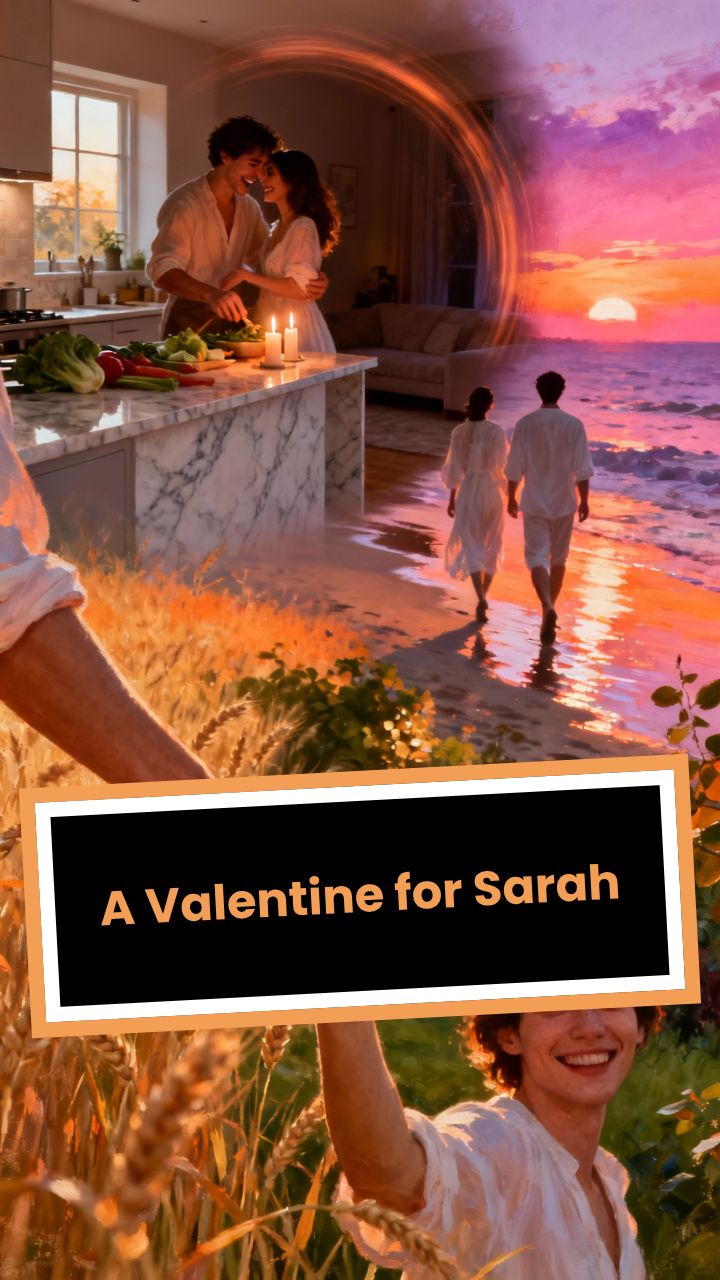
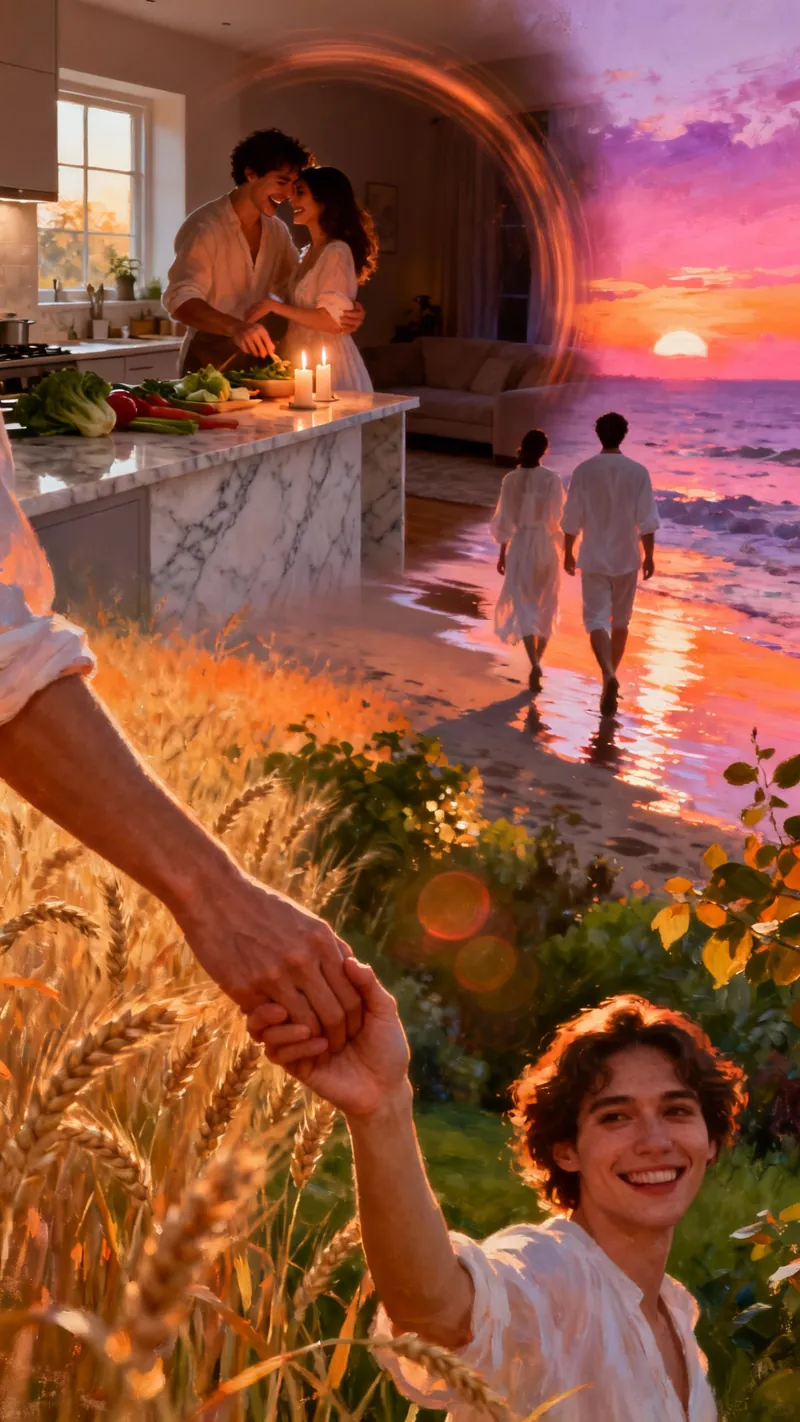
Choose the media style for your Valentine video: AI video, moving AI images, motion graphics, stock videos, your own uploaded media, or static attention-grabbing backgrounds. Revid AI creates warm, romantic scenes with elements like couples, hearts, flowers, sunsets, candles, cozy moments, and soft lighting.

4 Generate, Edit, and Share

Click generate and let the AI Valentine Video Generator create your romantic video in minutes. After generation, use the built-in editor to adjust captions, visuals, timing, music, and voiceover before downloading and sharing your Valentine video on TikTok, Instagram Reels, YouTube Shorts, WhatsApp, or directly with your loved one.

FAQs

Frequently Asked Questions

What is the AI Valentine Video Generator?
The AI Valentine Video Generator is an online tool that turns simple text prompts into romantic Valentine's Day videos. You can write a love letter, romantic message, poem, proposal note, anniversary-style message, or sweet surprise, and Revid AI transforms it into a shareable video with voiceover, music, captions, and romantic visuals.
How do I create a Valentine's Day video with AI?
To create a Valentine's Day video with AI, enter your message or prompt into the AI Valentine Video Generator, choose a voice, select romantic music, pick a visual style, and click generate. In a few minutes, you will get a personalized Valentine video that you can edit, download, and share with your loved one.
Can I use the AI Valentine Video Generator for free?
Yes, you can start creating with the AI Valentine Video Generator for free with available credits on your account. Some advanced options, longer videos, premium media styles, or higher-generation settings may require additional credits or a paid plan. You will see the estimated credit usage before generating your Valentine video.
What kind of Valentine videos can I make?
You can create many types of romantic videos with the AI Valentine Video Generator, including love message videos, Valentine's Day greetings, romantic surprises, digital love letters, proposal videos, anniversary-style clips, couple story videos, apology videos, crush confession videos, and short romantic videos for TikTok, Instagram, YouTube Shorts, or WhatsApp.
Do I need video editing skills to use this Valentine video maker?
No. The AI Valentine Video Generator is built to be simple, even if you have no editing experience. You only need to type your message, choose a few options, and generate. Revid AI automatically creates the voiceover, captions, visuals, transitions, and music so you can make a polished romantic video quickly.
Can I make a personalized Valentine video for my boyfriend, girlfriend, husband, or wife?
Absolutely. The AI Valentine Video Generator is ideal for creating personalized Valentine videos for your boyfriend, girlfriend, husband, wife, fiancé, fiancée, partner, or crush. For the best result, include personal details such as their name, memories you share, inside jokes, important dates, or specific reasons why you love them.
Can I use my own voice in the Valentine video?
Yes. You can use an AI voice or record your own voiceover to make the Valentine video feel even more personal. A real voice can make the message more emotional, while an AI voice is useful if you want a polished narration. The AI Valentine Video Generator supports both options depending on how you want your romantic video to sound.
What media styles are available for Valentine videos?
The AI Valentine Video Generator supports several visual styles, including AI video, moving AI images, motion graphics, stock videos, your own uploaded media, and static or gameplay-style backgrounds. For romantic Valentine's Day videos, moving AI images, AI video, and warm stock footage often work especially well because they create a cinematic love-story feeling.
Can I upload my own photos or videos?
Yes. You can choose the custom media option to use your own uploaded photos or videos. This is perfect for making a personalized Valentine video with couple photos, memories, travel clips, wedding footage, engagement pictures, or special moments. Revid AI can select the best uploaded media to match your romantic message.
Can I create a Valentine video for TikTok, Instagram Reels, YouTube Shorts, or WhatsApp?
Yes. The AI Valentine Video Generator creates vertical short videos in a format that works well for TikTok, Instagram Reels, YouTube Shorts, and WhatsApp Status. You can also download the video and send it privately as a romantic Valentine's Day message.
How do I write a good prompt for the AI Valentine Video Generator?
A strong prompt for the AI Valentine Video Generator should include who the video is for, the emotion you want to express, and a few personal details. For example, you can write: "Create a heartfelt Valentine's Day video for my girlfriend Emma, thanking her for being my safe place and remembering our first trip to Paris." The more specific your prompt is, the more personal and meaningful the Valentine video will feel.
Can the AI write the romantic message for me?
Yes. If you do not know what to say, you can give the AI Valentine Video Generator a short idea and let it shape the message into a romantic script. For example, you can ask it to create a sweet, emotional, funny, poetic, or cinematic Valentine's Day message based on your relationship.
Will my Valentine video sound cheesy or generic?
The AI Valentine Video Generator is designed to create warm, sincere, and emotional videos rather than generic or overly cheesy content. For the most authentic result, add personal details, real memories, and specific compliments. This helps the AI create a Valentine video that feels intimate and truly made for the recipient.
Can I add romantic music to my Valentine's Day video?
Yes. You can choose romantic background music, including soft love-themed tracks, piano music, and warm cinematic sounds. The default audio style is romantic and emotional, but you can adjust the music to match the mood of your AI Valentine's Day video.
Can I edit the Valentine video after it is generated?
Yes. After the AI Valentine Video Generator creates your video, you can use Revid AI's built-in editor to refine it. You can adjust captions, change visuals, trim scenes, edit timing, modify the voiceover, replace music, and polish the final video before downloading or sharing it.
How long does it take to generate an AI Valentine video?
Most AI Valentine videos are generated in just a few minutes. The exact time depends on the length of your script, the selected media type, and the complexity of the visuals. Short romantic messages usually generate quickly, making the AI Valentine Video Generator useful for last-minute Valentine's Day surprises.
Is the AI Valentine Video Generator only for Valentine's Day?
No. Although the AI Valentine Video Generator is optimized for Valentine's Day videos, you can also use it for anniversaries, romantic birthdays, wedding messages, engagement surprises, apology videos, long-distance relationship messages, date-night invitations, or any romantic short video.
Can I use the generated Valentine video commercially?
Yes, you can use videos created with Revid AI for many commercial and promotional purposes, such as social media campaigns, Valentine's Day ads, brand content, creator posts, or romantic product promotions. Make sure any uploaded media, music, or personal assets you add are properly licensed and follow Revid AI's terms of service.
What makes Revid AI a good Valentine video maker?
Revid AI combines prompt-to-video generation, AI voiceovers, romantic music, captions, multiple media styles, and an easy editor in one workflow. The AI Valentine Video Generator is built for short social videos, so it helps you create romantic, polished, vertical videos quickly for TikTok, Instagram Reels, YouTube Shorts, WhatsApp, and private sharing.
How can I get help with the AI Valentine Video Generator?
If you have questions about using the AI Valentine Video Generator or need help creating your Valentine's Day video, you can contact the Revid AI support team at hello@revid.ai. The team can help with generation settings, editing, credits, uploads, and any issues you experience while making your romantic video.
View Complete Help Center

Find detailed answers to 100+ questions about features, tools, and workflows

or check our markdown version optimized for LLMs

Tools

Free AI Video Tools

Choose your tool, add your content, and create a video in seconds. Then customize it to your liking.

AI TikTok Video Generator

Turn text into trendy, viral TikTok videos in a snap

Try it out

Prompt to Video

Turn your prompts into engaging videos with AI assistance

Try it out

Add Caption to Video

Generate subtitles in 100+ languages with AI captions

Try it out

PDF to Brainrot

Convert PDFs into attention-grabbing, scrollable videos

Try it out

Text to Brainrot

Turn your text into trendy, scrollable content with dynamic visuals

Try it out

AI Talking Avatar

Create lifelike talking avatars from text in seconds

Try it out

Video Podcast Generator

Transform your podcasts into visually engaging video content

Try it out

AI Movie Maker

Create studio-quality videos from text, no filming required

Try it out

Audio to Video

Make engaging videos from your podcasts, interviews, or any audio content

Try it out

Animated Lyrics Video Generator

Turn any song into an animated lyric video with synced text and visuals.

Try it out

AI Music Video Generator

Transform your music into cinematic music videos.

Try it out

AI Lyrics Video Generator

Transform your lyrics into a complete music video with AI

Try it out
See all tools
How it works

Four simple steps to create and share your video

1
Step 1

Find your next viral idea

Lacking inspiration? Our AI spots trends and helps you adapt them for your own videos, hassle-free.

  • Identify the best performing formats
  • Get inspired by top creators
  • Turn your ideas into captivating videos
Find your next viral idea
2
Step 2

Storytelling designed to captivate

Revid.ai analyzes viral videos and uses those same codes to write your scripts.

  • Write your script or just give the topic to our AI
  • The AI will suggest relevant content to inspire you
  • Paste a link, our AI analyzes it and turns it into a video
Storytelling designed to captivate
3
Step 3

Videos you will love

Create professional videos, share them with one click, and grow your audience.

  • Watch your texts turn into professional videos
  • Automate video creation from your content
Videos you will love
4
Step 4

Publish on TikTok, YouTube, Instagram and more

Reach a wider audience by sharing your videos across all your networks.

Publish on TikTok, YouTube, Instagram and more
revid.ai logo

The fastest way to create captivating videos.