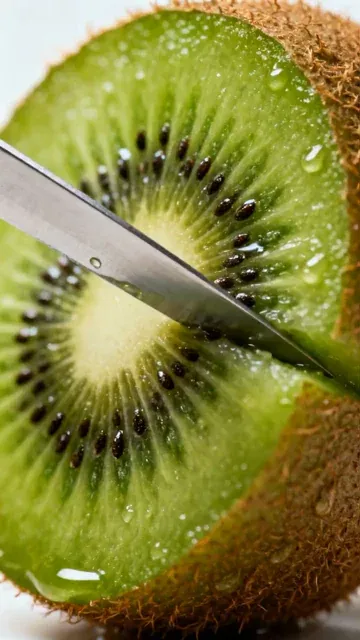
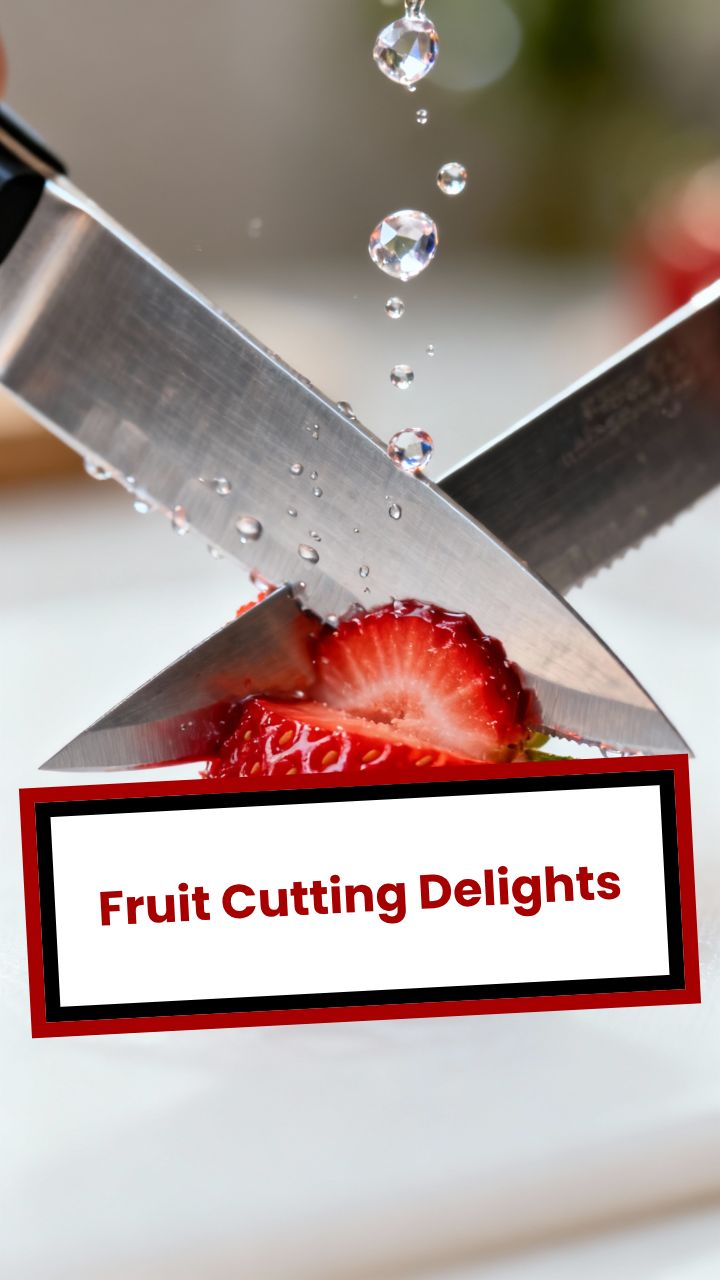
Trusted by 14,000+ creators worldwide

Veo3 AI Video Generator

Generate ASMR videos, street interviews, product showcases, cooking demos, and cinematic content with Google's Veo3 AI model. Transform text prompts into realistic, high-quality videos perfect for TikTok, YouTube, and Instagram creators.

  • Start from text in seconds
  • Auto-selects visuals
  • Captions and sound-ready

Create Realistic Veo3 AI Videos in 4 Simple Steps

1 Write Your Veo3 Video Prompt

Start by describing the video you want to create with the Veo3 Video Generator. Enter a detailed text prompt for an ASMR video, street interview, cinematic scene, product showcase, cooking demo, or any short-form video idea. For best results, include the setting, subject, camera angle, lighting, action, mood, and audio details you want Veo3 to generate.

2 Choose Your Video Format

Select the aspect ratio that fits your publishing goal: 9:16 for TikTok, Instagram Reels, and YouTube Shorts, or 16:9 for YouTube, websites, and horizontal video. Revid uses Google's Veo3 AI video model to generate realistic footage from your text prompt, including natural motion and synchronized environmental audio.

3 Add Music, Captions, and Creative Direction

Customize your Veo3 AI video with background music, captions, and creator-friendly finishing options inside Revid. You can keep the native Veo3 audio for realistic ASMR, street ambience, product sounds, or cinematic atmosphere, then add optional music or text overlays to make the video more engaging for social media.

4 Generate, Edit, and Export

Click "Generate" and let the Veo3 Video Generator turn your prompt into a realistic AI video. Once the result is ready, use Revid's built-in editing tools to refine the clip, adjust captions, add final touches, then download or publish your video for TikTok, YouTube Shorts, Instagram Reels, or any other platform.

01

What Google Veo3 Generates That Other AI Video Models Cannot

Veo3 is the first publicly available AI video model that generates synchronized audio natively as part of the video, meaning ambient sounds, foley effects, and environmental audio are created alongside the footage rather than added in post-production. It also produces significantly more realistic human motion and interaction compared to earlier AI video models. For content categories like ASMR, street interviews, and product showcases, this audio-visual realism is what makes the output feel like real footage rather than an obvious AI generation.

02

ASMR, Street Interviews, and Cinematic Scenes from One Tool

Veo3's strengths align directly with three of the most popular content formats on TikTok and YouTube Shorts. For ASMR content, the model produces close-up textures with authentic foley sounds. For street interviews, it generates realistic human figures in natural environments with documentary-style camera movement. For cinematic content, it delivers depth of field, lighting, and scene composition that match what you would expect from professional production equipment. All three use the same text prompt input in Revid. For a dedicated street interview workflow, the street interview video generator offers additional scene templates.

03

How to Get the Best Results from Veo3 Video Generation

Veo3 responds well to detailed, descriptive prompts that specify the physical environment, lighting conditions, camera angle, subject behavior, and any audio elements you want present. Vague prompts produce generic output. Specific prompts produce footage that matches your vision closely. Describe the setting as if directing a camera operator. Include sound cues in your description when audio texture matters, such as the specific type of material being touched for ASMR or the ambient noise level for a street scene. The tool supports both 9:16 and 16:9 aspect ratios.

Target Audience

Who is this tool for?

ASMR and satisfying content creators

Generate macro close-up videos with authentic foley sounds without owning specialized camera equipment, allowing you to post ASMR content consistently at scale.

Social media storytellers

Create street interview style content and first-person documentary clips that feel authentic without organizing any actual filming or locations.

Brand and product video teams

Produce high-quality cinematic product showcase videos with realistic lighting and camera motion using text descriptions alone, cutting studio costs significantly.

Video producers and directors

Use Veo3 to prototype scenes and visual concepts before committing to a real production, getting a photorealistic preview of how a shot will look and sound.

Comparison

Why Choose Revid for Veo3 Video Generation?

Accessing Veo3 directly requires API setup and technical knowledge. Revid wraps Veo3 in a creator-friendly interface with content templates, audio options, and direct social publishing.

Setup
Revid Veo3 GeneratorStart generating immediately with no API keys or technical configuration
Direct AI API AccessRequires API access, prompt engineering knowledge, and technical setup
Audio generation
Revid Veo3 GeneratorVeo3's native synchronized audio included in every video
Direct AI API AccessAudio output requires additional configuration and post-processing
Content templates
Revid Veo3 GeneratorPreset workflows for ASMR, interviews, and cinematic content
Direct AI API AccessAll prompts must be written from scratch with no structural guidance
Output formatting
Revid Veo3 GeneratorDirect export in 9:16 and 16:9 for TikTok, Reels, and YouTube
Direct AI API AccessRaw output requires additional formatting and compression
Music and captions
Revid Veo3 GeneratorAdd background music and captions inside the same tool
Direct AI API AccessRequires separate software for post-processing and finishing
Publishing
Revid Veo3 GeneratorPublish or download directly from the platform after generation
Direct AI API AccessManage files and distribution through separate workflows
FAQs

Frequently Asked Questions

What is the Veo3 AI Video Generator?
The Veo3 AI Video Generator is a text-to-video tool that uses Google's Veo3 AI video model to create realistic, cinematic videos from written prompts. Instead of filming with a camera, you describe the scene you want, such as an ASMR slime video, a street interview, a product showcase, or a cinematic shot, and Revid generates a high-quality AI video for social media.
How does the Google Veo3 Video Generator work in Revid?
Revid's Google Veo3 Video Generator turns your text prompt into AI-generated video footage. You write what should happen in the scene, choose your video format, and generate the clip. Veo3 is especially powerful because it can create realistic visuals and native synchronized audio together, meaning ambient sounds, foley effects, and environmental audio can match the video instead of being added separately.
What can I create with the Veo3 Video Generator?
You can use the Veo3 Video Generator to create ASMR videos, satisfying content, cinematic product videos, street interview clips, food and cooking demos, POV scenes, social media ads, storytelling videos, and realistic short-form content. The Veo3 AI Video Generator is designed for creators who want polished videos for TikTok, YouTube Shorts, Instagram Reels, YouTube, and other platforms without organizing a physical shoot.
Is this Veo3 AI Video Generator good for ASMR videos?
Yes. The Veo3 AI Video Generator is a strong option for AI ASMR video creation because Veo3 can generate close-up visuals and synchronized sound textures in the same video. For example, you can prompt hands cutting kinetic sand, mixing slime, pouring coffee, chopping vegetables, brushing fabric, or tapping glass, and describe the exact sound and texture you want in the scene.
Can I create street interview videos with Veo3?
Yes. Revid's Veo3 Video Generator can create street interview style videos by generating realistic people, outdoor environments, documentary-style camera movement, and natural ambient audio. To get better results, describe the location, the interviewer, the person being interviewed, the camera framing, the mood, and the type of real-world background noise you want.
How do I write a good prompt for the Veo3 Video Generator?
A strong prompt for the Veo3 Video Generator should be specific and visual. Describe the subject, location, lighting, camera angle, movement, action, style, and sound. For example: "Vertical cinematic close-up ASMR video of hands slowly slicing glossy kinetic sand on a wooden table, soft studio lighting, shallow depth of field, crisp cutting sounds, relaxing ambient mood." Detailed prompts usually produce better Veo3 AI video results than short or vague prompts.
What are some Veo3 prompt examples I can use?
Here are a few Veo3 Video Generator prompt examples: "A street interviewer asks people in New York what their favorite comfort food is, handheld camera, natural daylight, city ambience." "Macro ASMR shot of colorful slime being stretched and folded, glossy texture, soft background, satisfying squishy sounds." "Cinematic product showcase of a luxury smartwatch rotating on a black reflective surface, dramatic lighting, slow camera push-in, premium commercial style."
Does Veo3 generate audio with the video?
Yes. One of the biggest advantages of the Veo3 AI Video Generator is that Veo3 can generate synchronized audio natively with the video. This makes it useful for ASMR content, realistic street scenes, product demos, and cinematic clips where sound matters. Revid also lets you add background music and captions to finish the video for social platforms.
Do I need to record a voiceover for Veo3 videos?
No. This Veo3 Video Generator does not require you to record a voiceover to create a video. You can generate realistic AI video directly from a text prompt. Depending on your creative direction, the output can focus on native scene audio, ambience, foley sounds, background music, captions, or visual storytelling.
What aspect ratios does the Veo3 AI Video Generator support?
Revid's Veo3 AI Video Generator supports 9:16 vertical video and 16:9 horizontal video. Use 9:16 when creating videos for TikTok, Instagram Reels, YouTube Shorts, Snapchat, and mobile-first platforms. Use 16:9 when creating cinematic videos for YouTube, websites, presentations, ads, or horizontal social media posts.
Can I use the Veo3 Video Generator for TikTok, YouTube Shorts, and Instagram Reels?
Yes. The Veo3 Video Generator is built for short-form social video creation. You can create vertical 9:16 AI videos for TikTok, YouTube Shorts, and Instagram Reels, then use Revid's editor to add captions, music, and finishing touches before downloading or publishing. This makes it easy to turn a text idea into a ready-to-post Veo3 AI video.
Is the Veo3 AI Video Generator realistic?
Veo3 is known for producing realistic AI video with natural motion, cinematic lighting, believable environments, and synchronized audio. The final realism depends heavily on your prompt. A detailed Veo3 prompt that explains the scene, sound, camera style, and subject behavior will usually create a more convincing result than a generic prompt.
Can I make cinematic product videos with Veo3?
Yes. The Veo3 AI Video Generator is useful for cinematic product videos, product showcases, launch teasers, ecommerce clips, and social ads. Describe the product, background, lighting, camera motion, reflections, mood, and sound design. For example, you can generate a premium perfume bottle on a marble surface, a sneaker commercial in an urban setting, or a tech product rotating under studio lights.
Can I edit the Veo3 video after it is generated?
Yes. After your Veo3 AI video is generated, you can refine it inside Revid's built-in editor. You can add or adjust captions, include background music, trim the video, change text overlays, and prepare the final export for the platform where you want to publish. Revid gives you a creator-friendly workflow beyond basic Veo3 generation.
How long does it take to generate a Veo3 AI video?
Generation time can vary depending on the video model, prompt complexity, platform load, and selected settings. In most cases, the Veo3 Video Generator is designed to produce short AI videos in minutes. Once your video is ready, you can edit, download, or publish it from Revid.
How much does the Veo3 Video Generator cost?
The cost of using the Veo3 Video Generator depends on your Revid plan, available credits, and the generation settings you choose. Veo3 AI video generation is a premium AI video workflow because it creates high-quality realistic video and synchronized audio. Before generating, Revid shows the relevant usage details so you know what to expect.
Can I use Veo3 videos for commercial purposes?
Yes, you can use videos created with Revid's Veo3 AI Video Generator for many commercial purposes, including social media marketing, product videos, ads, brand content, and monetized creator content, as long as your use complies with Revid's terms and you have the rights to any custom assets you add, such as logos, music, or brand materials.
What makes Revid's Veo3 Video Generator easier than direct API access?
Using Veo3 directly through an API can require technical setup, API keys, prompt engineering knowledge, file handling, formatting, and post-production tools. Revid's Veo3 Video Generator wraps the power of Google Veo3 in a simple creator interface with aspect ratio options, music, captions, editing, export, and social-ready workflows.
What is the difference between Veo3 and other AI video generators?
The main difference is that Veo3 can generate realistic video with native synchronized audio, making it especially valuable for ASMR, street interviews, cinematic scenes, and product videos. Many AI video generators focus mostly on visuals and require separate audio editing. Revid's Veo3 AI Video Generator helps creators produce more complete video clips from a single text prompt.
What should I do if my Veo3 video result is not what I expected?
If your Veo3 video does not match your idea, try making your prompt more specific. Add details about the subject, location, lighting, camera movement, visual style, action, and audio. Instead of writing "make an ASMR video," write exactly what is being touched, cut, poured, tapped, or moved, and describe the sound. Specific prompts help the Veo3 Video Generator create results that are closer to your vision.
Can beginners use the Veo3 AI Video Generator?
Yes. Revid's Veo3 AI Video Generator is built for creators, marketers, founders, agencies, and beginners who want to create high-quality AI videos without learning complex editing software or API workflows. If you can describe the video you want, you can start generating Veo3 videos directly inside Revid.
View Complete Help Center

Find detailed answers to 100+ questions about features, tools, and workflows

or check our markdown version optimized for LLMs

Tools

Free AI Video Tools

Choose your tool, add your content, and create a video in seconds. Then customize it to your liking.

AI TikTok Video Generator

Turn text into trendy, viral TikTok videos in a snap

Try it out

Prompt to Video

Turn your prompts into engaging videos with AI assistance

Try it out

Add Caption to Video

Generate subtitles in 100+ languages with AI captions

Try it out

PDF to Brainrot

Convert PDFs into attention-grabbing, scrollable videos

Try it out

Text to Brainrot

Turn your text into trendy, scrollable content with dynamic visuals

Try it out

AI Talking Avatar

Create lifelike talking avatars from text in seconds

Try it out

Video Podcast Generator

Transform your podcasts into visually engaging video content

Try it out

AI Movie Maker

Create studio-quality videos from text, no filming required

Try it out

Audio to Video

Make engaging videos from your podcasts, interviews, or any audio content

Try it out

Animated Lyrics Video Generator

Turn any song into an animated lyric video with synced text and visuals.

Try it out

AI Music Video Generator

Transform your music into cinematic music videos.

Try it out

AI Lyrics Video Generator

Transform your lyrics into a complete music video with AI

Try it out
See all tools
How it works

Four simple steps to create and share your video

1
Step 1

Find your next viral idea

Lacking inspiration? Our AI spots trends and helps you adapt them for your own videos, hassle-free.

  • Identify the best performing formats
  • Get inspired by top creators
  • Turn your ideas into captivating videos
Find your next viral idea
2
Step 2

Storytelling designed to captivate

Revid.ai analyzes viral videos and uses those same codes to write your scripts.

  • Write your script or just give the topic to our AI
  • The AI will suggest relevant content to inspire you
  • Paste a link, our AI analyzes it and turns it into a video
Storytelling designed to captivate
3
Step 3

Videos you will love

Create professional videos, share them with one click, and grow your audience.

  • Watch your texts turn into professional videos
  • Automate video creation from your content
Videos you will love
4
Step 4

Publish on TikTok, YouTube, Instagram and more

Reach a wider audience by sharing your videos across all your networks.

Publish on TikTok, YouTube, Instagram and more
revid.ai logo

The fastest way to create captivating videos.