Trusted by 14,000+ creators worldwide

YouTube to Instagram AI Converter

YouTube to Instagram AI Converter: Transform long-form YouTube content into short, engaging Instagram reels. No filming needed. Natural voices, dynamic visuals—perfect for expanding your audience across platforms.

Turn any long YouTube video into Shorts with auto-crop, clip selection, and platform-ready formatting.

  • Paste a YouTube URL
  • Extract the best clips
  • Shorts, Reels, TikTok ready
  • Auto-crop for vertical

Convert YouTube to Instagram Reels in 4 Simple Steps

1 Paste Your YouTube URL

Start by pasting the link to the YouTube video you want to repurpose. The YouTube to Instagram converter works with public YouTube videos and is designed to turn long-form content like podcasts, tutorials, interviews, webinars, reviews, and creator videos into short Instagram-ready clips.

2 Tell the AI What to Extract

Choose how many Instagram Reels you want to generate, from 1 to 3 extracts. You can also describe the topic, product, quote, moment, or section you want the AI to find. If you leave it blank, Revid AI will automatically detect the strongest hooks, highlights, and shareable moments from the YouTube video.

3 Optimize the Clip for Instagram

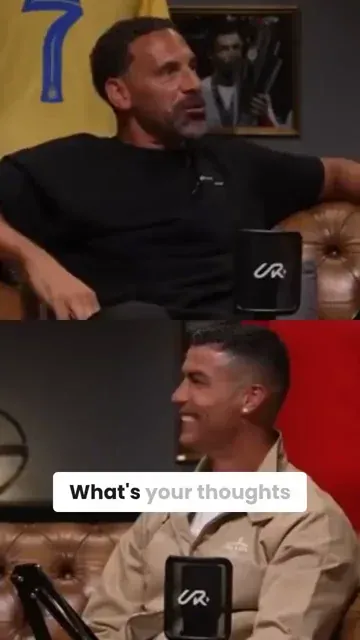
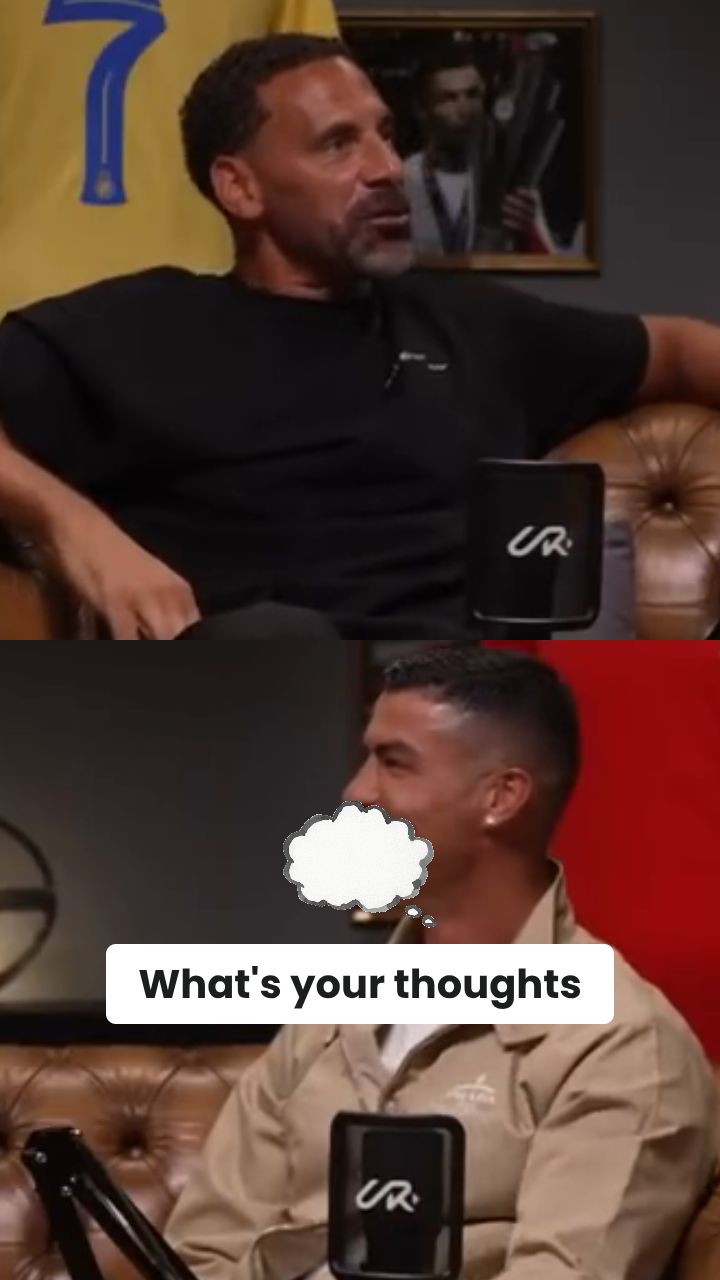
Use auto-reframe to convert the YouTube video into a vertical 9:16 Instagram Reel. Revid AI can automatically crop around speakers, important action, and visual focus points. You can also add B-roll, stickers, captions, and platform-ready formatting so the final video feels native to Instagram Reels.

4 Generate, Edit, and Download

Click generate and let the YouTube to Instagram AI converter create your Reel in minutes. Once the clip is ready, you can open it in the Revid editor to adjust captions, trim timing, change visuals, add overlays, or refine the final result before downloading and posting to Instagram.

01

YouTube Video to Reels Converter That Clips, Crops, and Captions Automatically

Revid's YouTube video to reels converter takes any YouTube URL and produces Instagram-ready vertical content without any manual editing steps. The AI identifies the strongest moments in your video, crops to 9:16, adds captions optimized for Instagram's feed, and exports a finished reel ready to post in minutes. It is not just a format converter — it is a complete repurposing pipeline that turns long YouTube content into short-form Instagram reels engineered to perform.

02

YouTube to Instagram Converter, Free and Online

Converting YouTube content to Instagram format used to mean downloading a file, opening an editor, cropping manually, and adding captions separately. Revid collapses that entire process into a single paste. Drop in your YouTube link, select your clip range or let the AI find the best moments automatically, and download a finished Instagram-ready video with captions included. The free YouTube to Instagram converter runs entirely in your browser with no account required to try it.

03

YouTube to Reels AI, From Any Video to Platform-Ready Content

The difference between a basic converter and Revid's YouTube to reels AI is what happens to the content before it gets exported. Revid analyzes your video for hooks, quotable moments, high-energy segments, and narrative peaks before generating a reel, selecting the clips most likely to drive saves, shares, and follows on Instagram rather than just cutting to a time range you specify. The result is a reel that feels native to Instagram rather than obviously repurposed from a longer video.

04

Make Reels from YouTube Videos Free, In Every Language

Revid's free reel maker from YouTube videos supports content in multiple languages, making it the most versatile YouTube to Instagram reels converter for international creators. Whether your source video is in English, Arabic, Spanish, or any other language, the AI generates accurate captions and produces a finished reel formatted correctly for Instagram's algorithm. Generate multiple reels from the same YouTube video, test different clip lengths and hooks, and build a consistent Instagram content calendar from YouTube content you have already produced.

FAQs

Frequently Asked Questions

What is the YouTube to Instagram Converter?
The YouTube to Instagram Converter is an AI tool that turns a YouTube video into an Instagram Reel automatically. Instead of downloading a YouTube video, opening editing software, finding a clip, cropping it to vertical, and adding captions manually, Revid AI handles the full workflow for you. Paste a YouTube URL, choose your settings, and the YouTube to Instagram converter creates a short, vertical, Instagram-ready video in minutes.
How do I convert a YouTube video to an Instagram Reel?
To convert a YouTube video to an Instagram Reel, paste your YouTube URL into the tool, choose how many clips you want, optionally tell the AI what topic or moment to extract, enable auto-reframe for vertical cropping, and click generate. The YouTube to Instagram AI converter will identify the best section, resize the video to 9:16, add captions, and prepare a Reel you can edit, download, and post on Instagram.
Can I use this YouTube to Instagram converter for long YouTube videos?
Yes. Revid AI is built to repurpose long YouTube videos into short Instagram Reels. It works especially well for podcasts, talking-head videos, interviews, tutorials, product demos, educational videos, webinars, and YouTube essays. The YouTube to Instagram converter analyzes long-form content and extracts short moments that are more likely to perform well on Instagram.
Does the tool automatically find the best clips from my YouTube video?
Yes. The YouTube to Instagram Reels converter can automatically detect strong hooks, interesting quotes, high-energy sections, useful tips, and moments that work well as short-form content. You can let the AI choose the best clip for you, or you can guide it by entering a topic, keyword, product name, or moment you want extracted from the YouTube video.
Can I specify what part of the YouTube video I want to turn into an Instagram Reel?
Yes. Use the extraction instruction field to tell the AI what you want. For example, you can ask the YouTube to Instagram converter to extract a section about a product, a specific topic, a guest's best quote, a tutorial step, or a funny moment. Revid AI will use your instruction to search the video and create a more relevant Instagram Reel.
Will the YouTube video be resized for Instagram Reels?
Yes. The default output format is vertical 9:16, which is the ideal format for Instagram Reels. With auto-reframe enabled, the YouTube to Instagram converter intelligently crops the original video so the most important subject stays visible on mobile. This is much faster than manually cropping a horizontal YouTube video for Instagram.
What is auto-reframe in the YouTube to Instagram converter?
Auto-reframe uses AI to crop and reposition your YouTube video for vertical Instagram Reels. It can keep speakers, faces, products, and important visual elements inside the frame even when the original YouTube video is horizontal. Auto-reframe is useful when converting YouTube to Instagram because Instagram Reels are designed for mobile-first vertical viewing.
Can I create multiple Instagram Reels from one YouTube video?
Yes. You can choose to generate 1, 2, or 3 extracts from the same YouTube video. This makes the YouTube to Instagram converter useful for creators who want to turn one long YouTube upload into several Instagram Reels for a content calendar. You can test different hooks, topics, and clip angles from a single source video.
Does this YouTube to Instagram AI converter add captions?
Yes. Revid AI can add captions that are optimized for short-form social video. Captions are important when converting YouTube to Instagram Reels because many viewers watch without sound, and readable captions can improve retention, accessibility, and engagement. After generation, you can edit caption style, timing, and placement inside the Revid editor.
Can I add B-roll to my YouTube to Instagram Reel?
Yes. You can enable B-roll so the AI adds relevant supporting visuals to your Instagram Reel. Revid AI can use different media styles such as AI video, moving AI images, motion graphics, stock videos, your own uploaded media, or static gameplay-style visuals. You can choose split-screen B-roll or full-screen B-roll depending on the style you want.
What is the difference between clip extraction and AI summary mode?
Clip extraction keeps the original YouTube video content and finds the best moments to turn into Instagram Reels. AI summary mode creates a summarized version with a generated voice summary instead of simply selecting a highlight. If your goal is to repurpose YouTube to Instagram while keeping the original speaker and moment, use clip extraction. If your goal is to summarize a long video quickly, use AI summary mode.
Can I use the YouTube to Instagram converter for podcasts?
Yes. The YouTube to Instagram converter is a great tool for podcast repurposing. Paste a full podcast episode from YouTube, tell the AI what topic or guest moment to look for, and generate vertical Instagram Reels from the best clips. Auto-reframe helps keep the speaker visible, while captions make the podcast clip easier to watch in the Instagram feed.
Can I use this tool to repurpose YouTube videos for TikTok and YouTube Shorts too?
Yes. Although this page focuses on YouTube to Instagram, the generated vertical clips are also suitable for TikTok, YouTube Shorts, Facebook Reels, LinkedIn short videos, and other vertical social platforms. The YouTube to Instagram converter creates mobile-first 9:16 clips, which makes it easy to reuse the same short video across multiple platforms.
How long does it take to convert YouTube to Instagram Reels?
Most YouTube to Instagram conversions are completed in a few minutes. The exact generation time depends on the length of the original YouTube video, the number of extracts requested, whether auto-reframe is enabled, and whether you add B-roll or stickers. Once the AI finishes processing, your Instagram-ready video is available to edit and download.
Do I need video editing experience to convert YouTube videos to Instagram Reels?
No. The YouTube to Instagram AI converter is designed for creators, founders, marketers, podcasters, coaches, educators, and social media teams who want fast results without complicated editing software. You only need to paste a YouTube link and choose a few options. Revid AI handles clip selection, vertical cropping, captions, formatting, and export.
Can I edit the Instagram Reel after it is generated?
Yes. After the YouTube to Instagram converter generates your clip, you can use the built-in Revid editor to refine it. You can trim the video, adjust captions, change timing, add text, modify overlays, add stickers, review B-roll, and polish the final Reel before publishing it to Instagram.
How much does the YouTube to Instagram converter cost?
The cost depends on your Revid AI plan and the options you select. You will see the required credits before generating your video. Some features, such as auto-reframing the YouTube video into a vertical Instagram format, may require additional credits. Free accounts can try Revid with limited credits, while paid plans provide more monthly credits for regular YouTube to Instagram repurposing.
Can I use the converted Instagram Reels commercially?
Yes, you can use videos created with Revid AI for commercial content, marketing, social media growth, product promotion, and brand channels, as long as you have the rights to use the original YouTube video and any additional media you upload. The YouTube to Instagram converter is a production tool, so you are responsible for making sure your source content follows copyright rules and platform policies.
What kinds of YouTube videos work best for Instagram Reels?
The best results usually come from YouTube videos with clear speech, strong opinions, useful tips, emotional moments, demonstrations, reactions, tutorials, or story-driven sections. The YouTube to Instagram converter works well for creator videos, interviews, educational content, SaaS demos, fitness videos, coaching content, podcasts, finance videos, and behind-the-scenes content.
Why should I use a YouTube to Instagram AI converter instead of editing manually?
Manual repurposing takes time: you need to watch the YouTube video, find a good moment, cut it, crop it, caption it, export it, and check that it fits Instagram. A YouTube to Instagram AI converter speeds up that entire process. Revid AI finds the best clips, reformats them for Reels, adds captions, and gives you an editable video so you can publish more content with less effort.
View Complete Help Center

Find detailed answers to 100+ questions about features, tools, and workflows

or check our markdown version optimized for LLMs

Tools

Free AI Video Tools

Choose your tool, add your content, and create a video in seconds. Then customize it to your liking.

AI TikTok Video Generator

Turn text into trendy, viral TikTok videos in a snap

Try it out

Prompt to Video

Turn your prompts into engaging videos with AI assistance

Try it out

Add Caption to Video

Generate subtitles in 100+ languages with AI captions

Try it out

PDF to Brainrot

Convert PDFs into attention-grabbing, scrollable videos

Try it out

Text to Brainrot

Turn your text into trendy, scrollable content with dynamic visuals

Try it out

AI Talking Avatar

Create lifelike talking avatars from text in seconds

Try it out

Video Podcast Generator

Transform your podcasts into visually engaging video content

Try it out

AI Movie Maker

Create studio-quality videos from text, no filming required

Try it out

Audio to Video

Make engaging videos from your podcasts, interviews, or any audio content

Try it out

Animated Lyrics Video Generator

Turn any song into an animated lyric video with synced text and visuals.

Try it out

AI Music Video Generator

Transform your music into cinematic music videos.

Try it out

AI Lyrics Video Generator

Transform your lyrics into a complete music video with AI

Try it out
See all tools
How it works

Four simple steps to create and share your video

1
Step 1

Find your next viral idea

Lacking inspiration? Our AI spots trends and helps you adapt them for your own videos, hassle-free.

  • Identify the best performing formats
  • Get inspired by top creators
  • Turn your ideas into captivating videos
Find your next viral idea
2
Step 2

Storytelling designed to captivate

Revid.ai analyzes viral videos and uses those same codes to write your scripts.

  • Write your script or just give the topic to our AI
  • The AI will suggest relevant content to inspire you
  • Paste a link, our AI analyzes it and turns it into a video
Storytelling designed to captivate
3
Step 3

Videos you will love

Create professional videos, share them with one click, and grow your audience.

  • Watch your texts turn into professional videos
  • Automate video creation from your content
Videos you will love
4
Step 4

Publish on TikTok, YouTube, Instagram and more

Reach a wider audience by sharing your videos across all your networks.

Publish on TikTok, YouTube, Instagram and more
revid.ai logo

The fastest way to create captivating videos.