Trusted by 14,000+ creators worldwide

AI Gaming Video Maker

Create viral gaming videos with AI. Turn your gaming ideas into cinematic video game content for TikTok, YouTube Shorts, and Instagram Reels in minutes.

  • Start from text in seconds
  • AI voiceover
  • Auto-selects visuals
  • Captions and sound-ready
Video Format
2,801 people used this tool in the last 24h
Start for free.(no credit card required)

or explore our 42+ other tools to create the exact video you want

Explore our tools

Create Viral Gaming Videos in 4 Simple Steps

1 Describe Your Gaming Video Idea

Start by entering a text prompt into the AI Gaming Video Maker. Describe the scene, genre, mood, or story you want to create, such as an epic boss fight, a battle royale final circle, a sci-fi shooter mission, a fantasy RPG quest, or a cinematic gaming trailer. Revid AI uses your prompt to build a complete gaming video concept with a hook, build-up, climax, and strong ending.

2 Choose Your Gaming Visual Style

Select the media type for your gaming video. You can use moving AI images for cinematic animated scenes, or choose AI video when available on your plan to generate unique game-style video clips. The tool is designed to match popular gaming aesthetics, including RPG, FPS, battle royale, dark fantasy, sci-fi, adventure, and streamer-style content.

3 Add AI Voiceover and Gaming Audio

Pick an AI voice that fits the tone of your gaming content, from dramatic trailer narration to energetic short-form storytelling. Revid AI can generate the voiceover automatically and pair it with gaming-style background music, including the default Gaming Intro audio, to make your video feel intense, immersive, and ready for TikTok, YouTube Shorts, and Instagram Reels.

4 Generate, Edit, and Publish

Click generate and let the AI Gaming Video Maker create your vertical gaming video in minutes. Once the video is ready, use Revid's built-in editor to adjust captions, swap visuals, refine timing, change voiceover, add your own clips, or customize the final result before downloading and posting it across your gaming channels.

01

No Gameplay Footage? No Problem

Most gaming content tools assume you already have hours of recorded gameplay sitting on your hard drive. Revid does not. The AI Gaming Video Maker generates cinematic visuals entirely from your text prompt, meaning you can create a compelling battle royale highlight, an RPG boss fight sequence, or a sci-fi shooter montage without ever pressing record. It is the fastest way to build a gaming channel from scratch or keep your content schedule running even on days you are not playing.

02

From a Single Prompt to a Cinematic Gaming Video

Describe the gaming scenario you want to visualize, pick a voiceover style that matches the energy of your content, and hit generate. Revid writes the script, creates the visuals, and syncs everything together automatically. The output is a fully produced vertical video optimized for TikTok, YouTube Shorts, and Instagram Reels, ready to post in under five minutes. No timeline, no editing software, no production experience required.

03

Built for Every Gaming Genre and Aesthetic

Whether your audience is into dark fantasy RPGs, high-intensity FPS action, cozy indie adventures, or battle royale chaos, Revid's AI understands gaming aesthetics deeply enough to match your prompt to the right visual tone. Describe the atmosphere you want and the tool handles the rest, producing content that feels native to the genre rather than generic. It works for faceless channels, streamer highlight pages, gaming news accounts, and anyone building an audience around video game content.

04

Generate Once, Customize Fully, Publish Anywhere

Once Revid generates your gaming video, the built-in editor gives you complete control over the final result. Rewrite captions, swap individual visual clips, change the voiceover, adjust timing, or add your own recorded footage on top of the AI-generated scenes. Every element is editable before you download. For creators running gaming channels who need to post consistently across TikTok, YouTube Shorts, and Instagram Reels, this means you can produce a week of content in a single session, adapting the same core video into multiple variations without starting the generation process from scratch each time.

Example Videos

See What You Can Create with Gaming Video Maker

Explore different styles and possibilities with our Gaming Video Maker

AI Gaming Video Maker for Content Creators

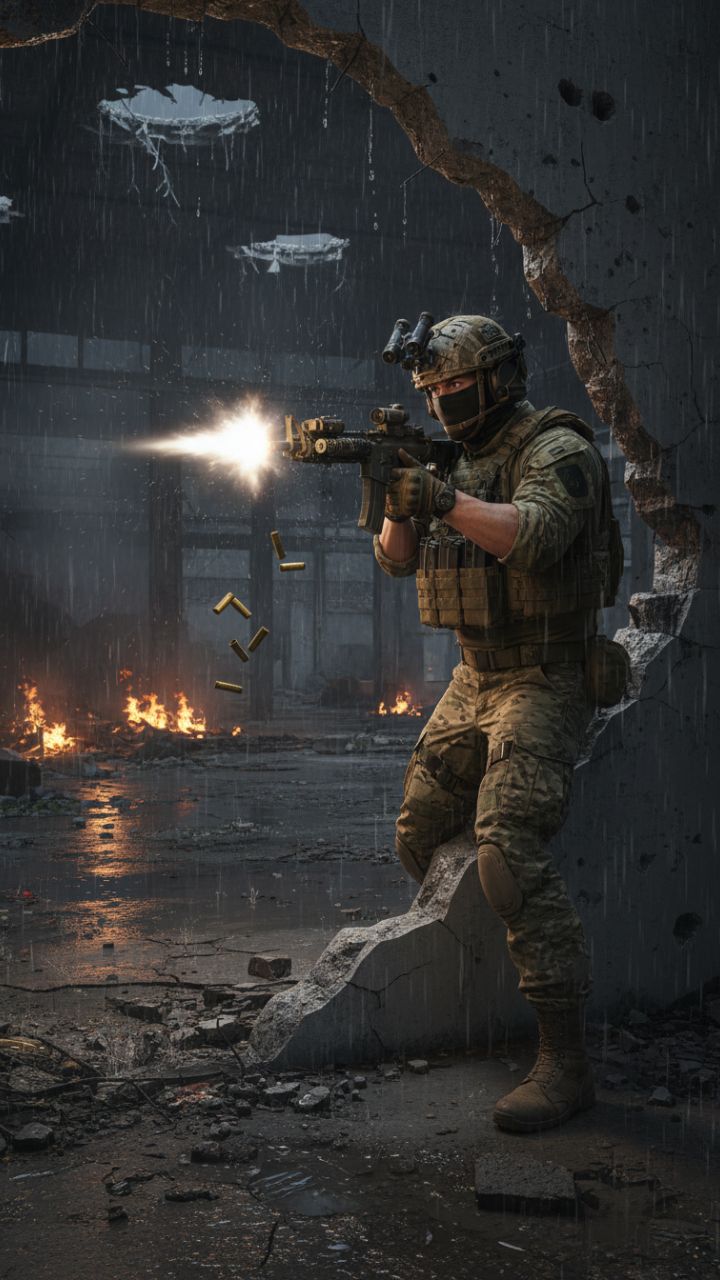
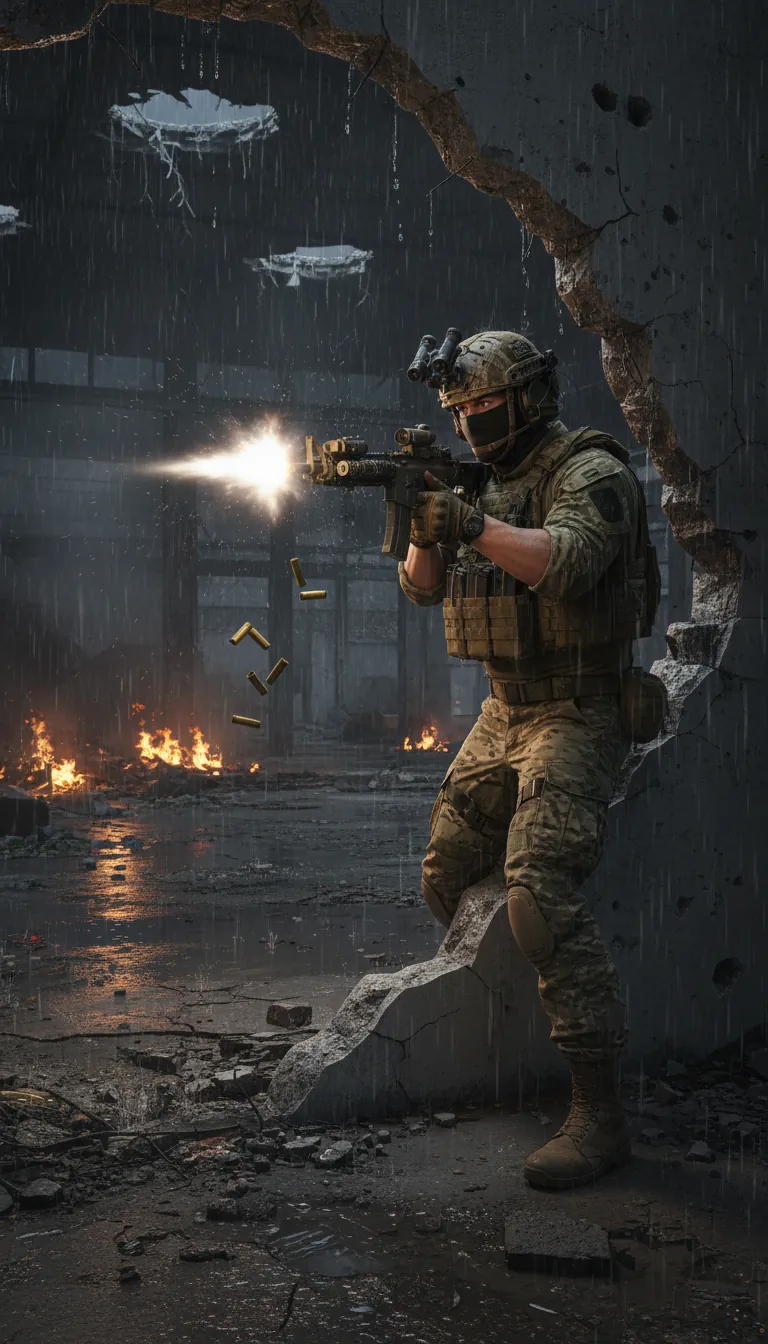
Transform text prompts into viral gaming videos with our AI gaming video maker. Create cinematic video game content with epic visuals, dramatic narratives, and professional voice-over perfect for TikTok, YouTube Shorts, and Instagram Reels.

  • Turn text into viral gaming videos instantly
  • Cinematic video game visuals and effects
  • Professional AI voice-over included
  • Optimized for TikTok, YouTube & Instagram
AI Gaming Video Maker for Content Creators

Video Game Content Generator

Create professional video game content without editing skills. Our AI gaming video generator handles script writing, visual creation, and voice-over automatically. Perfect for gaming YouTubers, streamers, and social media creators.

  • No video editing skills required
  • AI writes gaming scripts automatically
  • Multiple gaming aesthetics and styles
  • Perfect for streamers and gaming channels
Video Game Content Generator

Gaming Shorts & Reels Creator

Generate viral gaming shorts and reels in minutes. From battle royale highlights to RPG adventures, create engaging gaming content that captures audience attention and grows your gaming community.

  • Create gaming shorts in minutes
  • Battle royale, RPG, FPS & more styles
  • Trending gaming content formats
  • Grow your gaming audience faster
Gaming Shorts & Reels Creator
FAQs

Frequently Asked Questions

What is the AI Gaming Video Maker?
The AI Gaming Video Maker is a prompt-to-video tool that helps you create cinematic gaming videos from a simple text idea. Instead of recording gameplay, writing a script, finding visuals, editing clips, and adding voiceover manually, Revid AI does the heavy lifting for you. Enter a prompt like "an epic boss fight in a dark fantasy dungeon" or "a battle royale final circle with one player left," and the gaming video maker turns it into a vertical video with AI-generated visuals, narration, captions, and gaming-style audio.
How does the gaming video maker work?
Revid's gaming video maker works by transforming your prompt into a complete short-form gaming video. The AI interprets your idea, creates a dramatic gaming narrative, generates or selects cinematic visuals, adds an AI voiceover, syncs the audio with the scenes, and formats the video for platforms like TikTok, YouTube Shorts, and Instagram Reels. You get a ready-to-edit gaming video without needing video editing software or recorded gameplay footage.
Do I need gameplay footage to use this AI gaming video maker?
No. One of the biggest advantages of this AI gaming video maker is that you do not need gameplay footage. You can create gaming-style videos from text prompts alone. This makes it ideal for faceless gaming channels, gaming news pages, video game concept accounts, streamers who want extra content between live sessions, and creators who want to post gaming Shorts or Reels without recording hours of gameplay.
What kinds of gaming videos can I create with Revid AI?
You can create many types of gaming videos with the AI Gaming Video Maker, including fantasy RPG trailers, boss fight videos, sci-fi shooter scenes, battle royale highlights, open-world adventure stories, horror game concepts, gaming lore videos, character introduction videos, cinematic game teasers, and short-form gaming content for social media. The tool is built to understand gaming aesthetics and produce content that feels energetic, visual, and native to video game culture.
Is this gaming video generator good for TikTok, YouTube Shorts, and Instagram Reels?
Yes. The gaming video generator is designed specifically for short-form vertical content. Videos are created in a 9:16 format, which is ideal for TikTok, YouTube Shorts, Instagram Reels, and other mobile-first platforms. The AI focuses on strong hooks, fast pacing, dramatic visuals, captions, and immersive narration so your gaming video is built for social engagement from the start.
Can I create a gaming video from only one prompt?
Yes. You can use the gaming video maker with a single prompt. For example, you can write "a heroic knight enters a cursed castle to fight a giant demon boss" or "a futuristic squad drops into a neon cyberpunk warzone." Revid AI expands that idea into a complete gaming video with a narrative structure, cinematic visuals, voiceover, and music.
What should I write in my gaming video prompt?
For the best results with the AI Gaming Video Maker, include the genre, setting, main action, tone, and visual style you want. A strong prompt could be "an intense battle royale final circle in a burning city, with cinematic slow motion and dramatic narration" or "a dark fantasy RPG hero walking through ancient ruins before facing a massive dragon boss." The more specific your prompt is, the easier it is for the AI gaming video generator to create visuals that match your idea.
Can I use the AI Gaming Video Maker for faceless gaming channels?
Yes. The AI Gaming Video Maker is especially useful for faceless gaming channels because it can generate gaming content without requiring your face, voice, or recorded gameplay. You can create cinematic gaming stories, fictional game trailers, gaming facts, lore-style videos, countdowns, and short-form video game concepts using AI visuals and AI voiceover.
Does the tool generate a voiceover for my gaming video?
Yes. The gaming video maker can generate an AI voiceover for your video. This is useful if you want your content to feel like a cinematic game trailer, a dramatic gaming story, or a high-energy gaming short. You can choose a voice that fits your video style, and Revid AI will sync the narration with the gaming visuals and captions.
What visual styles are available in the gaming video maker?
The AI Gaming Video Maker supports cinematic AI-generated visuals for gaming content. You can create videos using moving AI images, which give your scenes motion and atmosphere, or use AI video generation when available on your subscription. The tool works well for gaming styles like dark souls-inspired fantasy, battle royale chaos, futuristic sci-fi shooters, cozy adventure games, RPG quests, horror gaming scenes, and game trailer aesthetics.
Can I edit the gaming video after it is generated?
Yes. After Revid AI generates your gaming video, you can edit it in the built-in editor. You can change captions, adjust timing, replace visuals, modify the voiceover, add your own footage, update music, and refine the final version before exporting. This makes the gaming video maker useful not only for quick generation, but also for creators who want full control over the final video.
Can I add my own gameplay clips to the generated gaming video?
Yes. While the AI Gaming Video Maker can create a full video without gameplay footage, you can also customize the result by adding your own clips in the editor. This is useful if you want to combine AI-generated cinematic scenes with real gameplay, streamer highlights, commentary, or branded gaming footage.
Is the AI Gaming Video Maker free to use?
You can start using Revid AI with a free account, depending on the current credit limits and available features. Some generations, advanced options, or AI video features may require credits or a paid plan. Before creating your gaming video, Revid shows the available options so you can choose the setup that fits your needs.
How long does it take to generate a gaming video?
Most videos created with the AI Gaming Video Maker are generated in just a few minutes. The exact time can depend on the length of the script, the visual style you choose, and current processing demand. The goal is to help gaming creators move from idea to publish-ready short video much faster than traditional editing workflows.
Can I use the gaming videos commercially?
Yes, you can use videos created with the gaming video maker for commercial content, including social media channels, gaming pages, promotional posts, YouTube Shorts, TikTok accounts, Instagram Reels, and monetized content, as long as your use follows Revid's terms and you have the rights to any custom assets you upload.
Who should use this AI gaming video generator?
This AI gaming video generator is useful for gaming YouTubers, TikTok creators, Instagram Reels creators, streamers, faceless channel owners, gaming news pages, indie game marketers, esports pages, and anyone who wants to create video game content faster. If you need consistent gaming videos but do not want to spend hours recording and editing, the AI Gaming Video Maker can speed up your workflow.
How can this gaming video maker help grow my gaming channel?
Consistency is one of the hardest parts of growing a gaming channel. Revid's gaming video maker helps you produce more short-form gaming videos in less time, so you can test ideas, post more often, and create content for multiple platforms. You can turn quick concepts into cinematic TikToks, YouTube Shorts, and Instagram Reels, then edit and repurpose them for different audiences.
What makes Revid different from a normal video editor?
A normal video editor requires you to bring your own footage, write your own script, record your voiceover, search for music, arrange every clip, and manually export the final video. Revid's AI Gaming Video Maker starts with only your prompt and generates the script, visuals, voiceover, captions, and music automatically. You can still edit the result, but you do not have to build the gaming video from scratch.
Can I make different versions of the same gaming video?
Yes. You can generate a gaming video, then use the editor to customize the result or create variations for different platforms. For example, you can make one version for TikTok with a stronger hook, another for YouTube Shorts with different captions, and another for Instagram Reels with alternate music or visuals. This makes the gaming video maker useful for batch-creating content.
I have another question about the Gaming Video Maker. How can I get help?
If you have questions about the AI Gaming Video Maker or any other Revid AI tool, you can contact the Revid support team at hello@revid.ai. The team can help with generation settings, editing, credits, exports, and best practices for creating gaming videos with AI.
View Complete Help Center

Find detailed answers to 100+ questions about features, tools, and workflows

or check our markdown version optimized for LLMs

Tools

Free AI Video Tools

Choose your tool, add your content, and create a video in seconds. Then customize it to your liking.

AI TikTok Video Generator

Turn text into trendy, viral TikTok videos in a snap

Try it out

Prompt to Video

Turn your prompts into engaging videos with AI assistance

Try it out

Add Caption to Video

Generate subtitles in 100+ languages with AI captions

Try it out

PDF to Brainrot

Convert PDFs into attention-grabbing, scrollable videos

Try it out

Text to Brainrot

Turn your text into trendy, scrollable content with dynamic visuals

Try it out

AI Talking Avatar

Create lifelike talking avatars from text in seconds

Try it out

Video Podcast Generator

Transform your podcasts into visually engaging video content

Try it out

AI Movie Maker

Create studio-quality videos from text, no filming required

Try it out

Audio to Video

Make engaging videos from your podcasts, interviews, or any audio content

Try it out

Animated Lyrics Video Generator

Turn any song into an animated lyric video with synced text and visuals.

Try it out

AI Music Video Generator

Transform your music into cinematic music videos.

Try it out

AI Lyrics Video Generator

Transform your lyrics into a complete music video with AI

Try it out
See all tools
How it works

Four simple steps to create and share your video

1
Step 1

Find your next viral idea

Lacking inspiration? Our AI spots trends and helps you adapt them for your own videos, hassle-free.

  • Identify the best performing formats
  • Get inspired by top creators
  • Turn your ideas into captivating videos
Find your next viral idea
2
Step 2

Storytelling designed to captivate

Revid.ai analyzes viral videos and uses those same codes to write your scripts.

  • Write your script or just give the topic to our AI
  • The AI will suggest relevant content to inspire you
  • Paste a link, our AI analyzes it and turns it into a video
Storytelling designed to captivate
3
Step 3

Videos you will love

Create professional videos, share them with one click, and grow your audience.

  • Watch your texts turn into professional videos
  • Automate video creation from your content
Videos you will love
4
Step 4

Publish on TikTok, YouTube, Instagram and more

Reach a wider audience by sharing your videos across all your networks.

Publish on TikTok, YouTube, Instagram and more
revid.ai logo

The fastest way to create captivating videos.