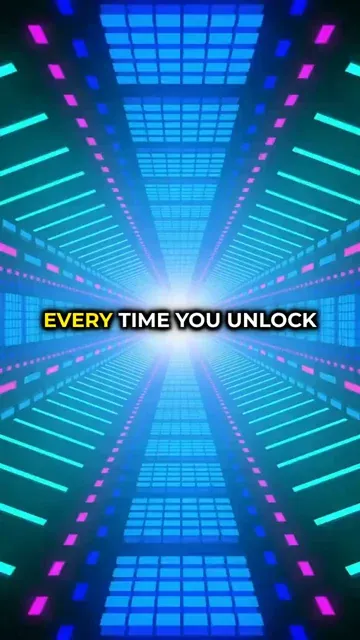
Trusted by 14,000+ creators worldwide

Abstract Background Video Maker

Create an AI video with Abstract Background in minutes! Write your script and choose your Abstract background. Revid's AI will create a stunning Abstract video for you.

  • Start from text in seconds
  • AI voiceover
  • Auto-selects visuals
  • Captions and sound-ready

Create Stunning Abstract Background Videos in 3 Simple Steps

1 Enter Your Text

Start by typing your script or message. Our AI will analyze your content to generate matching abstract visuals that complement your words perfectly.

2 Choose Your Style

Select from various abstract styles including fluid motions, geometric patterns, or particle effects. Customize colors and animation speed to match your brand or preferences.

3 Generate and Export

Click generate and watch as our AI creates your unique abstract background video. Once complete, download your video in high quality, ready to use in your projects.

FAQs

Frequently Asked Questions

What is the Abstract Background Video Maker?
Our Abstract Background Video Maker is an AI-powered tool that creates stunning, dynamic abstract backgrounds for your videos. Perfect for social media content, presentations, or website backgrounds, it generates unique animated patterns and designs that complement your message while maintaining visual interest.
What types of abstract backgrounds can I create?
You can create a wide variety of abstract backgrounds including flowing gradients, geometric patterns, particle systems, and wave-like animations. Each style can be customized with different colors, speeds, and intensities to match your brand or creative vision.
How can I use these abstract background videos?
Abstract background videos are perfect for many applications: social media posts, video overlays, website headers, presentation backgrounds, digital signage, music visualizations, and more. They're especially effective when you need a professional, non-distracting background that adds visual interest to your content.
Can I customize the colors of my abstract background?
Absolutely! You can specify custom colors to match your brand or creative preferences. Input specific color codes or choose from our preset color schemes. The AI will create smooth, flowing transitions between your chosen colors in the abstract animation.
What video formats and resolutions are available?
Our abstract videos are available in multiple formats including MP4 and WebM, and various resolutions up to 4K. You can choose from different aspect ratios including 16:9, 9:16 (vertical), and 1:1 (square) to suit your platform needs, whether it's for YouTube, Instagram, or TikTok.
How long can my abstract background video be?
You can generate abstract backgrounds ranging from a few seconds to several minutes. For seamless looping content, we recommend creating 30-second segments that can be repeated smoothly. Longer videos may require additional processing time and credits.
Do I need design experience to use this tool?
Not at all! Our AI-powered tool is designed to be user-friendly and intuitive. Simply choose your preferred style and colors, and the AI will handle the complex animation work. No design or video editing experience necessary to create professional-looking abstract backgrounds.
Can I edit the abstract background after generation?
Yes! Once your abstract background is generated, you can use our built-in editor to adjust various parameters including speed, intensity, color balance, and more. You can also add text overlays, logos, or other elements to customize your final video.
How many credits does it cost to create an abstract background?
Creating a basic abstract background video costs 1 credit. Additional features like higher resolution, longer duration, or complex animations may require extra credits. Check our pricing page for detailed information about credit packages and subscription options.
Can I use these videos for commercial purposes?
Yes! All abstract backgrounds generated through our tool can be used for both personal and commercial purposes. They're perfect for business presentations, marketing materials, website backgrounds, and other professional applications. Just make sure to comply with our terms of service.
View Complete Help Center

Find detailed answers to 100+ questions about features, tools, and workflows

or check our markdown version optimized for LLMs

Tools

Free AI Video Tools

Choose your tool, add your content, and create a video in seconds. Then customize it to your liking.

AI TikTok Video Generator

Turn text into trendy, viral TikTok videos in a snap

Try it out

Prompt to Video

Turn your prompts into engaging videos with AI assistance

Try it out

Add Caption to Video

Generate subtitles in 100+ languages with AI captions

Try it out

PDF to Brainrot

Convert PDFs into attention-grabbing, scrollable videos

Try it out

Text to Brainrot

Turn your text into trendy, scrollable content with dynamic visuals

Try it out

AI Talking Avatar

Create lifelike talking avatars from text in seconds

Try it out

Video Podcast Generator

Transform your podcasts into visually engaging video content

Try it out

AI Movie Maker

Create studio-quality videos from text, no filming required

Try it out

Audio to Video

Make engaging videos from your podcasts, interviews, or any audio content

Try it out

Animated Lyrics Video Generator

Turn any song into an animated lyric video with synced text and visuals.

Try it out

AI Music Video Generator

Transform your music into cinematic music videos.

Try it out

AI Lyrics Video Generator

Transform your lyrics into a complete music video with AI

Try it out
See all tools
How it works

Four simple steps to create and share your video

1
Step 1

Find your next viral idea

Lacking inspiration? Our AI spots trends and helps you adapt them for your own videos, hassle-free.
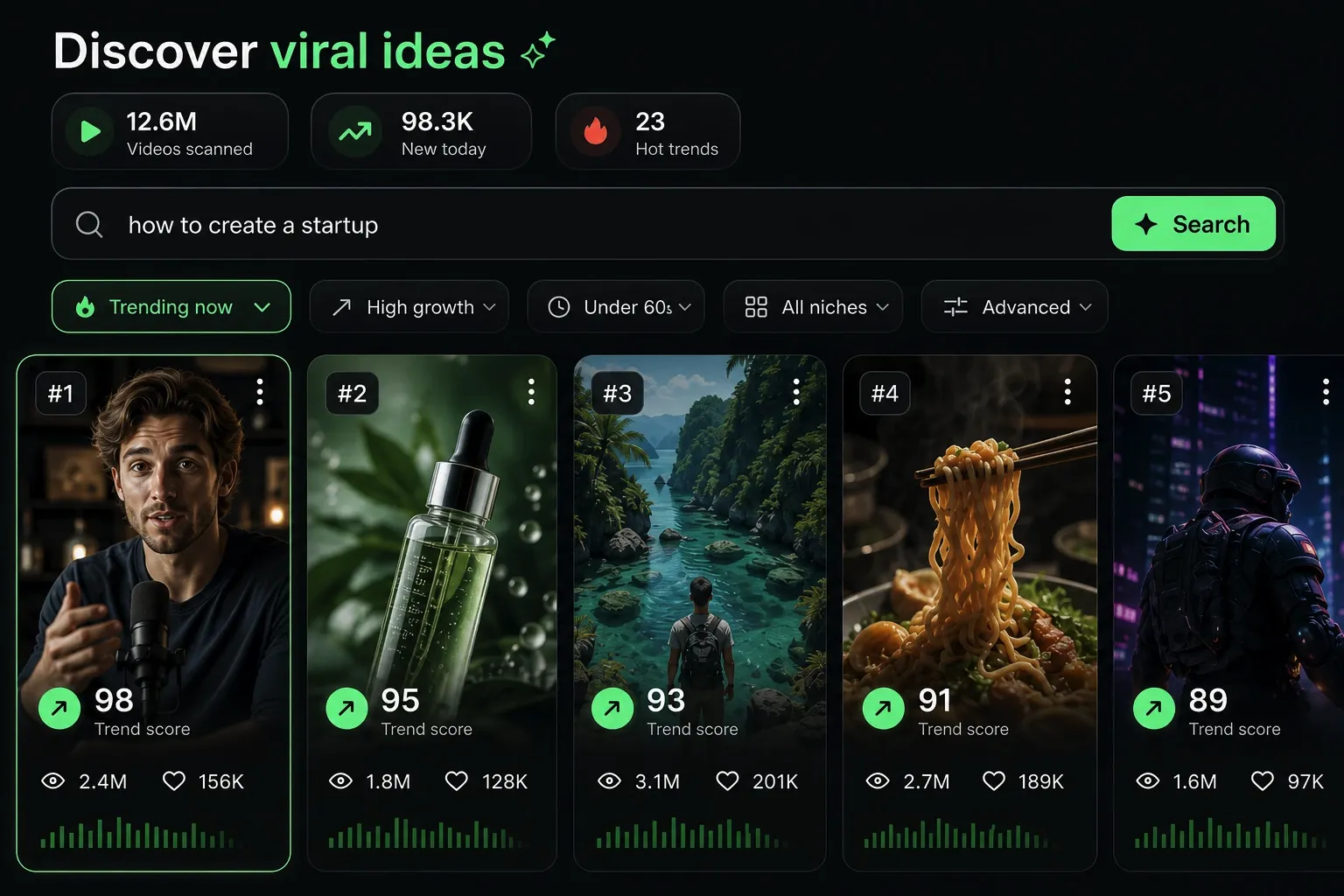
  • Identify the best performing formats
  • Get inspired by top creators
  • Turn your ideas into captivating videos
Find your next viral idea
2
Step 2

Storytelling designed to captivate

Revid.ai analyzes viral videos and uses those same codes to write your scripts.
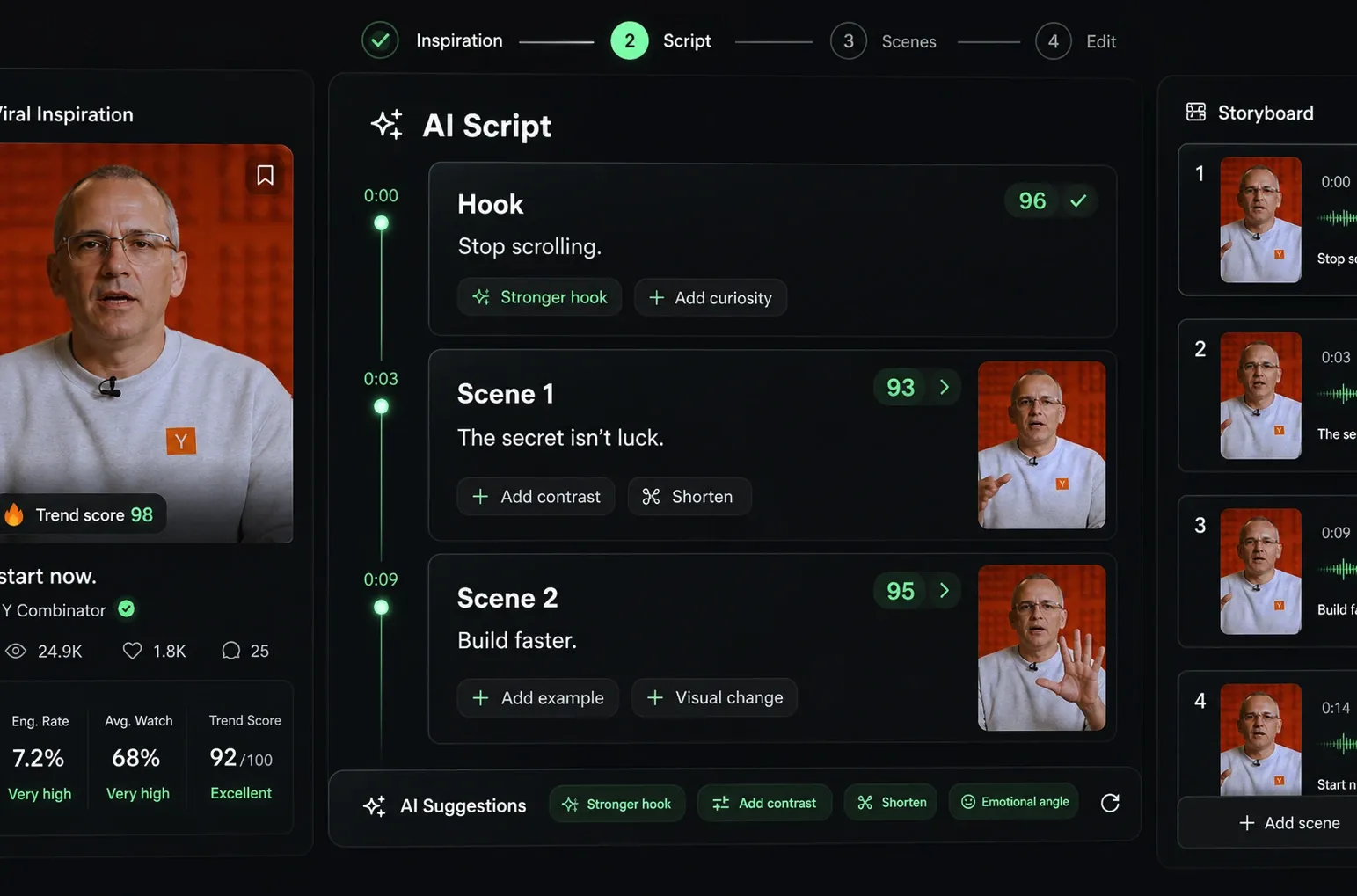
  • Write your script or just give the topic to our AI
  • The AI will suggest relevant content to inspire you
  • Paste a link, our AI analyzes it and turns it into a video
Storytelling designed to captivate
3
Step 3

Videos you will love

Create professional videos, share them with one click, and grow your audience.
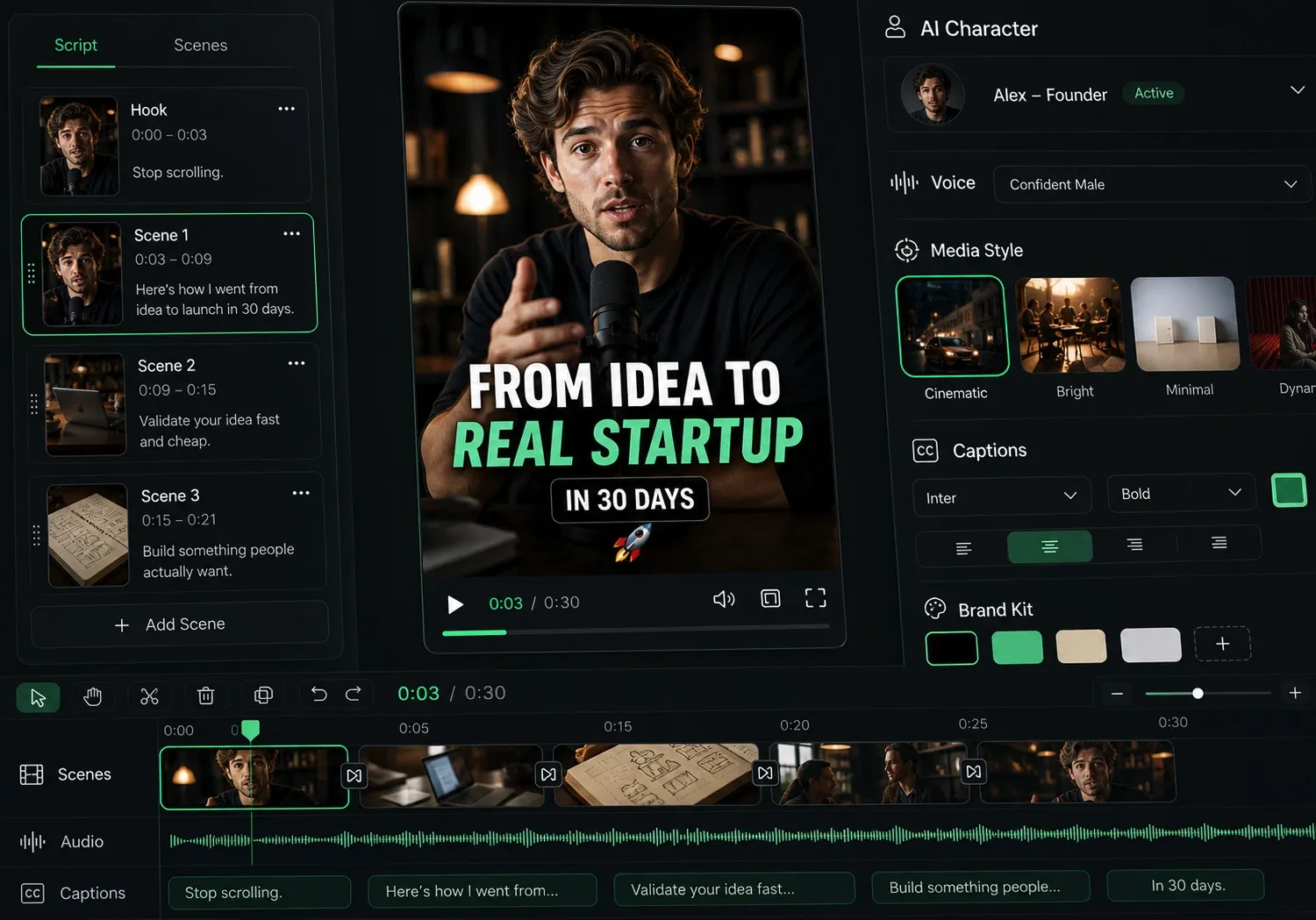
  • Watch your texts turn into professional videos
  • Automate video creation from your content
Videos you will love
4
Step 4

Publish on TikTok, YouTube, Instagram and more

Reach a wider audience by sharing your videos across all your networks.
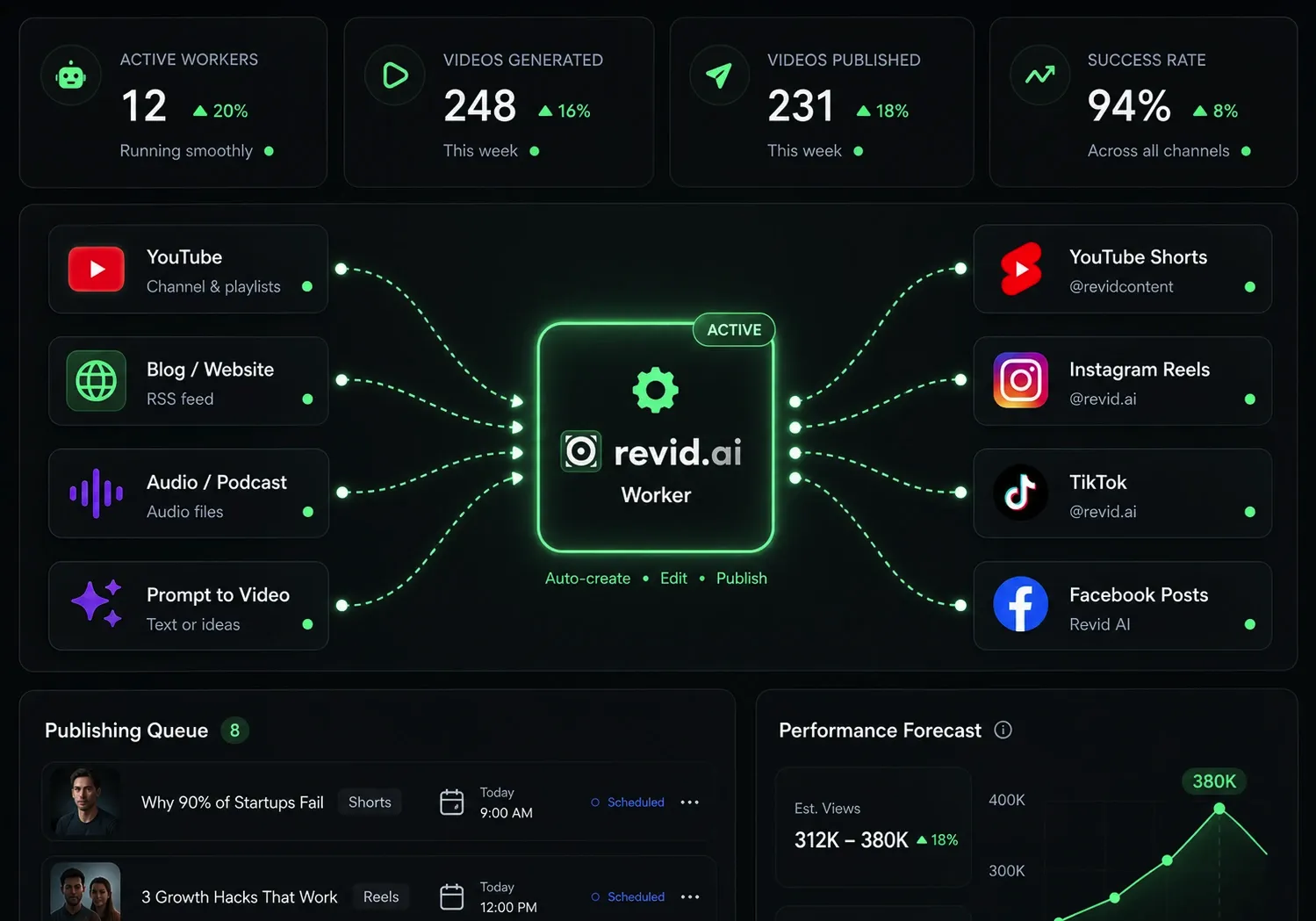
Publish on TikTok, YouTube, Instagram and more
revid.ai logo

The fastest way to create captivating videos.