Trusted by 14,000+ creators worldwide

Lyria Music to Video Generator

Create stunning Lyria music videos in minutes. Paste your Google Lyria track link or drop your audio, and Revid automatically builds cinematic visuals, motion, and captions perfectly synced to your music.

68% of people discover music through short-form videos, create yours

  • Beat-synced
  • Lyric captions
  • TikTok ready
  • Reels & Shorts
Video Format
2,085 people used this tool in the last 24h
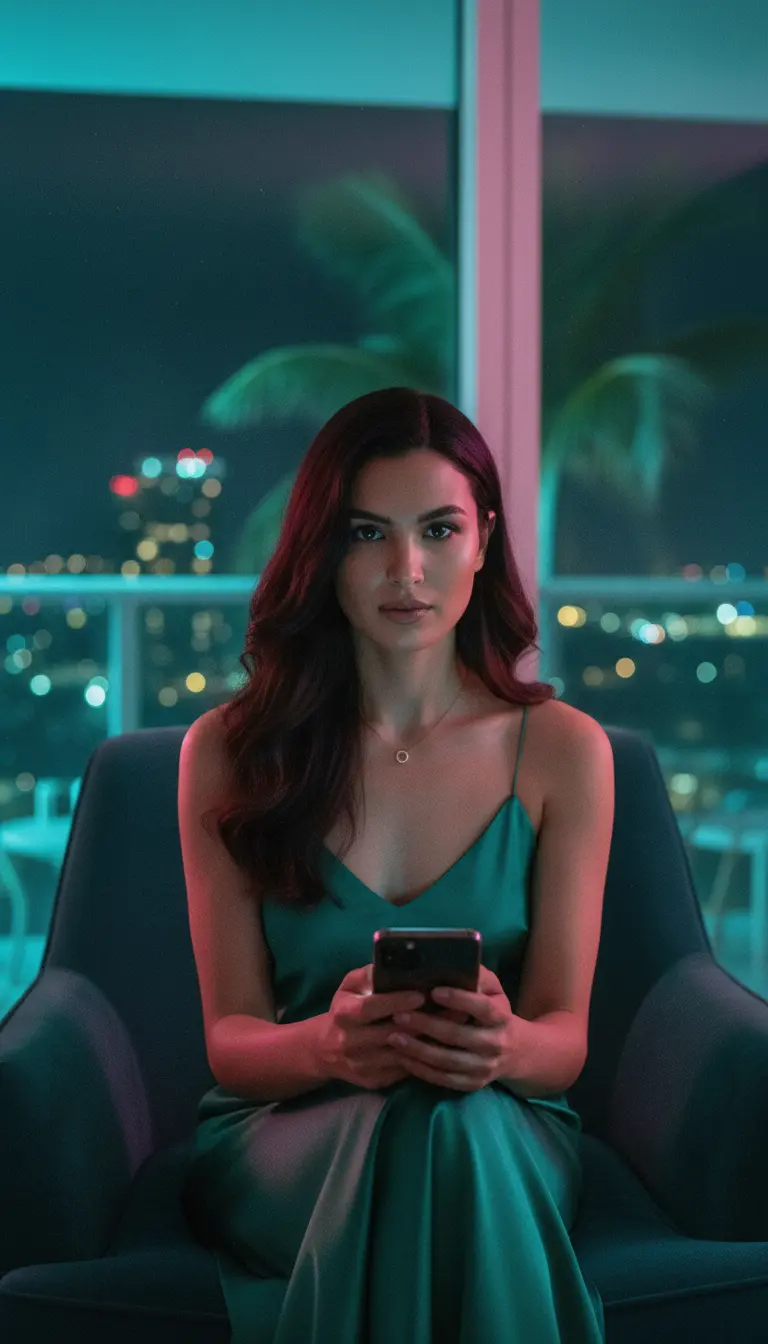
Start for free.(no credit card required)

or explore our 42+ other tools to create the exact video you want

Explore our tools

Create a Lyria Music to Video in 4 Simple Steps

1 Add Your Lyria Track

Start by pasting your Google Lyria or MusicFX track link, or upload your own audio file directly. Revid analyzes the music, structure, vocals, lyrics, beat drops, and energy so it can turn your Lyria music to video automatically.

2 Choose Lyrics or Beat Sync

Decide whether you want your Lyria music video synced to lyrics or synced to beats. Lyrics mode creates lyric captions and timed text overlays, while beat mode focuses on rhythm, drops, transitions, and audio-reactive motion without displaying lyrics.

3 Pick Your Visual Style

Choose the look of your Lyria music to video: AI video, moving AI images, motion graphics, stock videos, your own uploaded media, or static gameplay-style visuals. You can also add a sound wave and, when using AI video with lyrics, enable beta singer lip sync for selected vocal parts.

4 Generate, Edit, and Share

Click generate and Revid creates a beat-synced Lyria music video in minutes with cinematic visuals, transitions, captions, motion effects, and vertical formatting for TikTok, Instagram Reels, and YouTube Shorts. After generation, use the built-in editor to trim, refine, brand, download, or publish your video.

01

Why Creators Use a Lyria Music to Video Generator

Google Lyria can generate impressive music, but visual production often slows creators down. A dedicated Lyria music to video generator removes that bottleneck by automatically syncing scenes, transitions, and captions to your track. Instead of spending hours editing manually, you can publish platform-ready music videos in minutes and focus on audience growth, testing content angles, and building consistency across channels.

02

How to Get Better Reach from Lyria Songs

To maximize reach, pair your Lyria track with visuals designed for short-form retention: an early hook, clear motion rhythm, and subtitles that reinforce your lyrics or theme. This workflow helps your video perform better in feeds where watch time matters most. With automated formatting for TikTok, Instagram Reels, and YouTube Shorts, you can repurpose one song into multiple high-performing video variations quickly.

Example Videos

See What You Can Create with Lyria Music to Video

Discover examples created with our AI music video generator, from audio visualizers and cinematic edits to lyric videos and music videos for kids. Each showcase shows how AI transforms raw audio into engaging visuals synced to the beat, structure, and energy of the track.

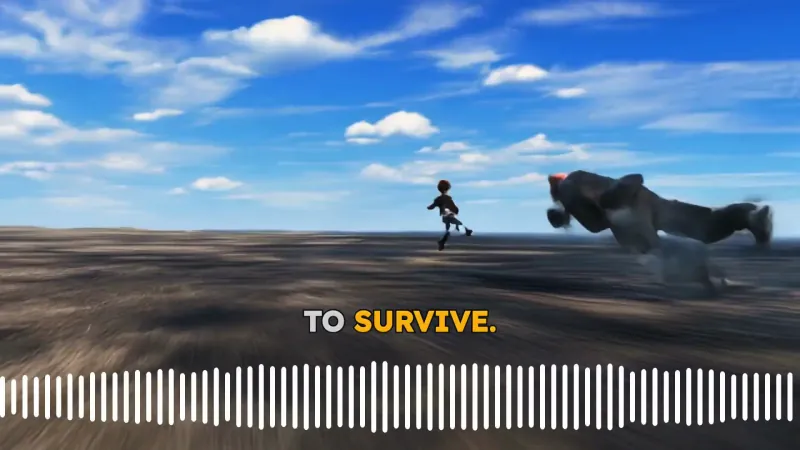
Turn Google Lyria Tracks into Viral Shorts

Transform your Google Lyria generations into high-retention short videos with fast cuts, animated visuals, and beat-perfect timing for TikTok, Reels, and YouTube Shorts.
  • Optimized for TikTok, Reels, and Shorts growth
  • AI beat-sync that follows drops and transitions
  • Captions and motion effects ready out of the box
  • Publish faster without manual editing
Turn Google Lyria Tracks into Viral Shorts

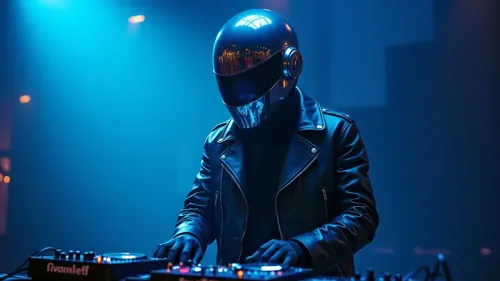
Cinematic Lyria Music Video Generator

Build cinematic Lyria music videos that match the mood, progression, and energy of your AI song. Great for artist branding, teaser clips, and visual storytelling.
  • Scene pacing aligned with your song structure
  • Cinematic visual direction and color mood
  • Built-in motion and transitions for modern edits
  • Perfect for portfolio and promo launches
Cinematic Lyria Music Video Generator

Lyria Songs with Dynamic Lyrics and Waveforms

Convert Lyria music into engaging lyric-style videos with animated captions and audio-reactive elements that make your track easier to remember and share.
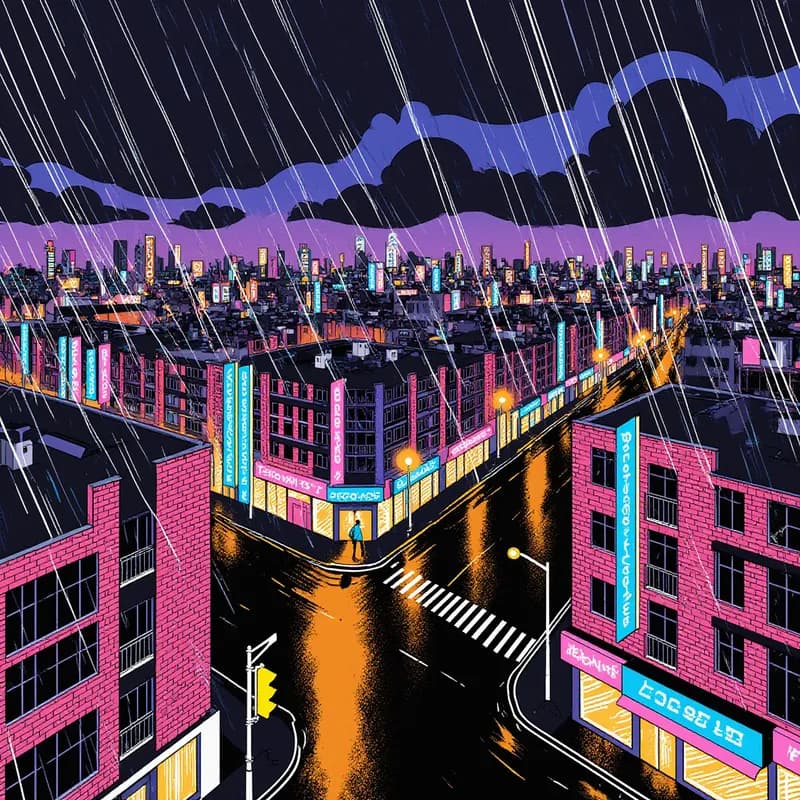
  • Auto lyrics and waveform-style visual rhythm
  • Strong hook visuals for higher watch time
  • Square and vertical formats for every platform
  • Consistent branding across music releases
Lyria Songs with Dynamic Lyrics and Waveforms
FAQs

Frequently Asked Questions

What is the Lyria Music to Video Generator?
The Lyria Music to Video Generator is an AI tool that turns Google Lyria music, MusicFX tracks, or uploaded songs into ready-to-post videos. Instead of manually editing visuals to your track, Revid automatically creates a Lyria music to video with beat-synced scenes, lyric captions, audio-reactive motion, transitions, and social media formats for TikTok, Instagram Reels, and YouTube Shorts.
How does the Google Lyria to video converter work?
Revid works as a Google Lyria to video converter by analyzing the audio from your Lyria track or uploaded music file. The AI detects the rhythm, energy, vocals, lyrics, beat changes, and song structure, then generates matching visuals and captions. This makes it easy to convert Lyria music to video without using complicated editing software.
Can I paste a Google Lyria or MusicFX link?
Yes. You can paste a public Google Lyria or MusicFX link when available, or upload the audio file directly. The Lyria music to video workflow is designed for creators who already have a song, beat, demo, or AI-generated track and want to quickly transform it into a polished music video.
Can I upload my own audio instead of using a Lyria link?
Absolutely. Even though this page focuses on Lyria music to video generation, you can upload an audio file if you already exported your Google Lyria track or have another song file ready. Revid can generate visuals from uploaded music and sync the video to either lyrics or beats.
What is the difference between syncing with lyrics and syncing with beats?
When you choose lyrics, Revid creates a Lyria lyric video with timed captions and visual pacing based on the vocal performance. When you choose beats, Revid focuses on the rhythm, drops, transitions, and energy of the music without generating lyric captions. If your track has clear vocals, lyrics mode is best for a searchable and shareable Lyria music video. If your track is instrumental, EDM, lo-fi, cinematic, or beat-heavy, beat sync is usually the better choice.
Does the Lyria Music to Video Generator create lyric captions?
Yes. If you select lyrics mode, Revid can create lyric-style captions synced to your Lyria song. This is useful for making Lyria lyric videos, TikTok music clips, Reels, Shorts, teaser videos, and promotional edits where viewers need to understand or remember the hook quickly.
Can I create a beat-synced Lyria music video?
Yes. Revid is built to create beat-synced Lyria music videos. The AI can align cuts, scene changes, visual motion, sound waves, and transitions with the rhythm of your track. This helps your Lyria music to video feel more dynamic and native to short-form platforms where strong pacing is important for retention.
What visual styles can I use for a Lyria music to video?
You can generate your Lyria music to video using AI video, moving AI images, motion graphics, stock videos, your own uploaded media, or static and gameplay-style visuals. AI video is ideal for cinematic music videos, moving AI images are great for fast visual storytelling, motion graphics work well for visualizers, stock videos create a polished promotional feel, and custom media is useful when you want to include your own branding, artist footage, or cover art.
Can Revid make a Lyria music visualizer?
Yes. Revid can create a Lyria music visualizer with sound waves, motion graphics, synced light movement, captions, and animated visuals. A visualizer is a great option if you want a clean music video for YouTube, Spotify Canvas-style promotion, Instagram Reels, TikTok, or Shorts without producing a full live-action video.
Can I add a sound wave to my Lyria video?
Yes. The tool includes an option to add a sound wave to the video. Sound waves help make the Lyria music to video feel more reactive and visually connected to the track, especially for lyric videos, music visualizers, teaser clips, and short-form music promotion.
What is Singer Lip Sync for Lyria music videos?
Singer Lip Sync is a beta option that can make selected lyric sections appear as if a singer is performing them. It is available when syncing with lyrics and using AI video. This feature is useful if you want a more character-driven Lyria music video or a stronger performance feel without filming a real singer.
Can I use the Lyria Music to Video Generator for TikTok, Reels, and Shorts?
Yes. Revid is optimized for short-form music promotion. By default, the Lyria music to video page is designed around vertical 9:16 videos, making it ideal for TikTok, Instagram Reels, and YouTube Shorts. You can create scroll-stopping clips from your Lyria song and publish them as teasers, hooks, lyric snippets, visualizers, or full short music videos.
Can I create horizontal or square Lyria music videos?
Yes. While the default Lyria music to video format is vertical for short-form platforms, Revid supports multiple formats through its editor and video creation workflow. You can adapt your music video for YouTube, Instagram feeds, square posts, promo pages, artist portfolios, and other distribution channels.
How long does it take to convert Lyria music to video?
Most Lyria music to video generations are completed in a few minutes. The exact time depends on the track length, selected media type, whether you use AI video, whether lyrics need to be processed, and whether you enable additional options like singer lip sync. Revid is built to help you go from audio to publishable video much faster than manual editing.
Can I trim the audio before generating the video?
Yes. The trim audio option lets you select a specific part of the track before generating your Lyria music video. This is useful for creating a 15-second hook, a chorus clip, a drop-focused teaser, a lyric snippet, or a short-form version of a longer Lyria song.
What type of Lyria songs work best with this tool?
The Lyria Music to Video Generator works with many styles, including pop, hip-hop, EDM, rock, lo-fi, jazz, phonk, techno, drill, metal, cinematic music, and kids songs. Tracks with a clear hook, emotional mood, strong rhythm, or recognizable chorus often perform especially well when converted from Lyria music to video for social platforms.
Can I use my own images or videos in the Lyria music video?
Yes. Choose the custom media option if you want Revid to use your own uploaded visuals. This is helpful for artists, labels, and marketers who want to include cover art, brand assets, behind-the-scenes clips, concert footage, product visuals, or existing music video shots while still using AI to handle the timing and synchronization.
Can I edit the Lyria music video after it is generated?
Yes. After your Lyria music to video is generated, you can edit it in Revid. You can adjust captions, trim sections, change visuals, modify timing, add branding, refine transitions, and prepare different versions for TikTok, Reels, Shorts, YouTube, or other platforms.
Is this tool only for Google Lyria music?
No. This tool is optimized as a Lyria music to video generator and Google Lyria to video converter, but it can also work with uploaded music files and other audio sources. If you have a song, beat, demo, AI music track, or exported audio file, you can use Revid to turn it into a synced music video.
Can I use Lyria music videos for music marketing?
Yes. Revid is designed for music marketing workflows. You can use the Lyria Music to Video Generator to create release teasers, lyric clips, visualizers, chorus snippets, A/B test creatives, artist promo videos, and social ads. Always make sure you have the necessary rights to use and distribute the music, lyrics, artwork, and any uploaded media.
How much does it cost to create a Lyria music to video?
The cost depends on your Revid plan and the settings you choose, such as video length, media type, AI video generation, captions, and optional features. Before generation, Revid shows the estimated credits needed so you know the cost before creating your Lyria music video.
Why should I use Revid instead of editing a Lyria music video manually?
Manual music video editing can take hours because you need to find visuals, cut to the beat, time captions, add motion, format for each platform, and export different versions. Revid automates the Lyria music to video process by generating synced visuals, captions, transitions, and social-ready edits in minutes, while still giving you control through the editor.
What if my Lyria track has multiple singers?
If your track has multiple vocalists and you enable singer lip sync, you can optionally enter the number of different singers. This helps Revid better understand the structure of the song and create a more accurate Lyria music video when several voices appear in the lyrics.
How can I get the best results from the Lyria Music to Video Generator?
For best results, use a clear audio file or high-quality Lyria link, trim the track to the most engaging section, choose lyrics mode for vocal songs, choose beat mode for instrumental tracks, and select a visual style that matches the mood of the music. Strong hooks, clear lyrics, and high-energy sections usually produce the most engaging Lyria music to video outputs.
View Complete Help Center

Find detailed answers to 100+ questions about features, tools, and workflows

or check our markdown version optimized for LLMs

Tools

Free AI Video Tools

Choose your tool, add your content, and create a video in seconds. Then customize it to your liking.

AI TikTok Video Generator

Turn text into trendy, viral TikTok videos in a snap

Try it out

Prompt to Video

Turn your prompts into engaging videos with AI assistance

Try it out

Add Caption to Video

Generate subtitles in 100+ languages with AI captions

Try it out

PDF to Brainrot

Convert PDFs into attention-grabbing, scrollable videos

Try it out

Text to Brainrot

Turn your text into trendy, scrollable content with dynamic visuals

Try it out

AI Talking Avatar

Create lifelike talking avatars from text in seconds

Try it out

Video Podcast Generator

Transform your podcasts into visually engaging video content

Try it out

AI Movie Maker

Create studio-quality videos from text, no filming required

Try it out

Audio to Video

Make engaging videos from your podcasts, interviews, or any audio content

Try it out

Animated Lyrics Video Generator

Turn any song into an animated lyric video with synced text and visuals.

Try it out

AI Music Video Generator

Transform your music into cinematic music videos.

Try it out

AI Lyrics Video Generator

Transform your lyrics into a complete music video with AI

Try it out
See all tools
How it works

Four simple steps to create and share your video

1
Step 1

Find your next viral idea

Lacking inspiration? Our AI spots trends and helps you adapt them for your own videos, hassle-free.
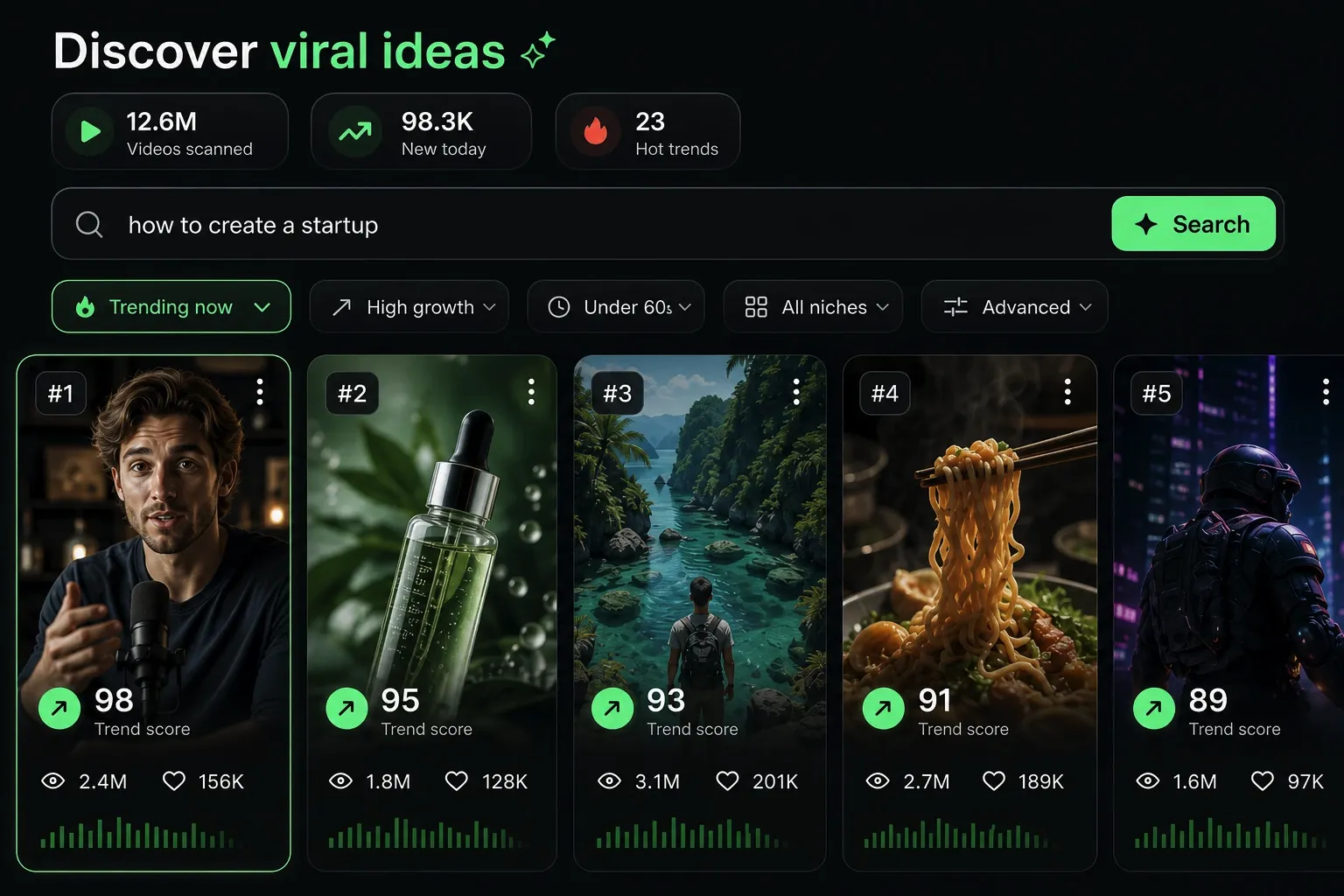
  • Identify the best performing formats
  • Get inspired by top creators
  • Turn your ideas into captivating videos
Find your next viral idea
2
Step 2

Storytelling designed to captivate

Revid.ai analyzes viral videos and uses those same codes to write your scripts.
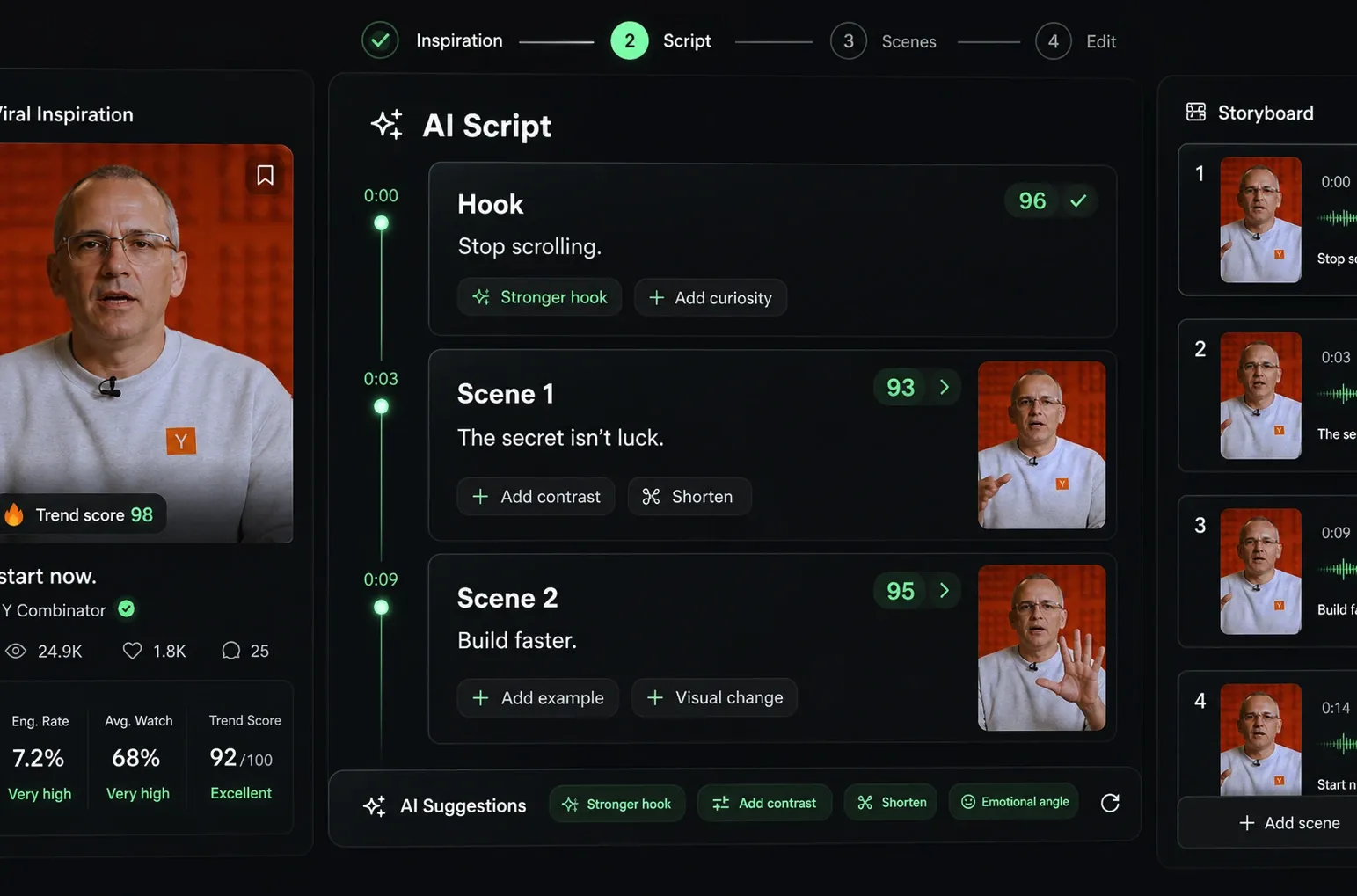
  • Write your script or just give the topic to our AI
  • The AI will suggest relevant content to inspire you
  • Paste a link, our AI analyzes it and turns it into a video
Storytelling designed to captivate
3
Step 3

Videos you will love

Create professional videos, share them with one click, and grow your audience.
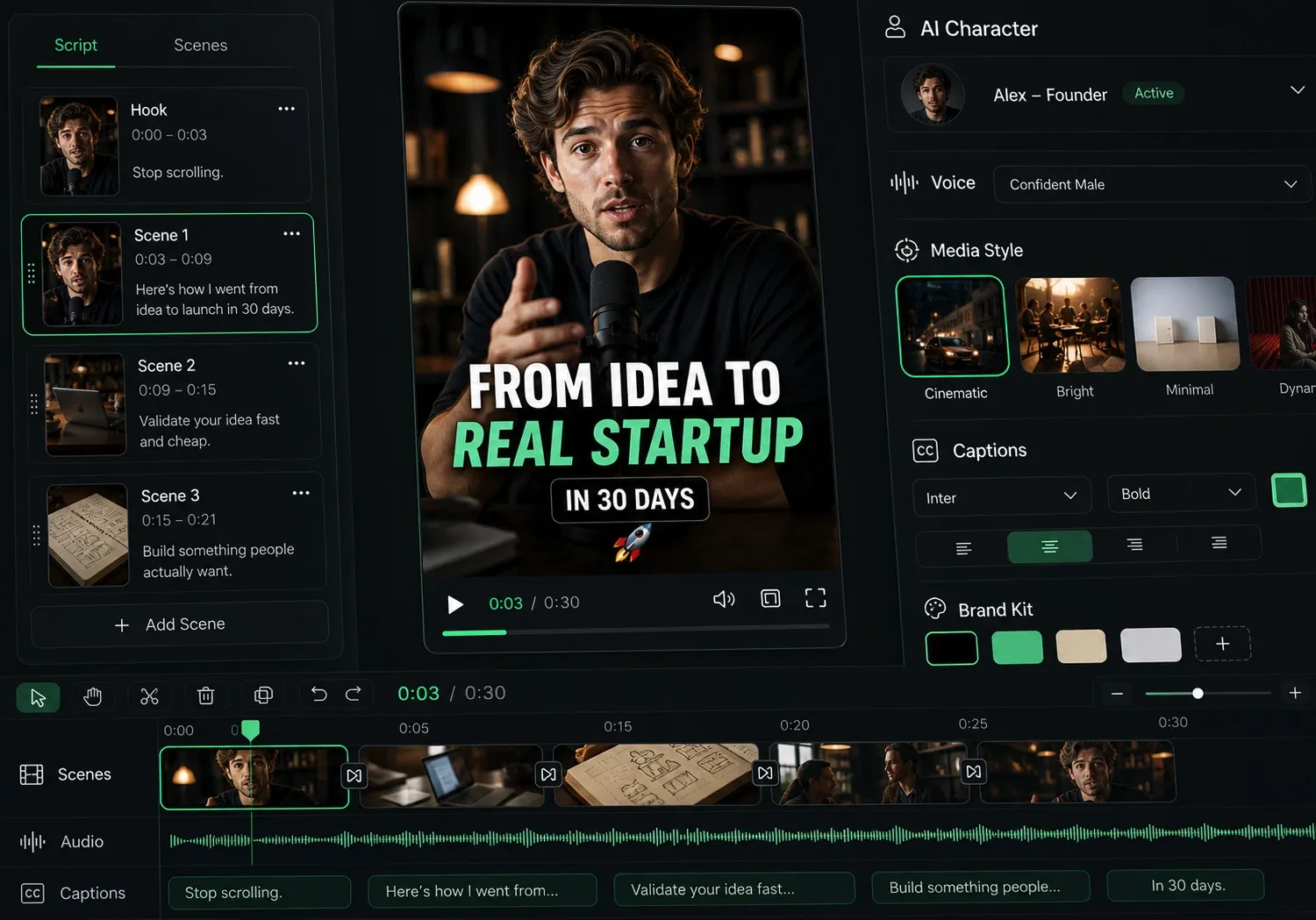
  • Watch your texts turn into professional videos
  • Automate video creation from your content
Videos you will love
4
Step 4

Publish on TikTok, YouTube, Instagram and more

Reach a wider audience by sharing your videos across all your networks.
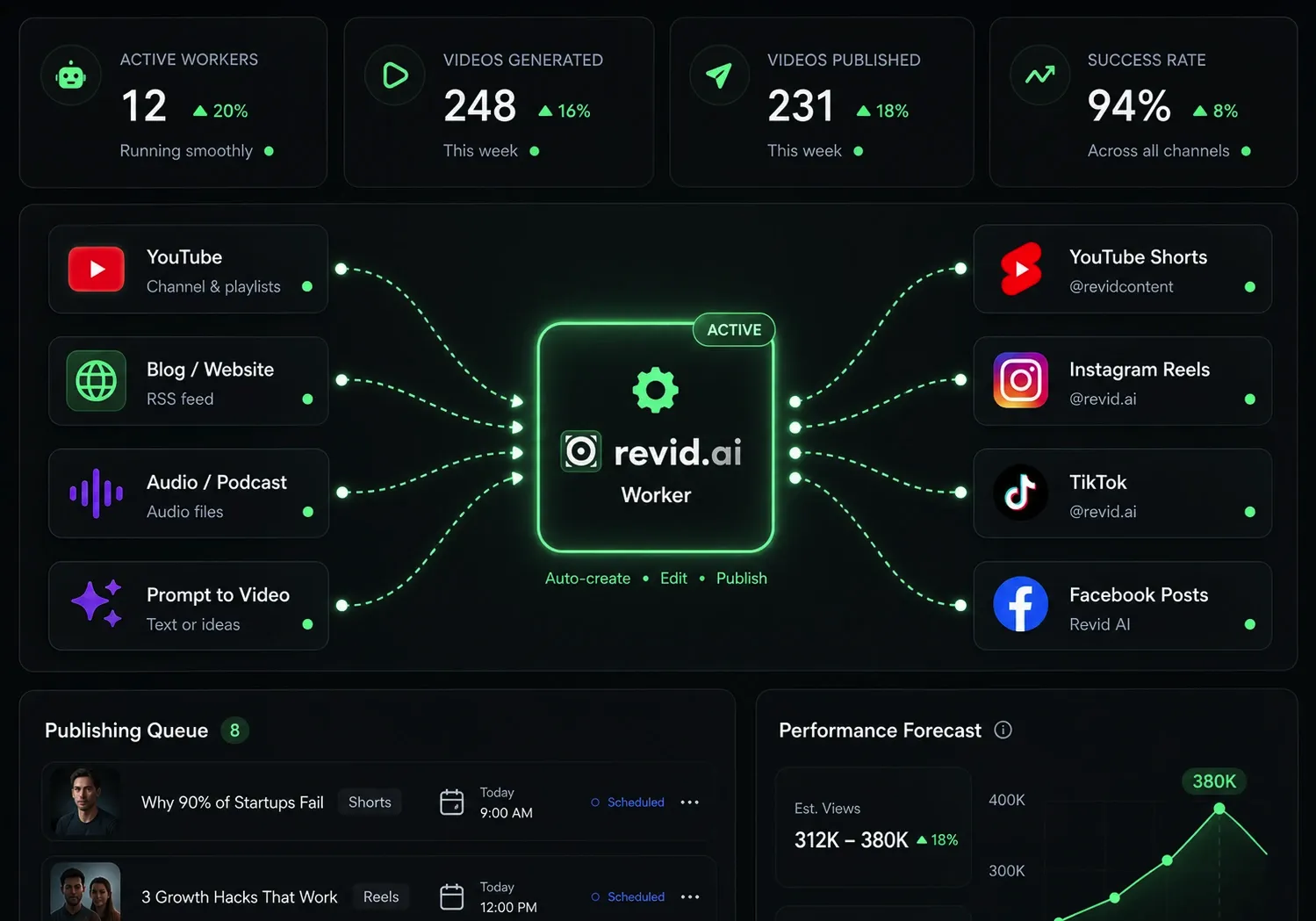
Publish on TikTok, YouTube, Instagram and more
revid.ai logo

The fastest way to create captivating videos.