Trusted by 14,000+ creators worldwide

Create Video From Memories

Effortlessly create video from memories. Upload your photos and video clips, and our AI will automatically craft a beautiful story.

  • Start from text in seconds
  • Auto-selects visuals
  • Use your own media
  • Captions and sound-ready
562 people used this tool in the last 24h
Start for free.(no credit card required)

or explore our 42+ other tools to create the exact video you want

Explore our tools

AI Magic

Turn simple ideas into
incredible videos

YOUR IDEA
Your Prompt

Script automatically generated by Revid
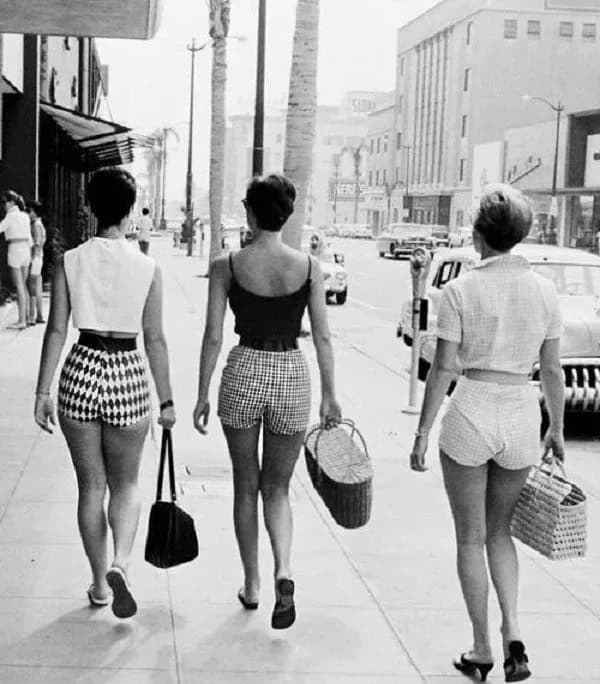
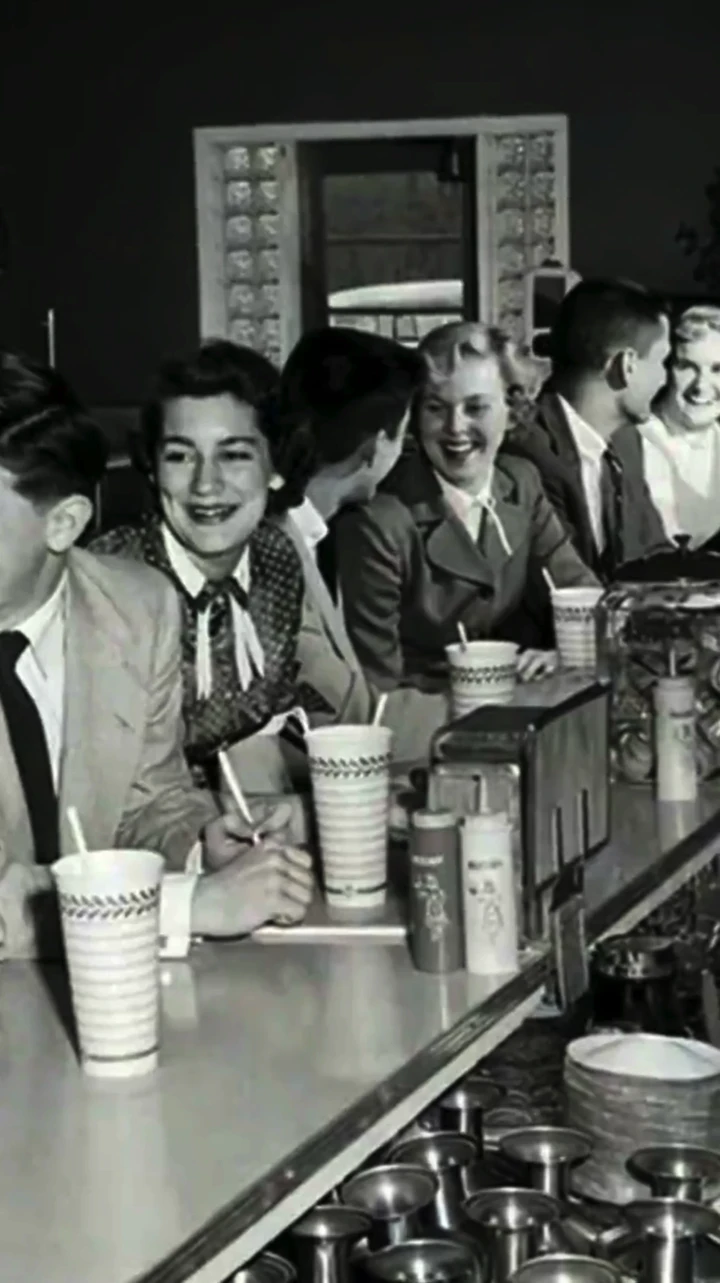
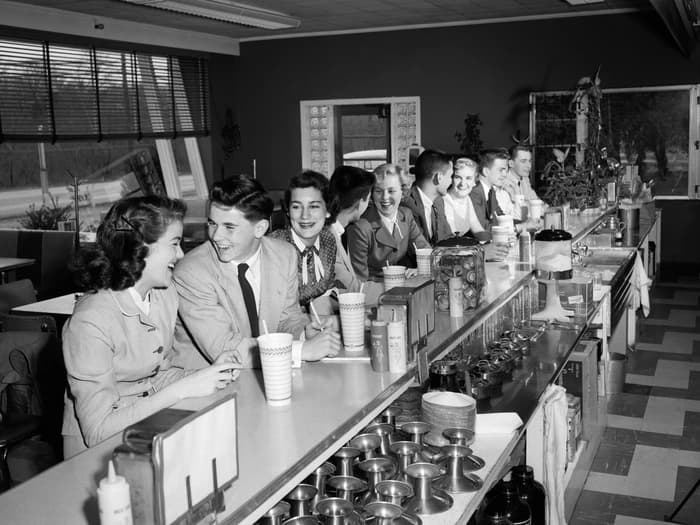
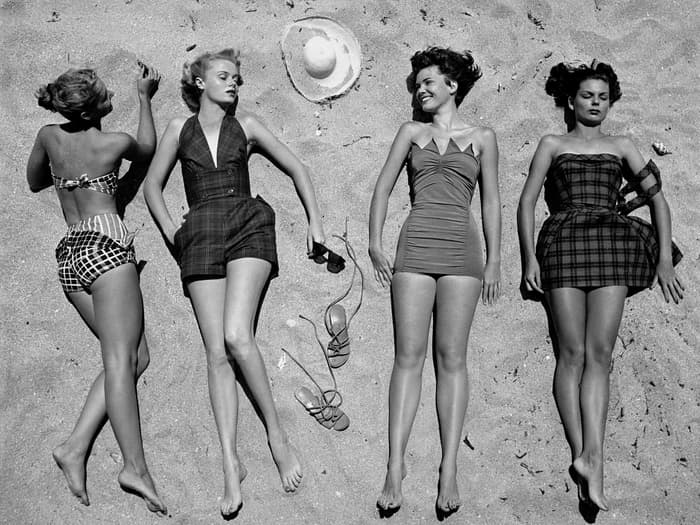
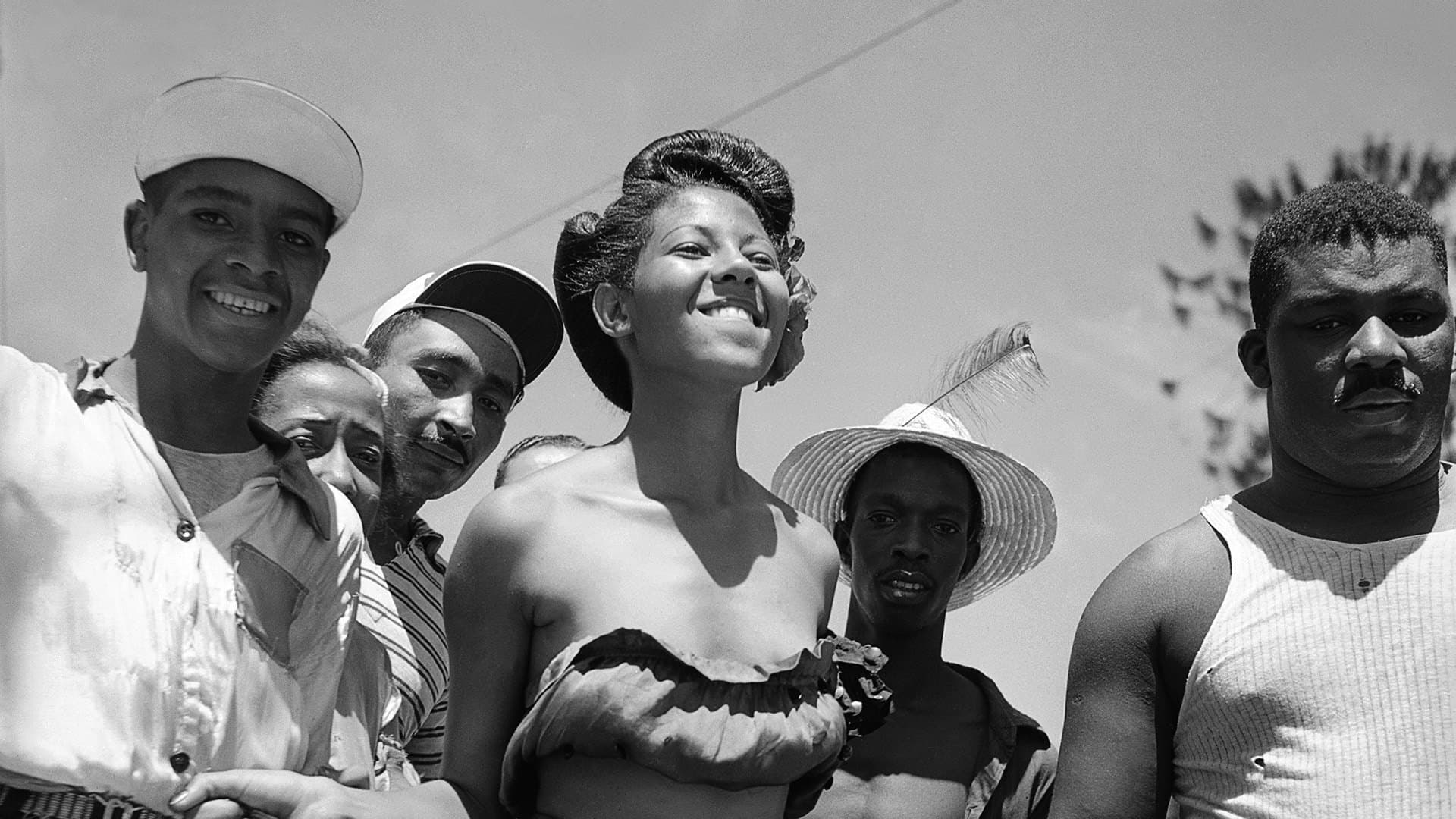
Life in the 50s
Source Media
Source Media 1
Source Media 2
Source Media 3
Source Media 4
FINAL VIDEO

Bring Your Memories to Life: Create Stunning Videos in 4 Easy Steps

1 Upload Your Cherished Moments

Start by importing your favorite photos and video clips directly into our tool. You can optionally provide a brief description or theme (e.g., "Summer Vacation 2023", "Grandma's 70th Birthday") to help our AI understand the essence of your story.

2 Customize Your Video's Look and Feel

Tailor your memory video to perfection. Choose your desired video length (target duration), select the best aspect ratio (portrait, landscape, or square) for platforms like Instagram, TikTok, or YouTube. Explore advanced options like transforming static photos into dynamic AI videos or applying unique artistic style transfers to your images.

3 Let Our AI Craft Your Narrative

Once you've set your preferences, click 'Generate Video'. Revid AI's intelligent algorithms will analyze your uploaded media and the context you've provided, automatically arranging your photos and clips into a cohesive and engaging video story, complete with suitable background music.

4 Review, Refine, and Share Your Masterpiece

In just a few minutes, your personalized memory video will be ready. Preview the AI-crafted story, and if needed, use Revid AI's integrated editor to make final adjustments. Then, download your video and share it with friends, family, or on social media to relive those special moments.

01

Turn Your Most Cherished Photos and Memories into a Beautiful Story Video

Upload photos and video clips from any moment in your life and Revid's AI automatically selects the most meaningful media, arranges them into a flowing story sequence, and produces a beautiful finished video that honors the memory. There is no manual editing, no timeline arrangement, and no music selection required. The AI handles every production decision to create a story that feels personal and complete rather than a generic slideshow. From upload to finished memory video takes minutes, making it practical to create a tribute for any occasion the same day you gather the media.

02

What the AI Crafts from Your Uploaded Photos and Clips

The memory video maker analyzes the photos and clips you upload, identifies the most visually and emotionally compelling moments, and builds a story sequence with gentle pacing, smooth transitions, and music that fits the emotional tone of the collection. You can describe the occasion or theme of your memories to help the AI understand what story to tell. The output is a finished video without text captions or voiceover, letting the imagery and music carry the story in the way that personal memory videos are meant to be experienced.

03

Memory Videos That Preserve Special Moments and Move the People Who Matter Most

The most watched and saved videos on social media are not trending challenges or celebrity content. They are personal videos that show real moments, real people, and real emotion. A well-made memory video from family photos can receive thousands of organic views simply from being genuine. Grandparents meeting grandchildren for the first time, childhood photo compilations, anniversary tributes, and memorial videos all outperform generic content because the emotion is real. Revid makes it practical to honor any memory with the production quality it deserves in the time available between the moment and the occasion.

Target Audience

Who is this tool for?

Families preserving childhood and milestone moments

Create a beautiful memory video from birthday photos, holiday collections, and milestone moments that your family can revisit together for years to come.

Individuals commemorating personal anniversaries

Compile photos from a meaningful relationship, friendship, or personal journey into a story video that captures how far you have come and honors the people who were part of it.

Family members sharing collections across generations

Gather old family photographs and convert them into a flowing video story that can be shared digitally with relatives who are spread across different cities and countries.

Gift-givers creating personalized memory videos

Build a custom memory video from a collection of shared photos as a meaningful gift for birthdays, retirements, graduations, or any occasion that deserves more than a card.

Comparison

Revid vs. Manually Editing a Memory Video

Creating a personal memory video manually requires importing photos, arranging a timeline, selecting music, and adding transitions. Revid generates a complete, emotionally resonant memory video from your uploaded media automatically.

Input
Revid Create Video From MemoriesUpload photos and clips and generate immediately
Other ToolsImport media into editing software and arrange the timeline manually
Story selection
Revid Create Video From MemoriesAI selects and sequences the most meaningful moments automatically
Other ToolsEvery media selection and sequence decision made manually
Music
Revid Create Video From MemoriesMusic matched to emotional tone and pacing automatically
Other ToolsMusic must be sourced, licensed, and manually synced
Transitions
Revid Create Video From MemoriesGentle transitions applied automatically throughout
Other ToolsManual transition selection and timing required for each cut
Production time
Revid Create Video From MemoriesFinished memory video in minutes after uploading
Other ToolsHours of editing work per finished video
Skills required
Revid Create Video From MemoriesNo editing skills or software needed
Other ToolsRequires familiarity with video editing tools and timeline workflows
More Tools

Explore Similar Lifestyle AI Video Tools

Discover more ways to create engaging videos with our AI-powered tools

FAQs

Frequently Asked Questions

What is the 'Create Video From Memories' tool?
Our 'Create Video From Memories' tool is an AI-powered video maker designed to help you effortlessly transform your collection of photos and video clips into beautiful, shareable video stories. It's perfect for compiling memories from special occasions, travels, family events, or any cherished moments you want to bring to life.
How do I create a memory video with this tool?
It's simple! 1. Upload your photos and video clips. 2. Optionally, add a title or theme for your story. 3. Customize settings like video duration, aspect ratio, and AI enhancements (like turning images into videos or applying style transfer). 4. Let our AI generate your video. 5. Review and share!
What types of photos and videos can I upload?
You can upload most common image formats (JPG, PNG, etc.) and video formats (MP4, MOV, etc.). For the best results, use clear, good-quality photos and clips. Our AI will then intelligently weave them into a compelling narrative.
How does the AI automatically create a video story?
Revid AI uses advanced algorithms to analyze the content of your uploaded photos and videos. It looks for thematic connections, optimal sequencing, and pacing to automatically edit your media into a meaningful story. If you provide a theme or description, the AI uses this as guidance to enhance the narrative.
Can I choose the length and orientation of my memory video?
Yes! You can set a 'target duration' to suggest your preferred video length. You can also choose the aspect ratio: 9:16 (portrait, great for TikTok/Reels), 16:9 (landscape, ideal for YouTube), or 1:1 (square, perfect for Instagram posts).
What is the 'turn images into AI videos' feature?
This exciting feature transforms your static photos into short, dynamic video clips using AI. It adds subtle motion and effects, making your slideshow-style memories more engaging and visually appealing. You can choose between Base, Pro, or Ultra models for this generation, depending on your desired quality.
What does 'apply style transfer' do?
The 'apply style transfer' option allows you to artistically transform your images by applying a selected visual style (e.g., making them look like a painting or a sketch). This can add a unique and creative touch to your memory videos. Note that this feature costs 16 credits per image.
Is background music automatically added?
Yes, our AI selects suitable royalty-free background music to complement the mood and theme of your memory video. While this tool focuses on visual storytelling from your media, the added music enhances the overall emotional impact.
How much does it cost to create a video from memories?
The cost in credits depends on the video's length and the specific AI features you use. For instance, 'apply style transfer' has a per-image credit cost. You'll see an estimated credit usage before generating your video. Our subscription plans offer various credit allocations to suit your needs.
How long does it take to generate the video?
Video generation typically takes just a few minutes. The exact time can vary based on the number of photos/videos uploaded, the selected duration, and the complexity of AI features used (like style transfer or image-to-video conversion). We'll notify you once it's ready.
Can I edit the video after the AI creates it?
Absolutely! Once your memory video is generated, you can use Revid AI's built-in editor to make further adjustments. You can reorder clips, trim scenes, add text overlays, or change music if needed, ensuring your final video is exactly how you envisioned it.
What are some popular uses for this memory video maker?
This tool is fantastic for creating birthday video montages, anniversary slideshows, travel vlogs from photos, family memory videos, tribute videos, graduation recaps, or simply compiling everyday moments into a shareable story. It's an easy way to make personalized video gifts and keepsakes.
How can I get more credits to make more memory videos?
If you need more credits, you can easily upgrade your Revid AI subscription plan. We offer various tiers with different monthly credit allowances to match your video creation frequency. Visit our pricing page for details on plans and credit packs.
View Complete Help Center

Find detailed answers to 100+ questions about features, tools, and workflows

or check our markdown version optimized for LLMs

Tools

Free AI Video Tools

Choose your tool, add your content, and create a video in seconds. Then customize it to your liking.

AI TikTok Video Generator

Turn text into trendy, viral TikTok videos in a snap

Try it out

Prompt to Video

Turn your prompts into engaging videos with AI assistance

Try it out

Add Caption to Video

Generate subtitles in 100+ languages with AI captions

Try it out

PDF to Brainrot

Convert PDFs into attention-grabbing, scrollable videos

Try it out

Text to Brainrot

Turn your text into trendy, scrollable content with dynamic visuals

Try it out

AI Talking Avatar

Create lifelike talking avatars from text in seconds

Try it out

Video Podcast Generator

Transform your podcasts into visually engaging video content

Try it out

AI Movie Maker

Create studio-quality videos from text, no filming required

Try it out

Audio to Video

Make engaging videos from your podcasts, interviews, or any audio content

Try it out

Animated Lyrics Video Generator

Turn any song into an animated lyric video with synced text and visuals.

Try it out

AI Music Video Generator

Transform your music into cinematic music videos.

Try it out

AI Lyrics Video Generator

Transform your lyrics into a complete music video with AI

Try it out
See all tools
How it works

Four simple steps to create and share your video

1
Step 1

Find your next viral idea

Lacking inspiration? Our AI spots trends and helps you adapt them for your own videos, hassle-free.

  • Identify the best performing formats
  • Get inspired by top creators
  • Turn your ideas into captivating videos
Find your next viral idea
2
Step 2

Storytelling designed to captivate

Revid.ai analyzes viral videos and uses those same codes to write your scripts.

  • Write your script or just give the topic to our AI
  • The AI will suggest relevant content to inspire you
  • Paste a link, our AI analyzes it and turns it into a video
Storytelling designed to captivate
3
Step 3

Videos you will love

Create professional videos, share them with one click, and grow your audience.

  • Watch your texts turn into professional videos
  • Automate video creation from your content
Videos you will love
4
Step 4

Publish on TikTok, YouTube, Instagram and more

Reach a wider audience by sharing your videos across all your networks.

Publish on TikTok, YouTube, Instagram and more
revid.ai logo

The fastest way to create captivating videos.